
The 8 Best AI Tools for LinkedIn in 2026 (With Real Prices)

By Sam Cassman · Last verified
Are you looking for the best AI tool for LinkedIn? Maybe your ChatGPT drafts all sound the same, or the tool you tried wanted $69 a month before it would write a word. In this article we'll look at eight AI tools for LinkedIn, what each one is best at, and what it really costs. By the end, you'll know which one fits the way you work, what you'll actually pay, and which ones are safe for your LinkedIn account.
There are now dozens of AI tools for LinkedIn, and every one of them promises posts that sound like you. Search for the best one, though, and you'll mostly find profile makeover tools, or people building their own posting bots. Not much help if you just want to write good posts without losing your evenings.
So we looked at the tools actually built for LinkedIn content, plus the AI assistant you've probably already got open in another tab. Flypost is ours, so it's first on the list, but every tool gets the same treatment.
What are the best AI tools for LinkedIn in 2026?
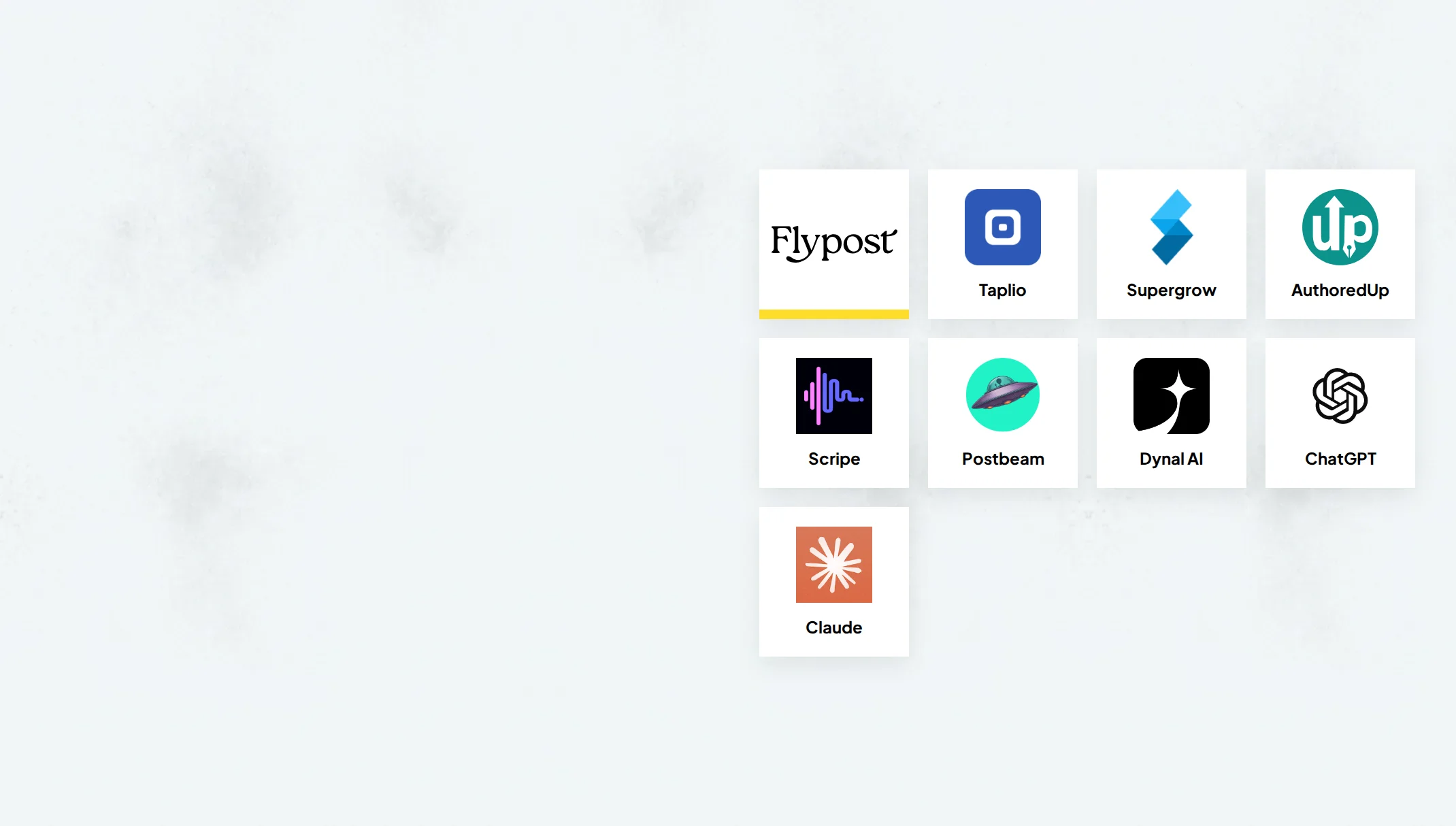
The best AI tool for LinkedIn depends on the job you want done. To turn your blog, videos and documents into posts and visuals, go with Flypost. For viral post ideas and outbound leads, Taplio. If you'd rather talk than type, Supergrow. If you write every word yourself, AuthoredUp. And if you only post now and then, ChatGPT or Claude may be all you need.
Here's the quick version:
| Tool | Best for | Starts at | Free trial |
|---|---|---|---|
| 1. Flypost | Turning what you already know into posts and visuals | $49/mo | 7 days |
| 2. Taplio | Viral post ideas and outbound in one subscription | $39/mo ($69 for AI writing) | 7 days |
| 3. Supergrow | People who'd rather talk than type | $39/mo | 7 days |
| 4. AuthoredUp | Writing your own posts and formatting them well | $19.95/mo | Yes, no card |
| 5. Scripe | Teams running a proper LinkedIn programme | €69/mo + VAT | Yes, card needed |
| 6. Postbeam | Turning post engagement into sales conversations | $99/mo | 7 days |
| 7. Dynal AI | Several LinkedIn accounts on a budget | $40/mo | 3 days, no card |
| 8. ChatGPT or Claude | A free start, if you'll do the rest yourself | Free | Free plans |
Prices checked on each tool's own pricing page on 28 October 2026. Postbeam is $49 a month for anyone who signs up before 1 November 2026.
Why not just use ChatGPT or Claude?
You can, and for a few posts a week it might be all you need. Load a project with your best past posts and a note about your audience, and either assistant writes a decent first draft for free or about $20 a month.
What you pay a dedicated tool for is everything around the words:
| ChatGPT or Claude | A dedicated LinkedIn tool | |
|---|---|---|
| Writing a draft | Good, once you set up a project with your own examples | Good, with your voice set up for you |
| Posting and scheduling | No. Copy it into LinkedIn yourself | Yes, most post for you |
| Carousels and graphics | Images and slides, but not LinkedIn-shaped | LinkedIn carousels and graphics, often in your brand |
| Knowing what worked | Only if you paste the numbers in | Analytics on every post |
| Keeping your context current | Your job | The tool's job |
| Price | Free, or about $20/mo | About $20 to $100/mo |
There's a twist, too. It doesn't have to be one or the other. Several tools on this list, Flypost included, now plug into Claude and ChatGPT, so you can write in the chat and let the LinkedIn tool handle the visuals and the posting.
Which AI tools for LinkedIn are worth trying?
1. Flypost
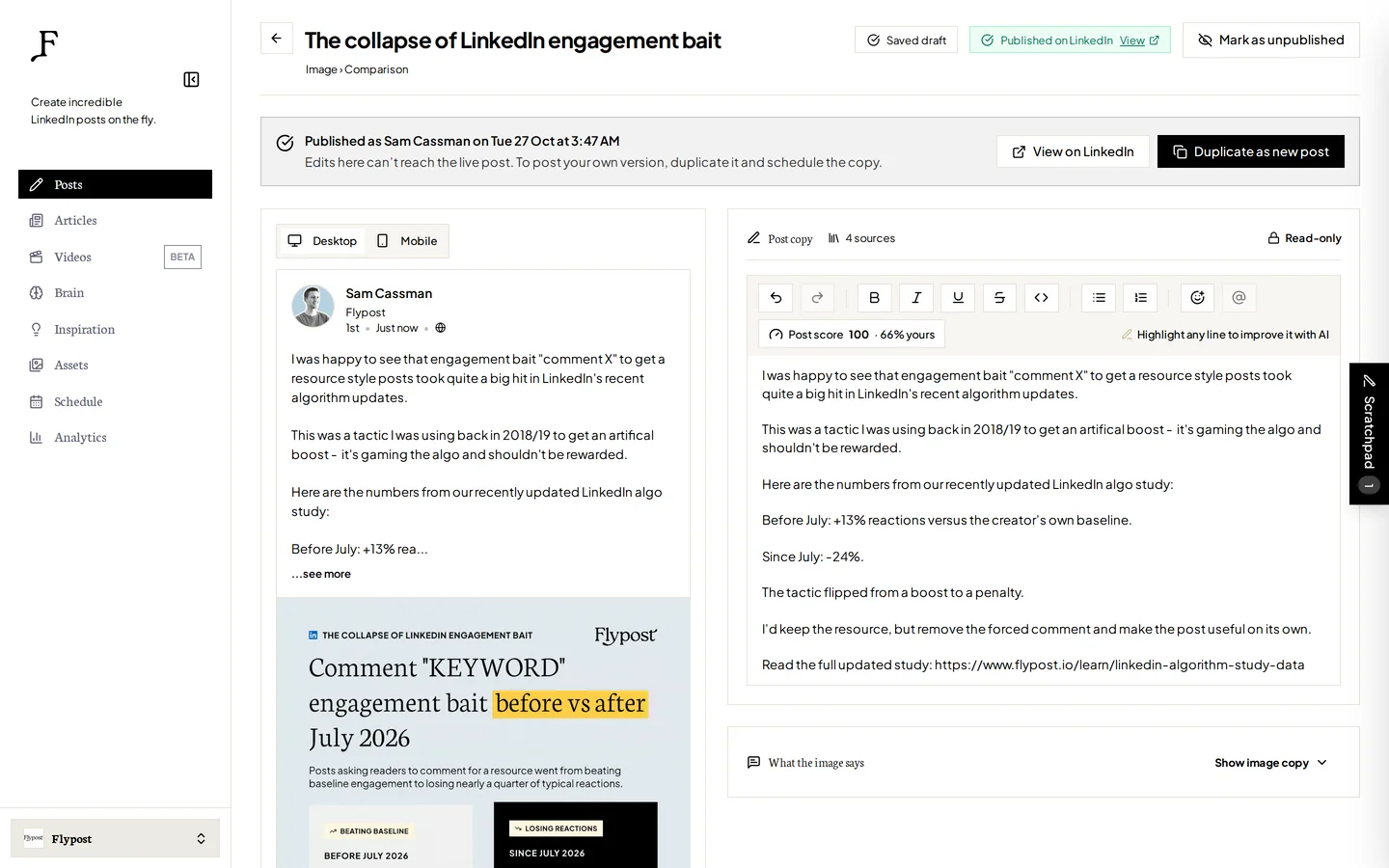
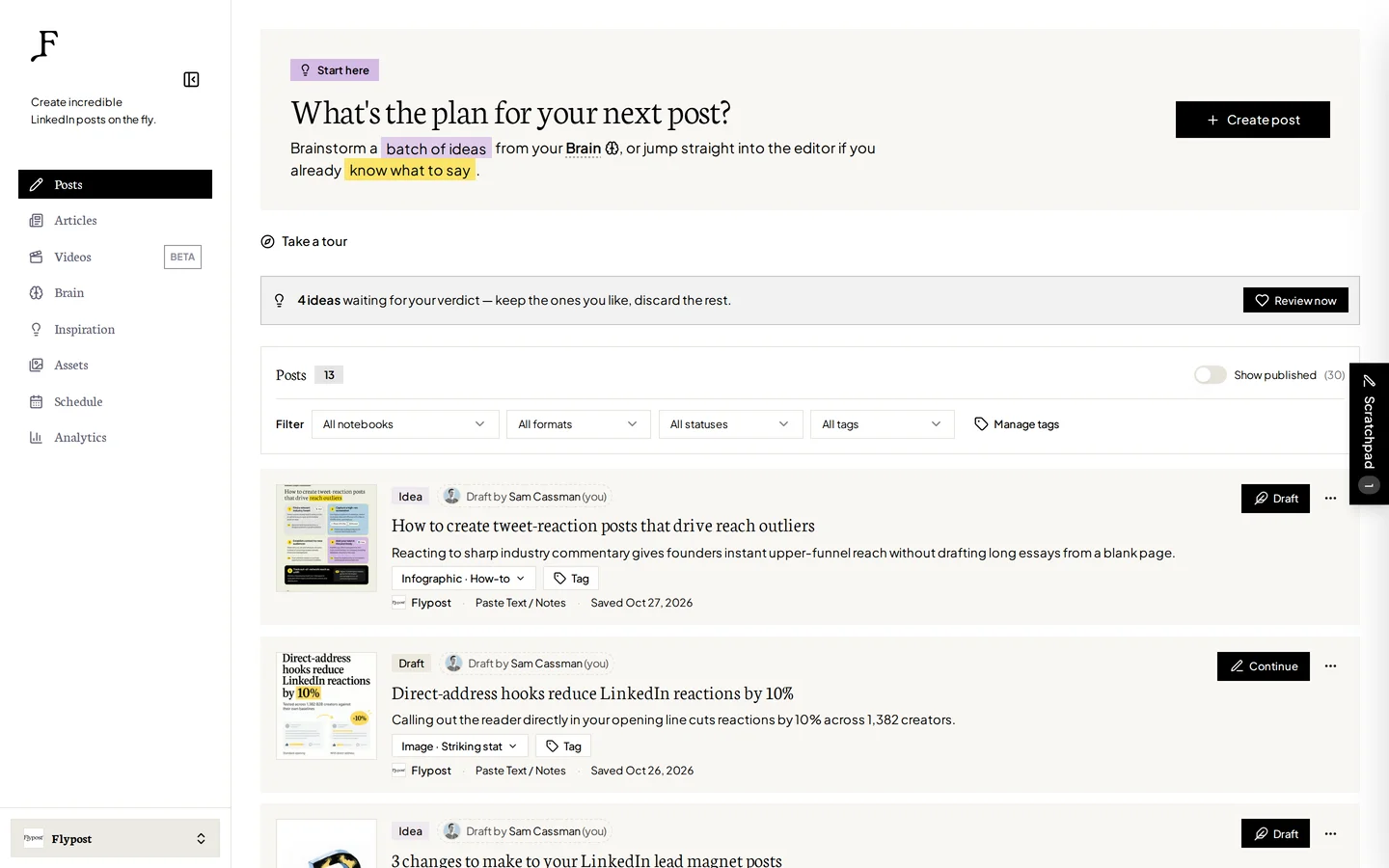
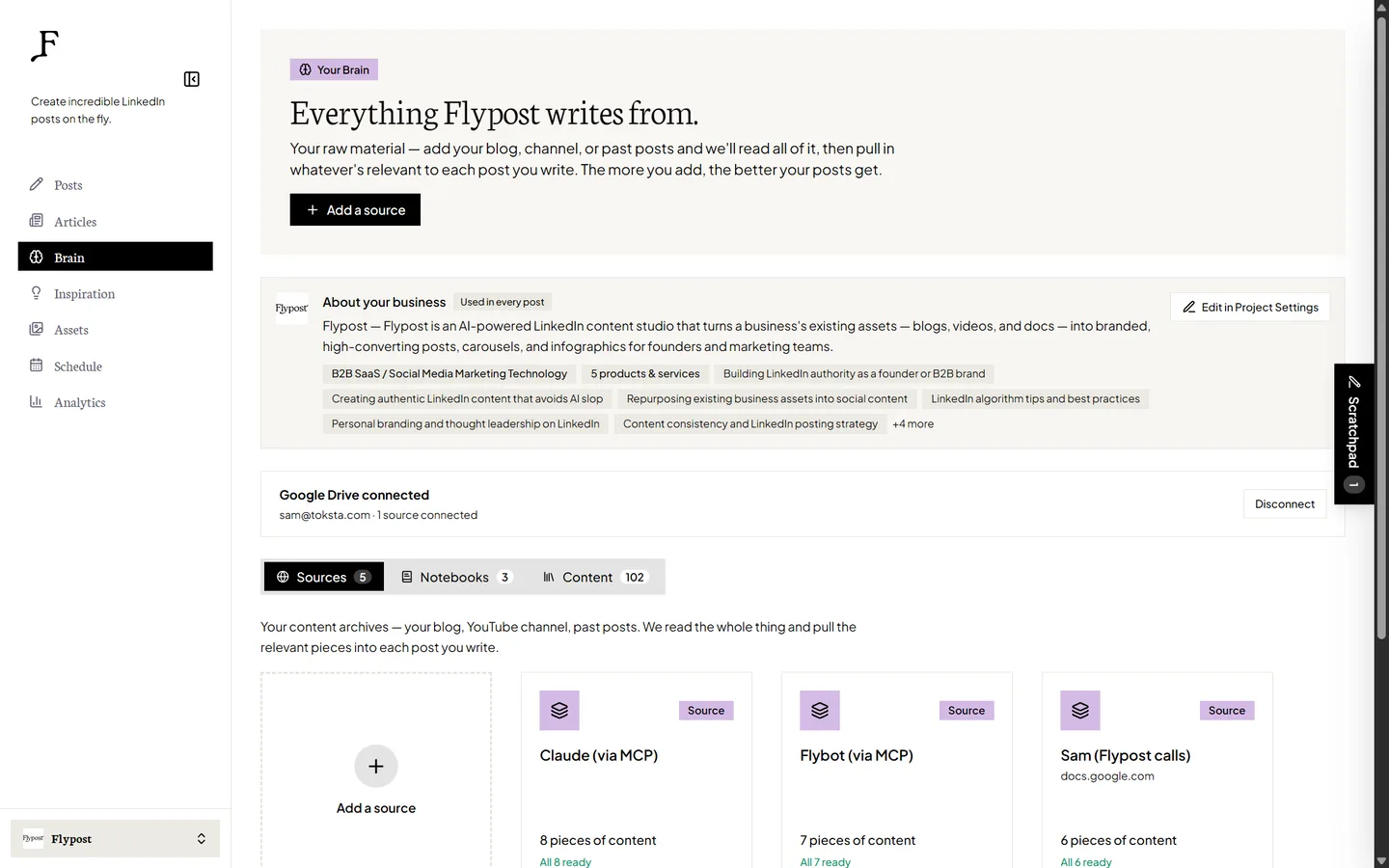
Most AI writing tools hand you a blank box and wish you luck. Flypost starts with what you already know.
You point it at your blog, your YouTube channel, your documents and your Google Drive, and it reads the lot. We call this the Brain. When you write, Flypost drafts from your actual material, so your real numbers, stories and quotes make it into the post instead of generic filler.
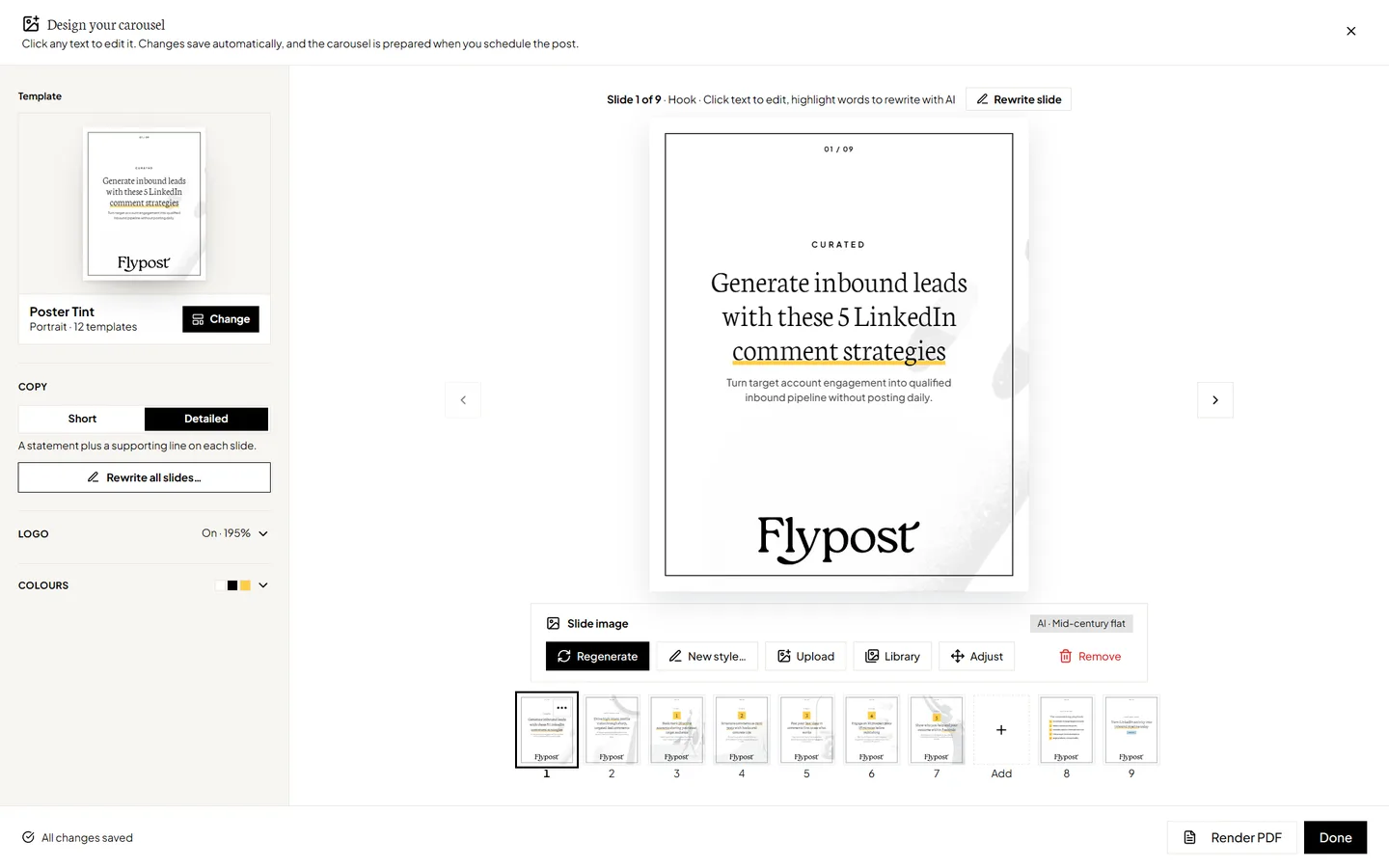
Then it turns your ideas into whatever format suits them: text posts, carousels, infographics, memes, stat graphics, comparison images, product shots from your screenshots and long-form LinkedIn articles. Carousels and infographics come out in your brand colours, fonts and logo. Before you post, a score checker looks for AI tells, hype words and weak openings, using what we learned from our study of 116,000+ LinkedIn posts.
It also works inside Claude, and inside ChatGPT on plans that allow custom connectors. Ask your assistant to search your Brain, draft a post or build a carousel, and it lands in Flypost ready to schedule. Company pages are included on every plan, and on Pro you also get analytics on every post and can post as your teammates from one place.
| At a glance | |
|---|---|
| Price | $49/mo Creator, $79/mo Pro, $149/mo Agency (20% off yearly) |
| Free trial | 7 days, card needed |
| Posts to LinkedIn via | LinkedIn's official sign-in, through an approved partner |
| Team members | Unlimited on every plan |
| Best for | Founders, consultants and teams with a blog, YouTube channel or documents to turn into posts |
Pros
- Drafts from your own material, so posts sound like you
- The widest range of post formats on this list
- Carousels and infographics in your brand colours, fonts and logo
- A post score built on real LinkedIn data
- Works inside Claude and ChatGPT
- Never likes, comments or messages on your behalf
Cons
- LinkedIn only
- No lead generation or outreach
- New, so no independent reviews yet
2. Taplio
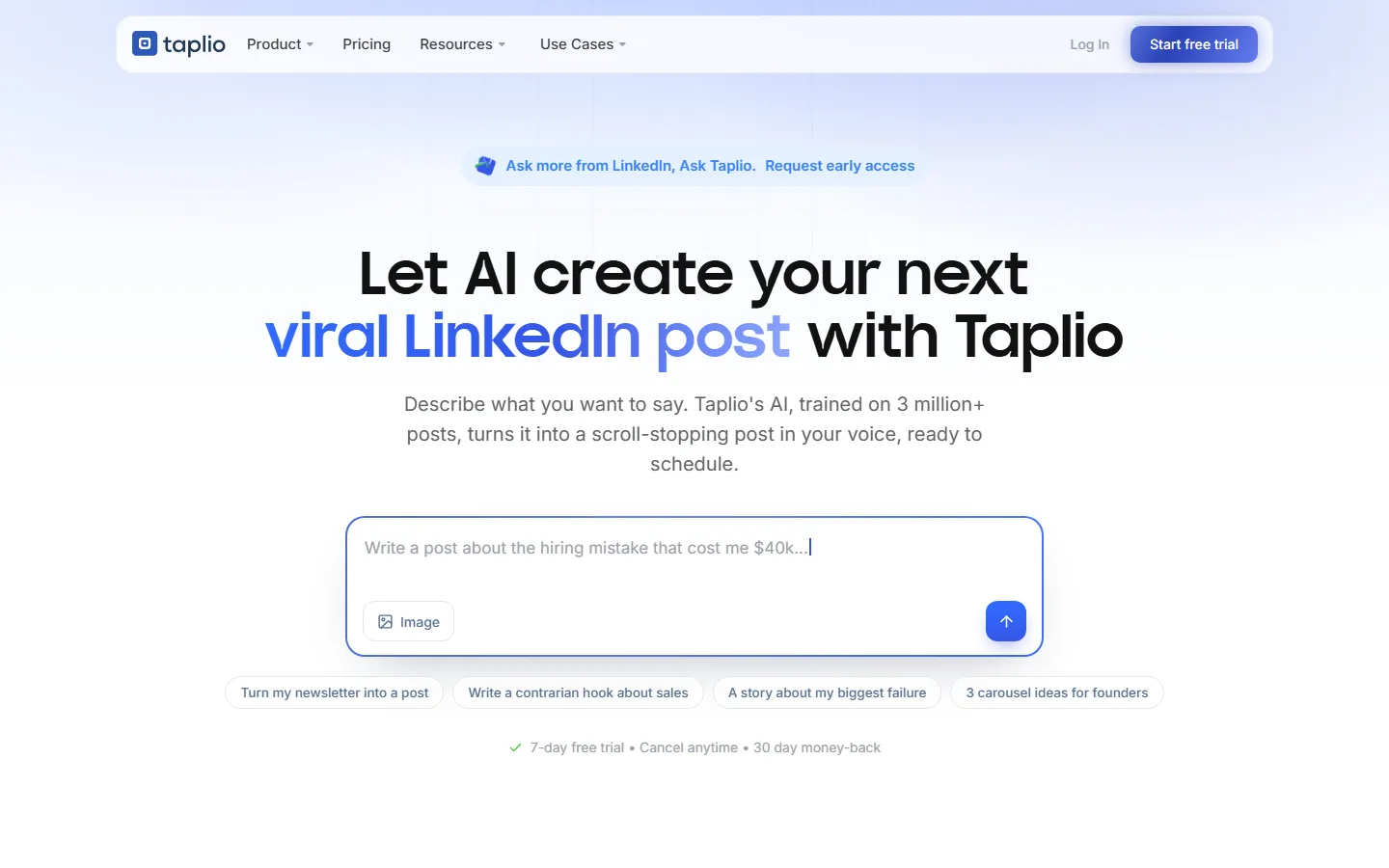
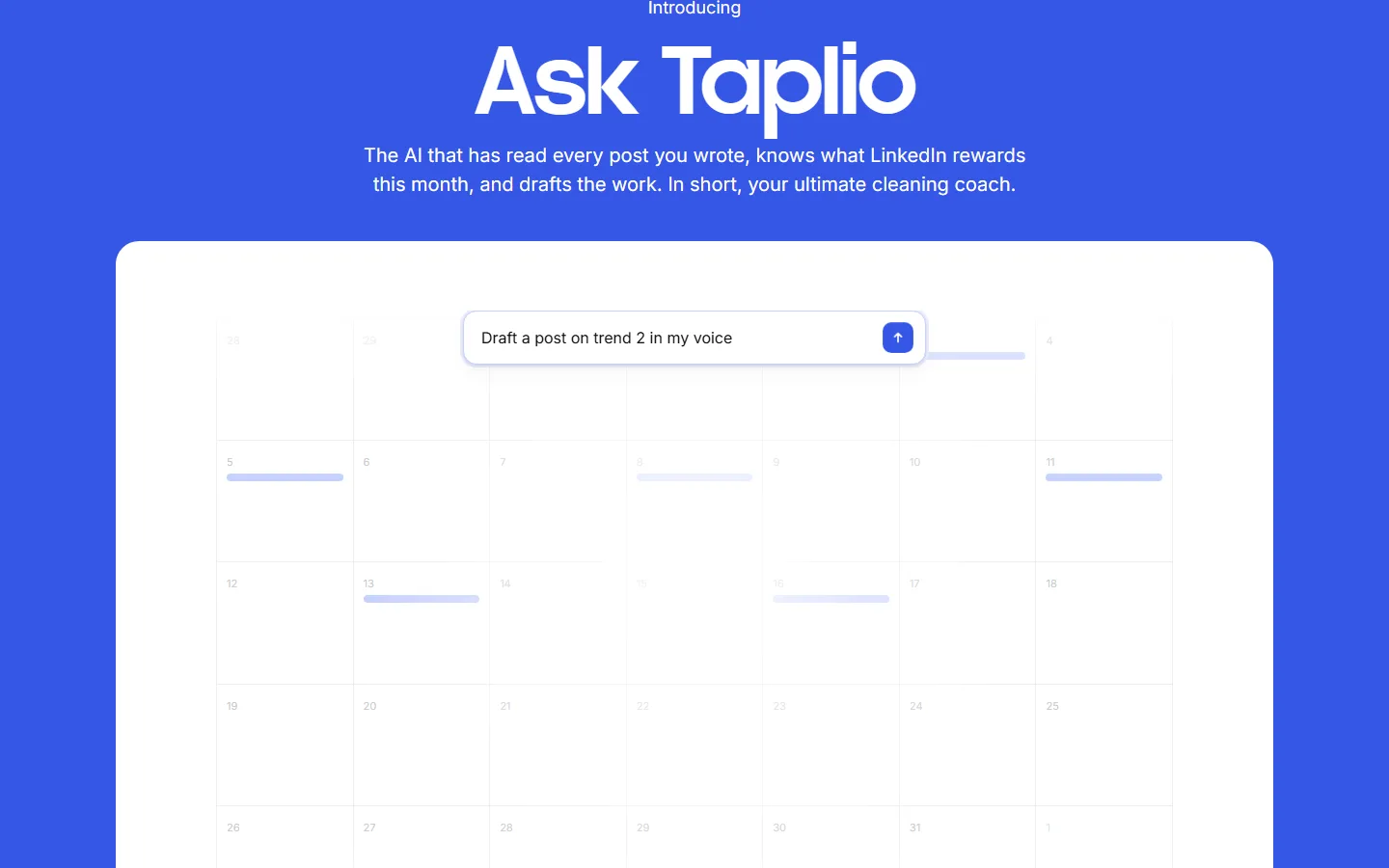
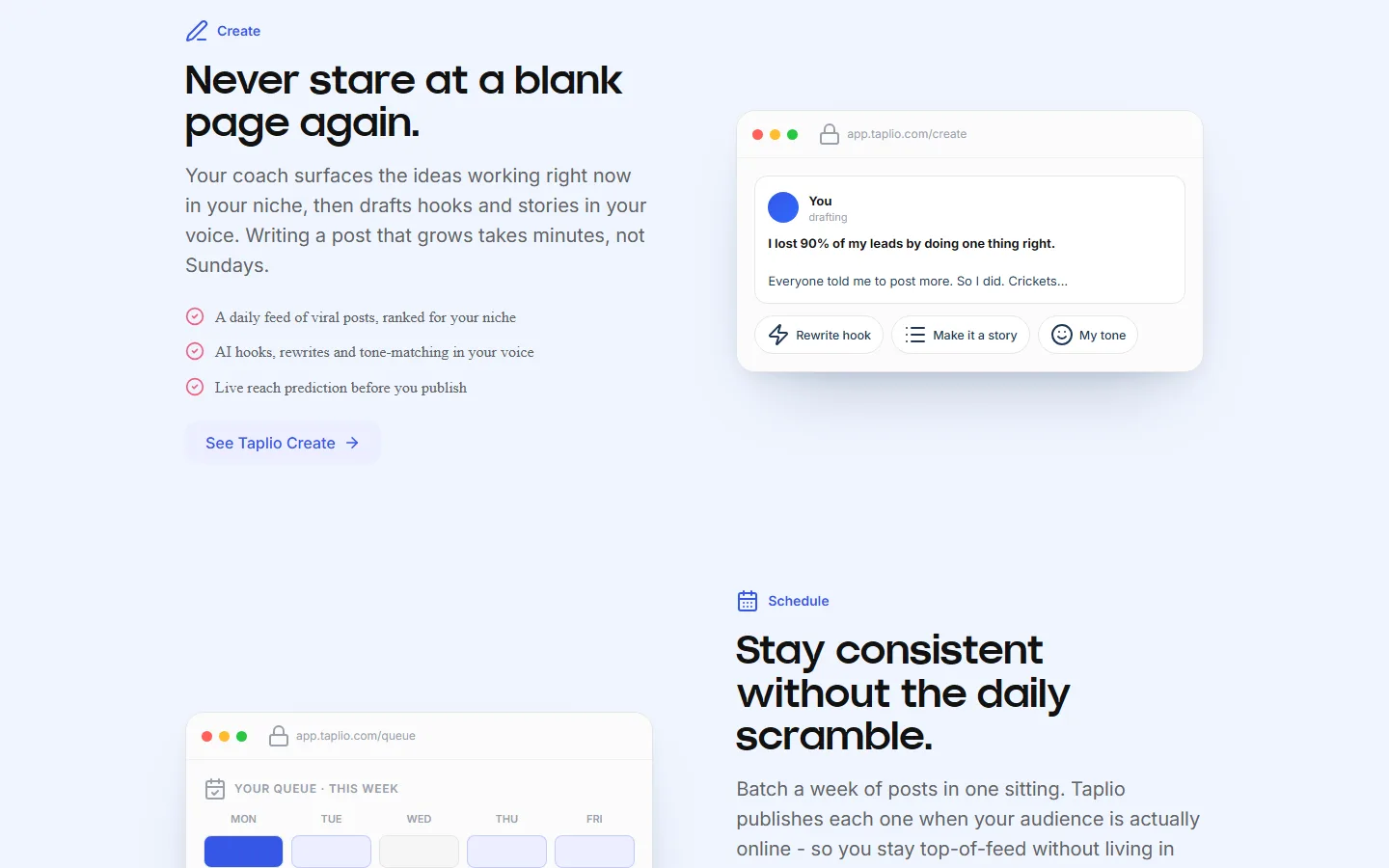
Taplio is the category heavyweight. Even its cheapest plan gets you a searchable library of over five million viral posts to borrow ideas from, plus scheduling and analytics. Its top plan adds a lead database with bulk connection requests and message campaigns, which none of the other content tools try to match.
The catch is in the plans. The $39 one can't write anything with AI; that starts at $69. Taplio also works through a Chrome extension inside your logged-in LinkedIn session, its visuals stop at carousels and single images, and half of its Trustpilot reviews are one star, mostly about renewals people didn't expect.
| At a glance | |
|---|---|
| Price | $39/mo Starter (no AI writing), $69/mo Growth, $199/mo Pro (yearly: $32, $49, $149) |
| Free trial | 7 days, with full access |
| Posts to LinkedIn via | Chrome extension in your LinkedIn session |
| Reviews | 3.6 on Trustpilot (20 reviews) |
| Best for | People who want viral post ideas and outbound tools in one subscription |
Pros
- A library of 5 million+ viral posts, even on the cheapest plan
- Scheduling and analytics on every plan
- A full lead database on the top plan
Cons
- AI writing needs the $69 plan
- Works through a Chrome extension in your LinkedIn session
- Visuals stop at carousels and single images
- Billing complaints in its reviews
If Taplio is the one you're leaving, we've compared 11 Taplio alternatives in more detail.
3. Supergrow

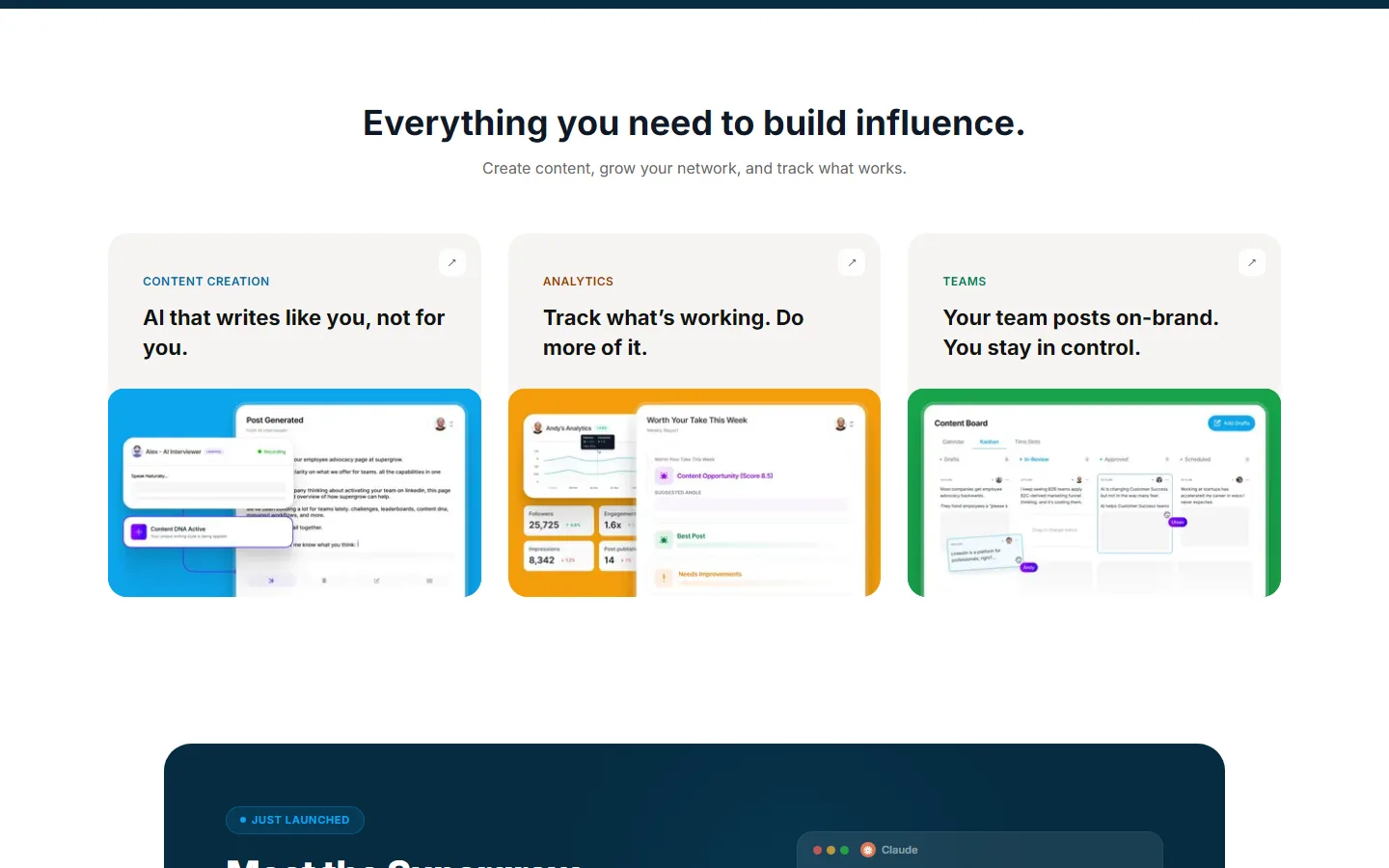
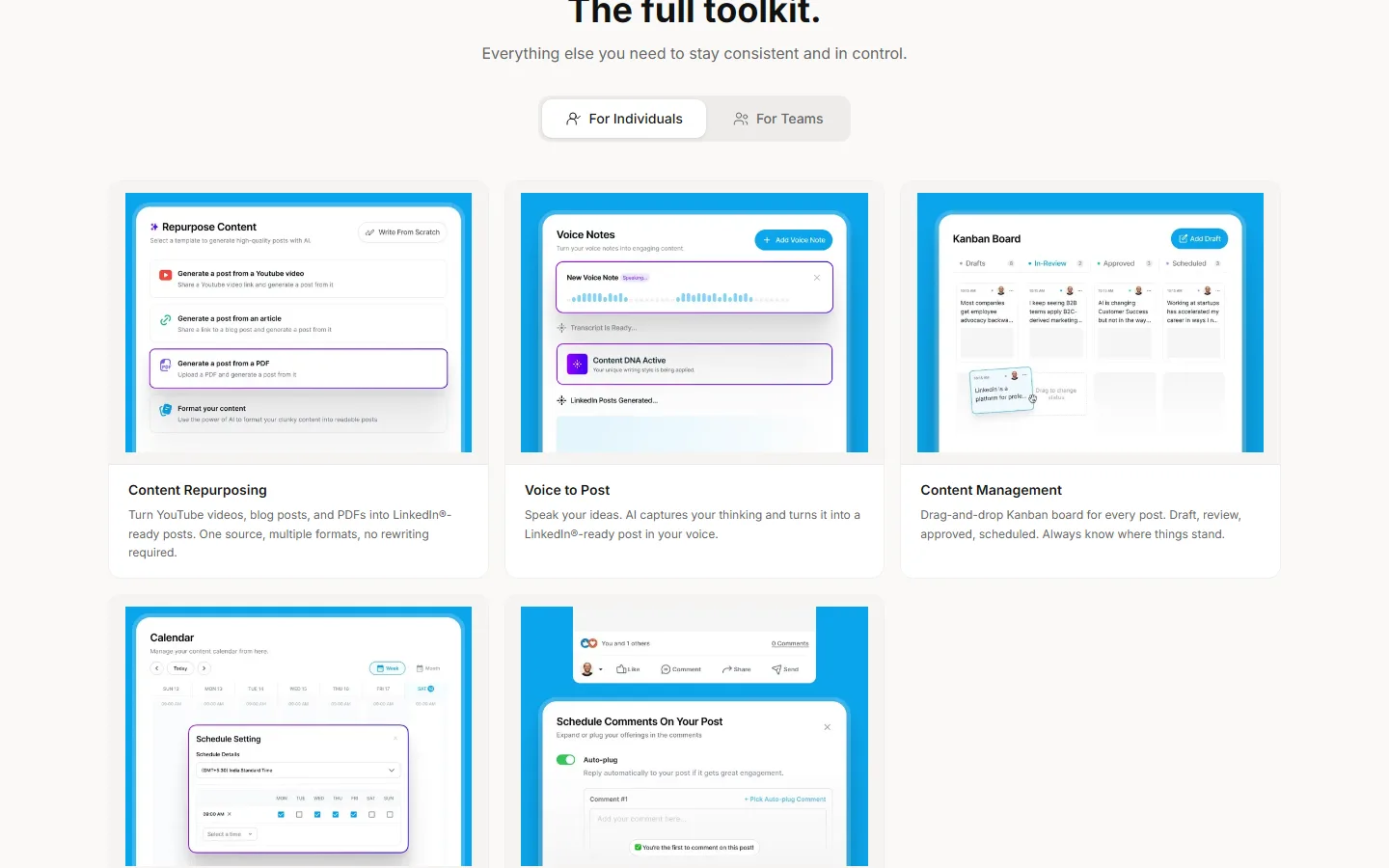
Supergrow is for people who think out loud. Its best trick is PostCast, a short AI voice interview that asks follow-up questions and turns your answers into posts. If typing feels like homework, it's genuinely lovely.
It learns how you write from your past posts, and it has the strongest tools on this list for getting a whole team of colleagues posting, with approvals and a shared calendar. Where it stops is the output: text, carousels and infographics, but no memes or long-form articles, and its analytics are fairly light. Its cheaper $19 plan has gone, so it now starts at $39.
| At a glance | |
|---|---|
| Price | $39/mo Pro ($31 yearly), $199/mo Teams for five accounts ($189 yearly) |
| Free trial | 7 days |
| Posts to LinkedIn via | LinkedIn's official API |
| Reviews | Too few independent reviews to judge |
| Best for | People who'd rather talk their ideas out than type them, and teams |
Pros
- PostCast turns a voice interview into posts
- Learns your writing style from your past posts
- Strong team features, with approvals
Cons
- No memes or long-form articles
- Analytics are fairly light
4. AuthoredUp
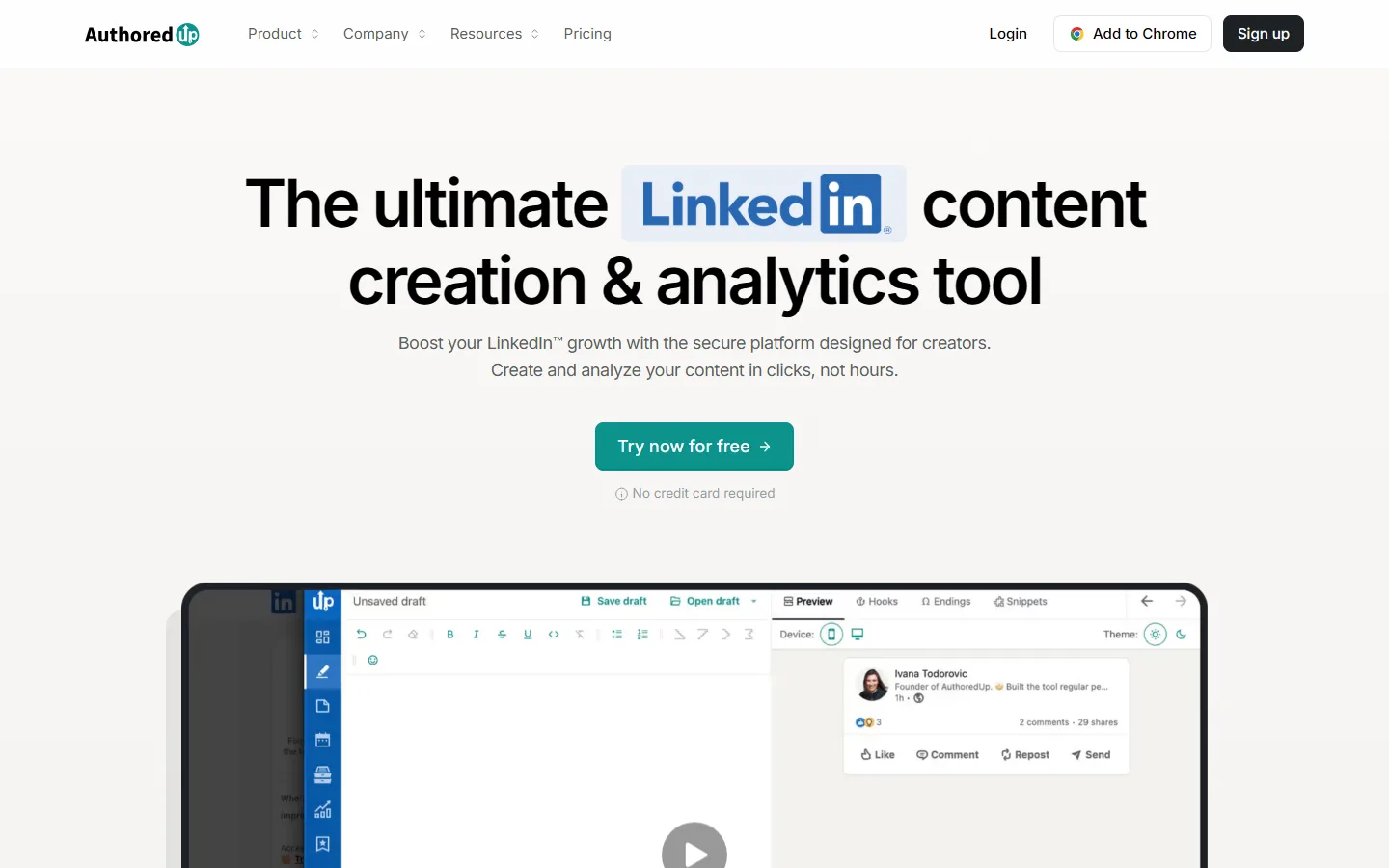
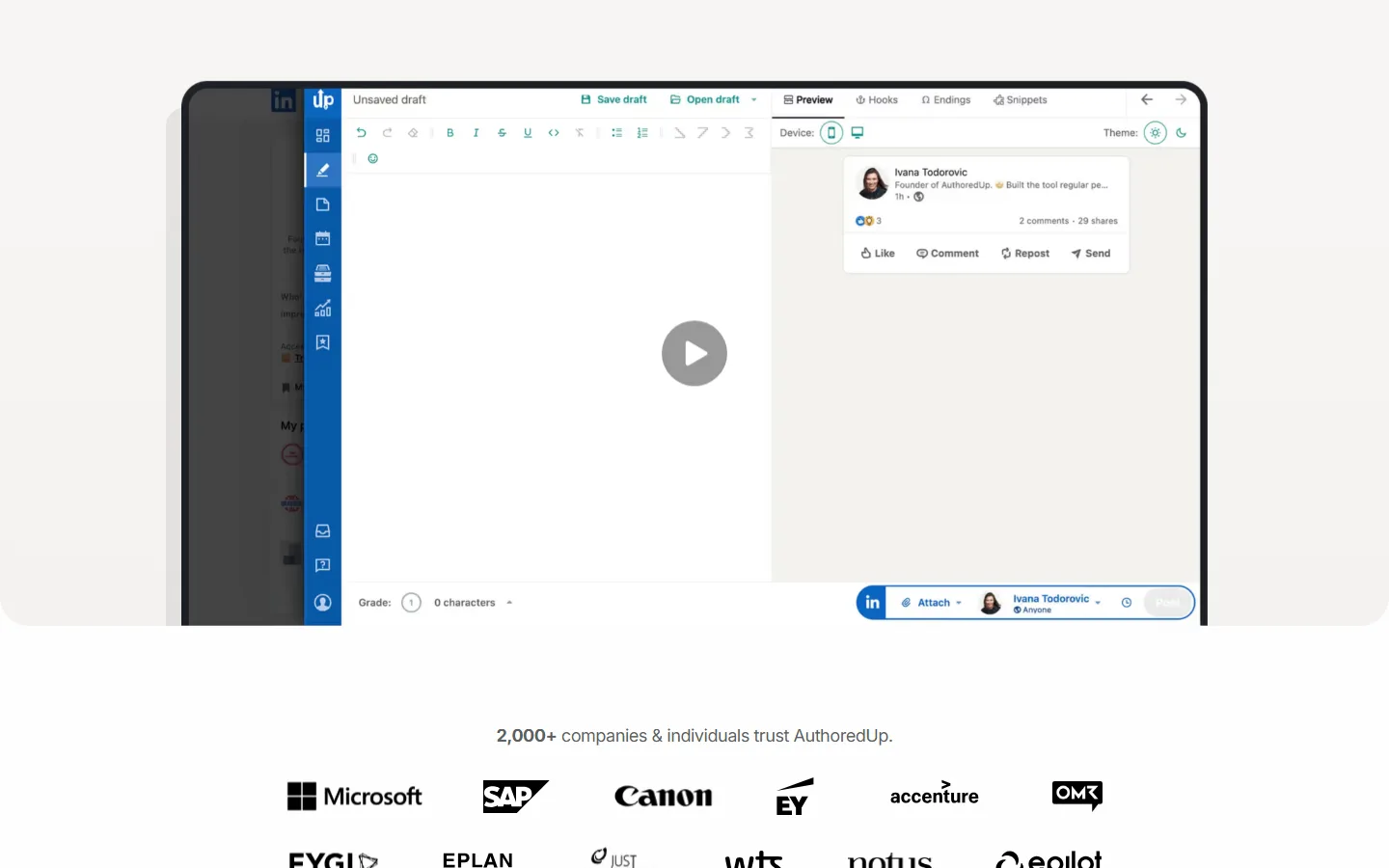
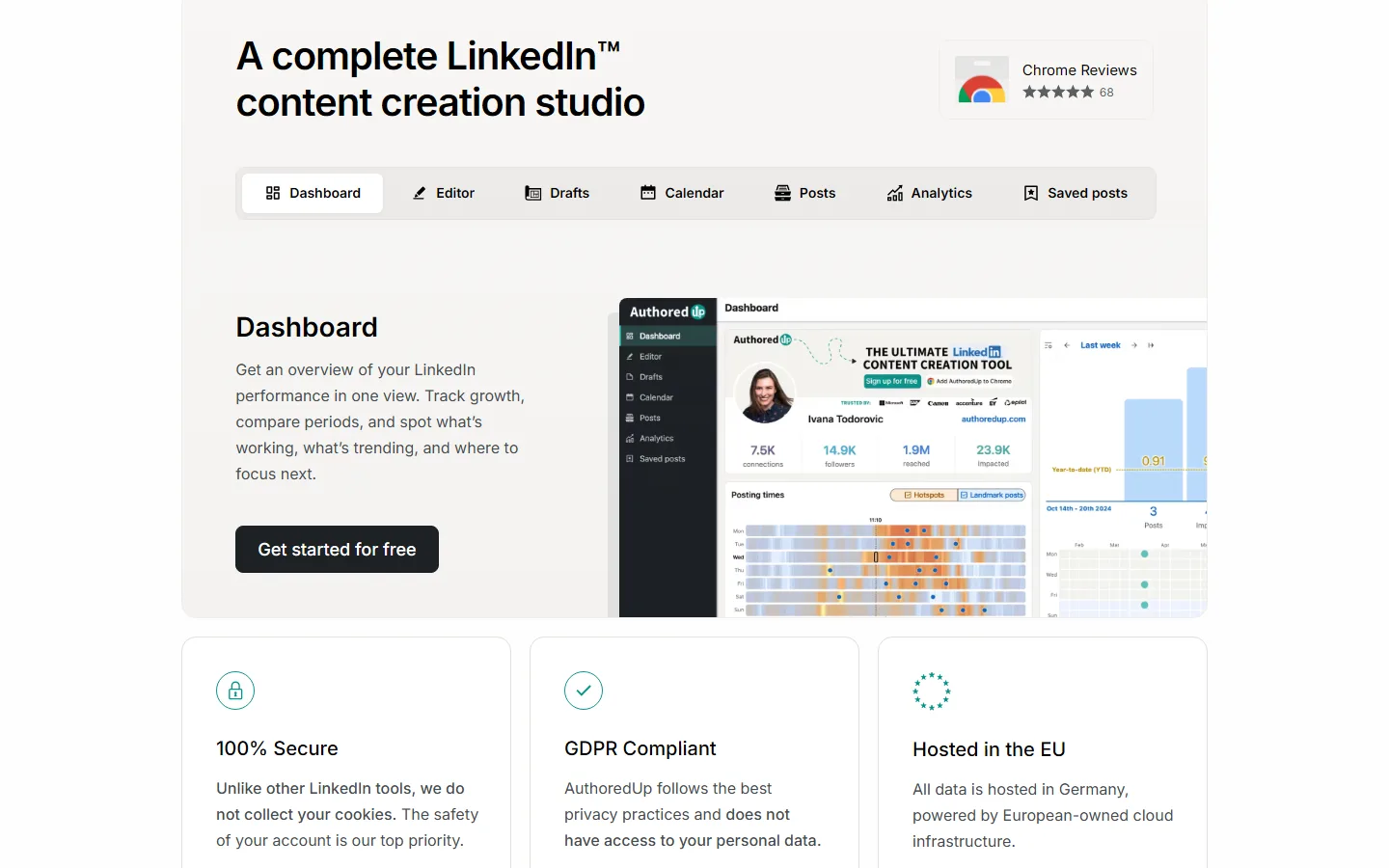
If you write every word yourself and just want your posts to look great, AuthoredUp is the best editor around. It's a Chrome extension that sits on top of LinkedIn and adds bold and italic text, bullet points, and a preview that shows exactly where LinkedIn's "see more" cut-off lands on phone and desktop.
It also pulls in your whole posting history, so you can see which posts earned saves and sends. It isn't really an AI tool, though: it makes no visuals, it can't read your blog or videos, and its AI writer, Coauthor, only learns from your past LinkedIn posts and is still in beta.
| At a glance | |
|---|---|
| Price | $19.95/mo ($16.63 yearly); teams $14.95 per profile, three minimum |
| Free trial | Yes, no card needed |
| Posts to LinkedIn via | Chrome extension, on top of LinkedIn's own composer |
| Reviews | 4.7 on the Chrome Web Store (70 ratings) |
| Best for | People who write their own posts and want them formatted and measured |
Pros
- The best post editor and preview on this list
- Imports your full post history for analytics
- Free trial with no card
Cons
- No carousels, infographics or images
- Can't read your blog or videos
- AI writer still in beta
5. Scripe
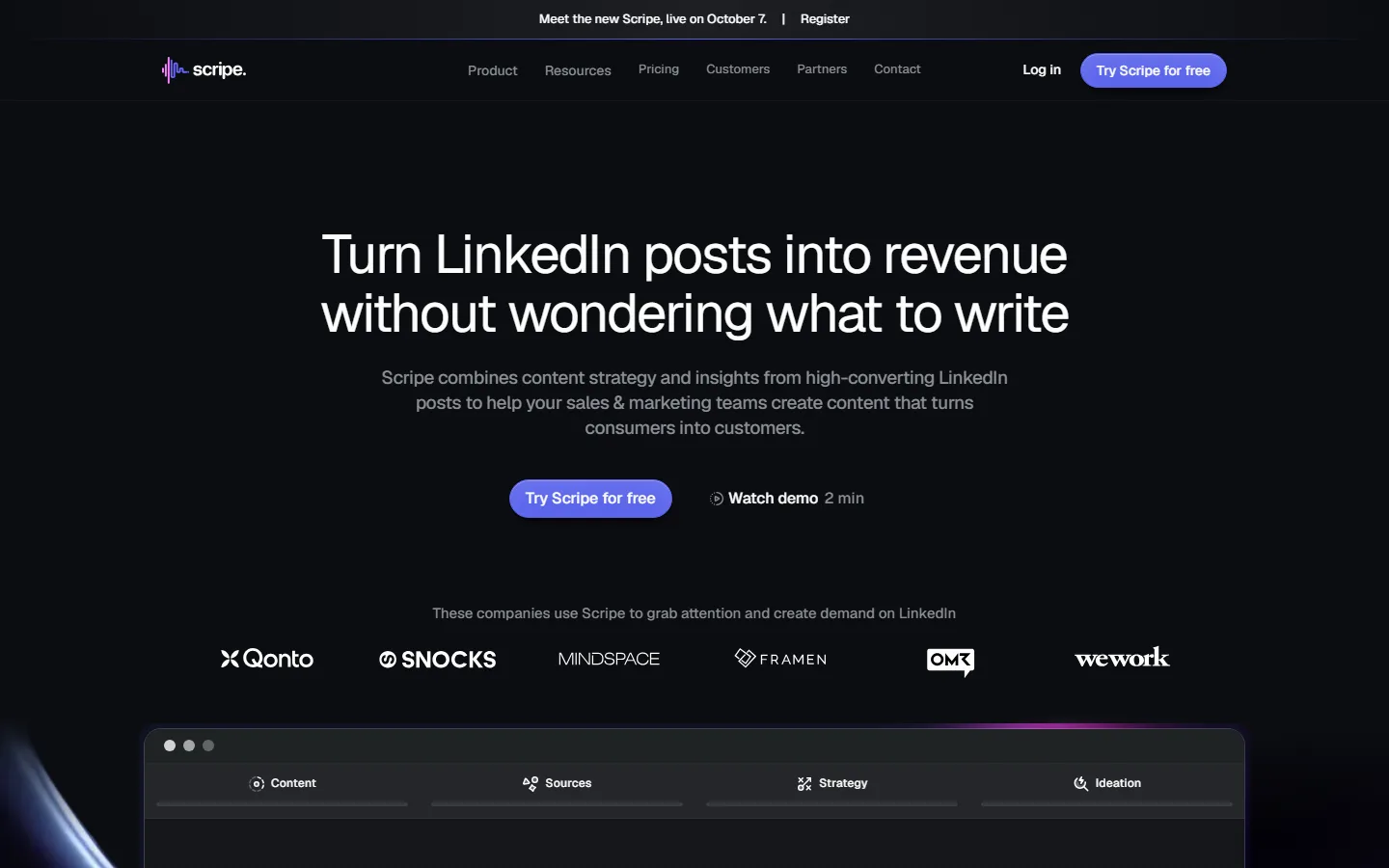
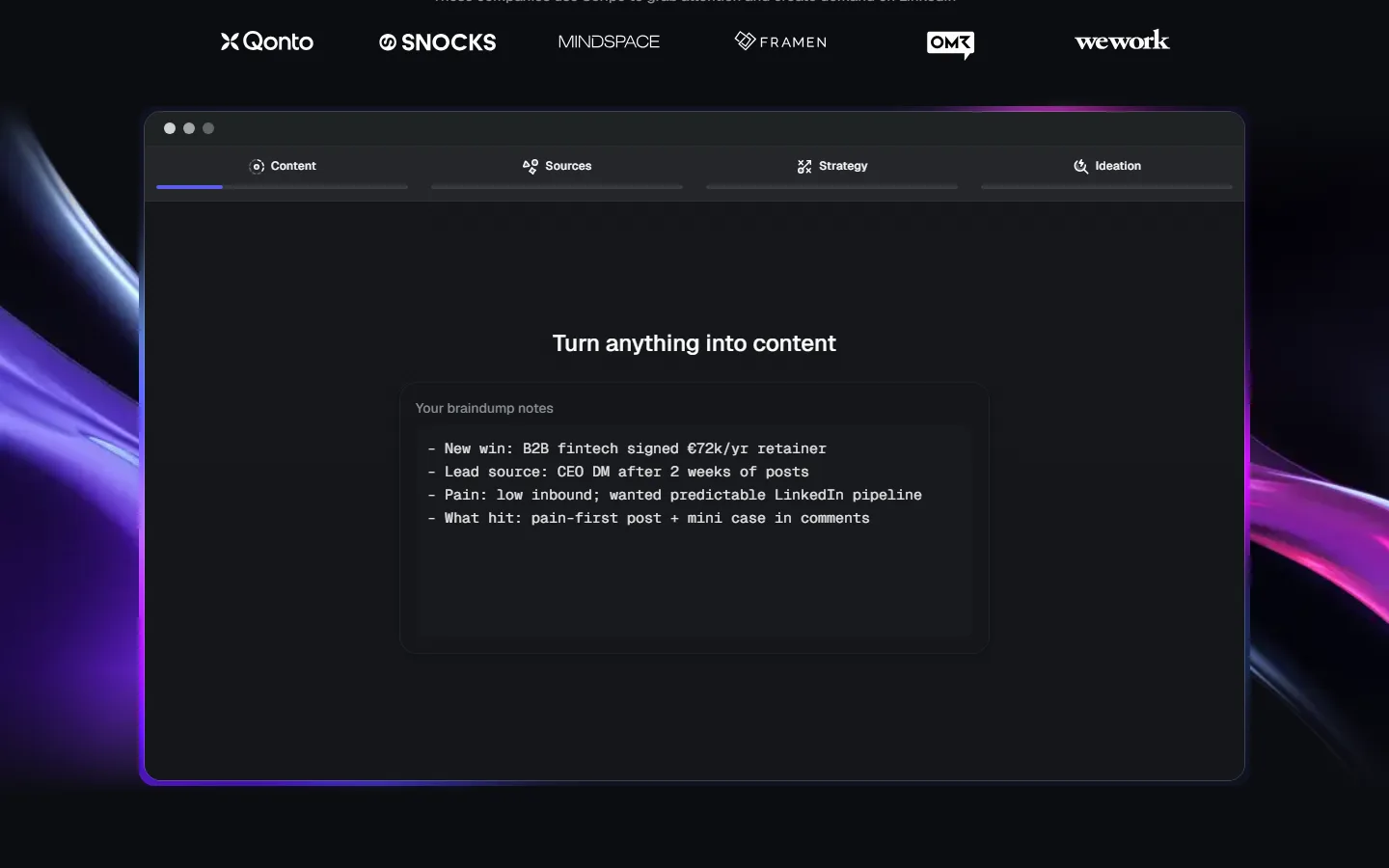

Scripe is built for companies putting several people on LinkedIn at once. You get approvals, a shared content board, campaigns and team roles, plus a knowledge base that rechecks your website every week and interviews people in six languages.
Its analytics are the deepest on this list. They include your posts from before you joined, and on the top plan they track clicks all the way through to revenue. For one person, though, it's pricey, the solo plan can't add a second account, and the output is text and carousels only. Its reviews are rough lately, and Scripe relaunched a rebuilt version in October.
| At a glance | |
|---|---|
| Price | €69/mo Solo, €99/mo Advanced, €149/mo Business (before VAT, businesses only; yearly: €55, €79, €119) |
| Free trial | Yes, card needed |
| Posts to LinkedIn via | LinkedIn's official API |
| Reviews | 3.2 on Trustpilot (10 reviews, most of them one or two stars) |
| Best for | B2B teams running a proper LinkedIn programme, with approvals and analytics |
Pros
- Approvals, campaigns and team roles built in
- The deepest analytics on this list
- A knowledge base that keeps up with your website
Cons
- Pricey for one person, and Solo can't add a second account
- Text and carousels only
- Mostly critical recent reviews
6. Postbeam
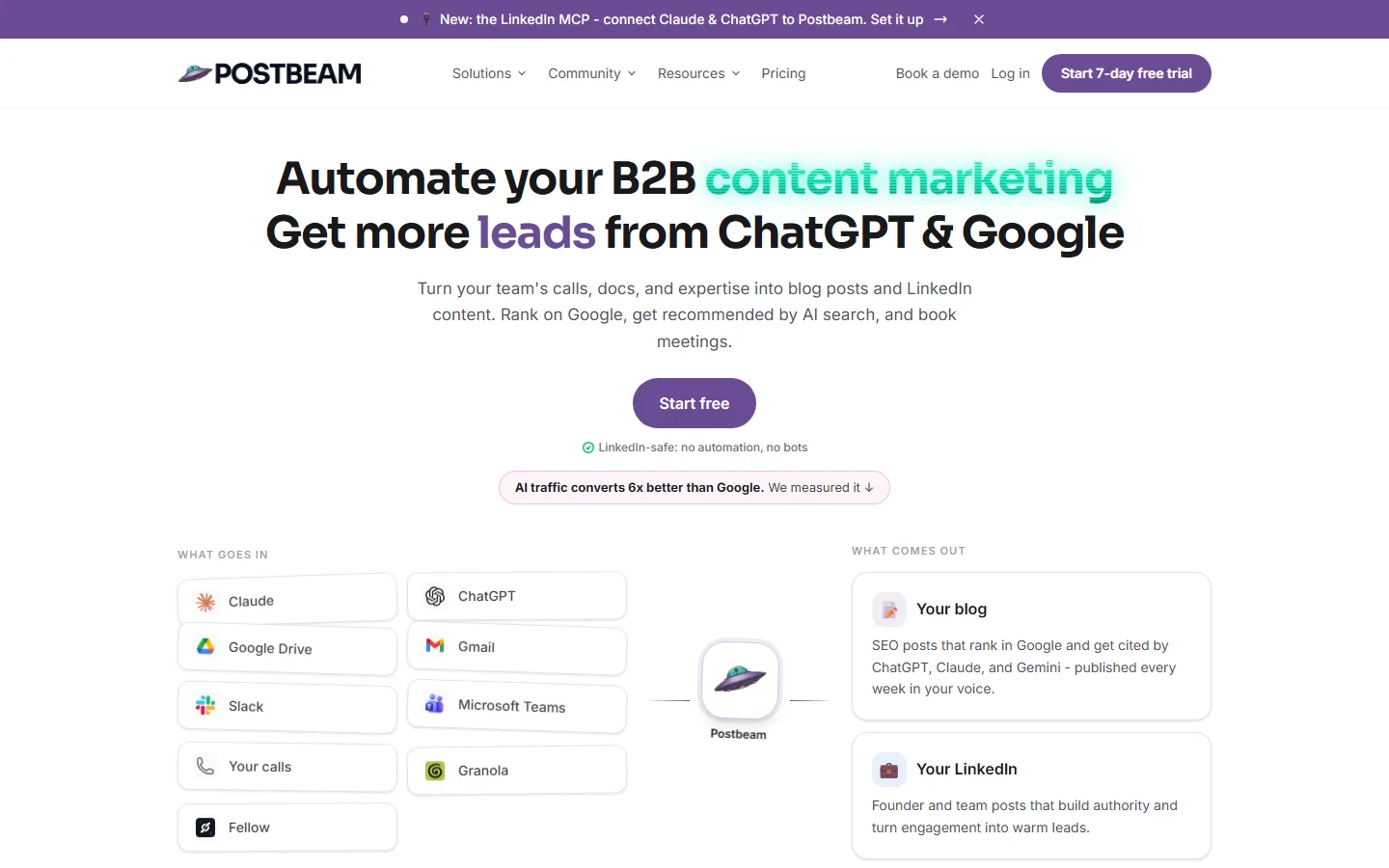
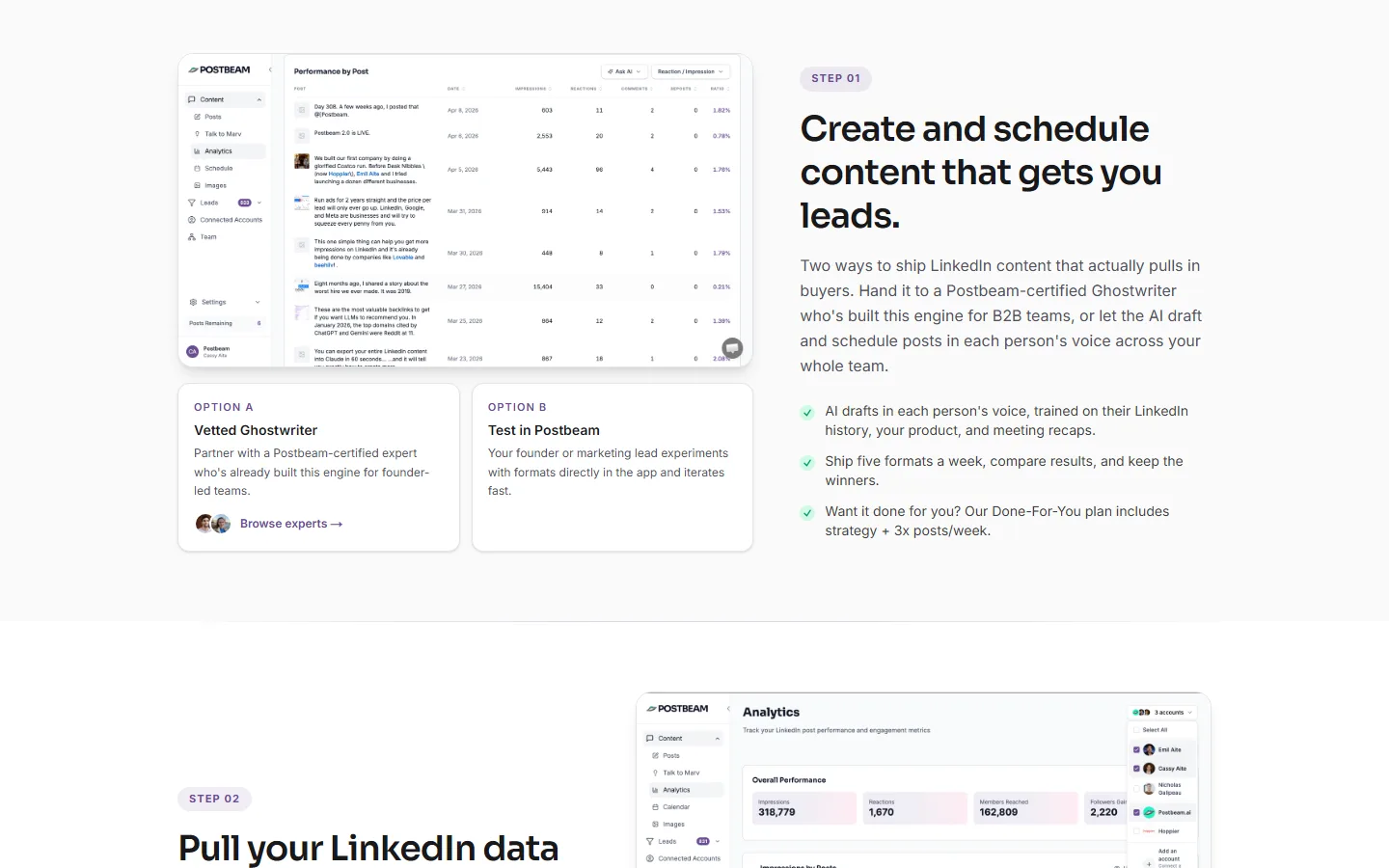
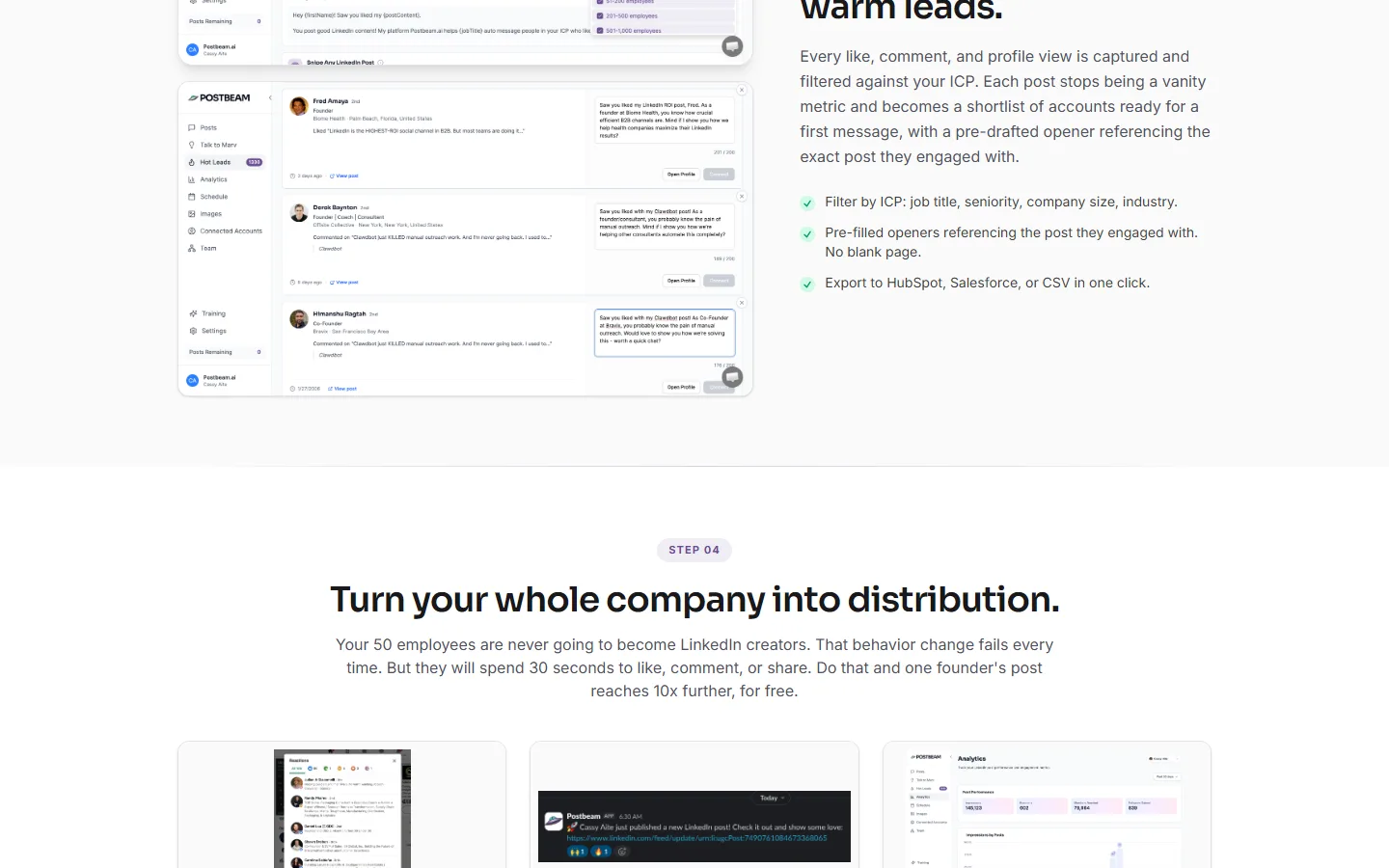
Postbeam is a content tool with a sales engine bolted on. It drafts and schedules posts trained on your LinkedIn history, your product details and your meeting notes. Then it ranks the people who engaged with them against your ideal customer and drafts a first message to each, ready to export to your CRM.
That lead feature asks you to paste in your LinkedIn session cookie, a login token that lets software act as you. In a public review on AppSumo, a customer reports that Postbeam's developer confirmed this isn't part of LinkedIn's standard permitted integration. Drafting is also capped at 30 posts a month, and we couldn't find carousel or infographic tools in the paid app.
| At a glance | |
|---|---|
| Price | $99/mo Solo list price ($49 for sign-ups before 1 November 2026); Team $99 per seat, two minimum |
| Free trial | 7 days |
| Posts to LinkedIn via | LinkedIn's official API, plus your session cookie for leads |
| Reviews | 4.2 on AppSumo (19 reviews) |
| Best for | Founders who want posts to turn straight into sales conversations |
Pros
- Turns post engagement into a ranked lead list
- Drafts a first message for each lead
- Approval workflows for small teams
Cons
- Lead feature needs your LinkedIn session cookie
- Capped at 30 AI drafts a month
- No carousels or infographics that we could find
7. Dynal AI
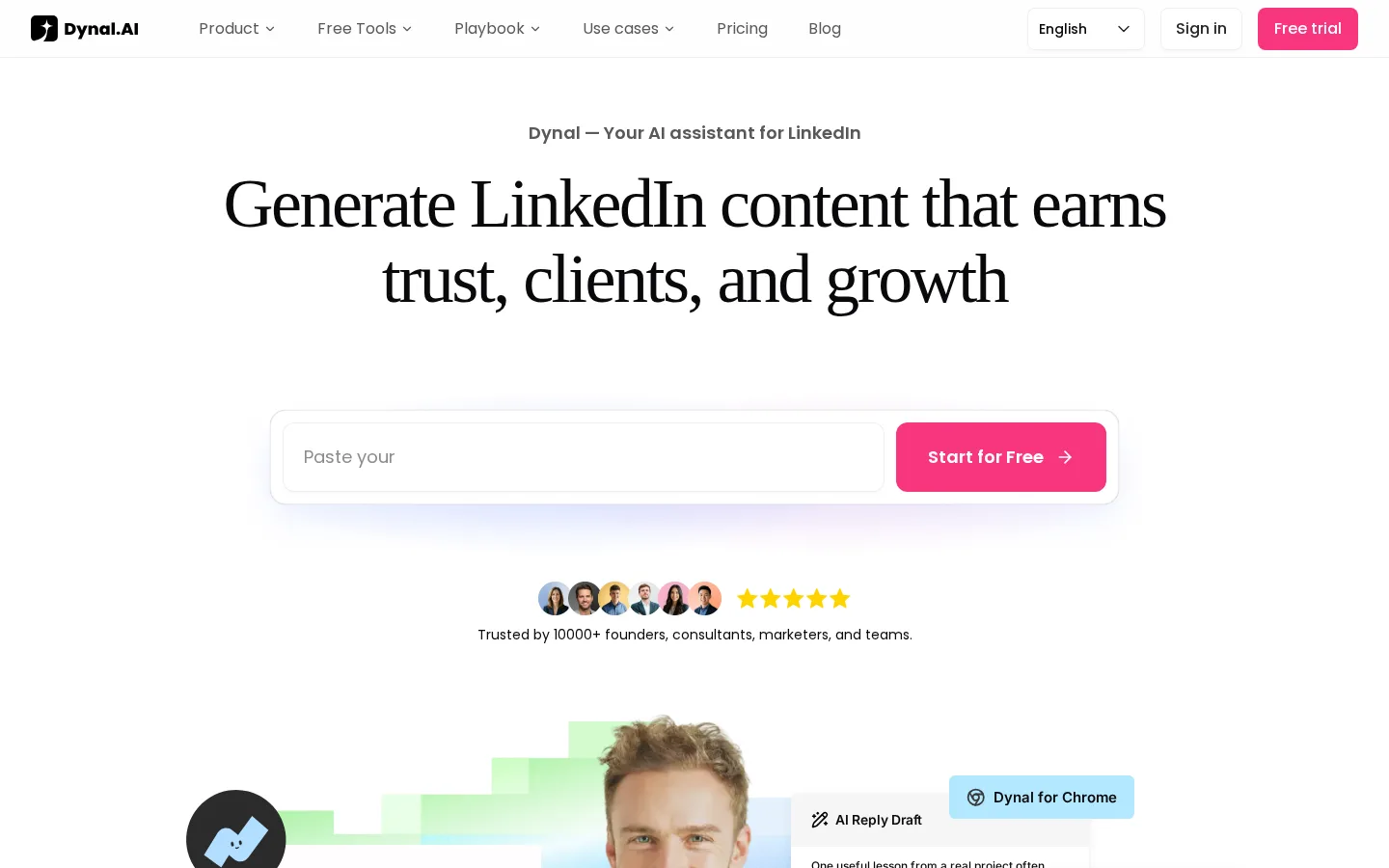
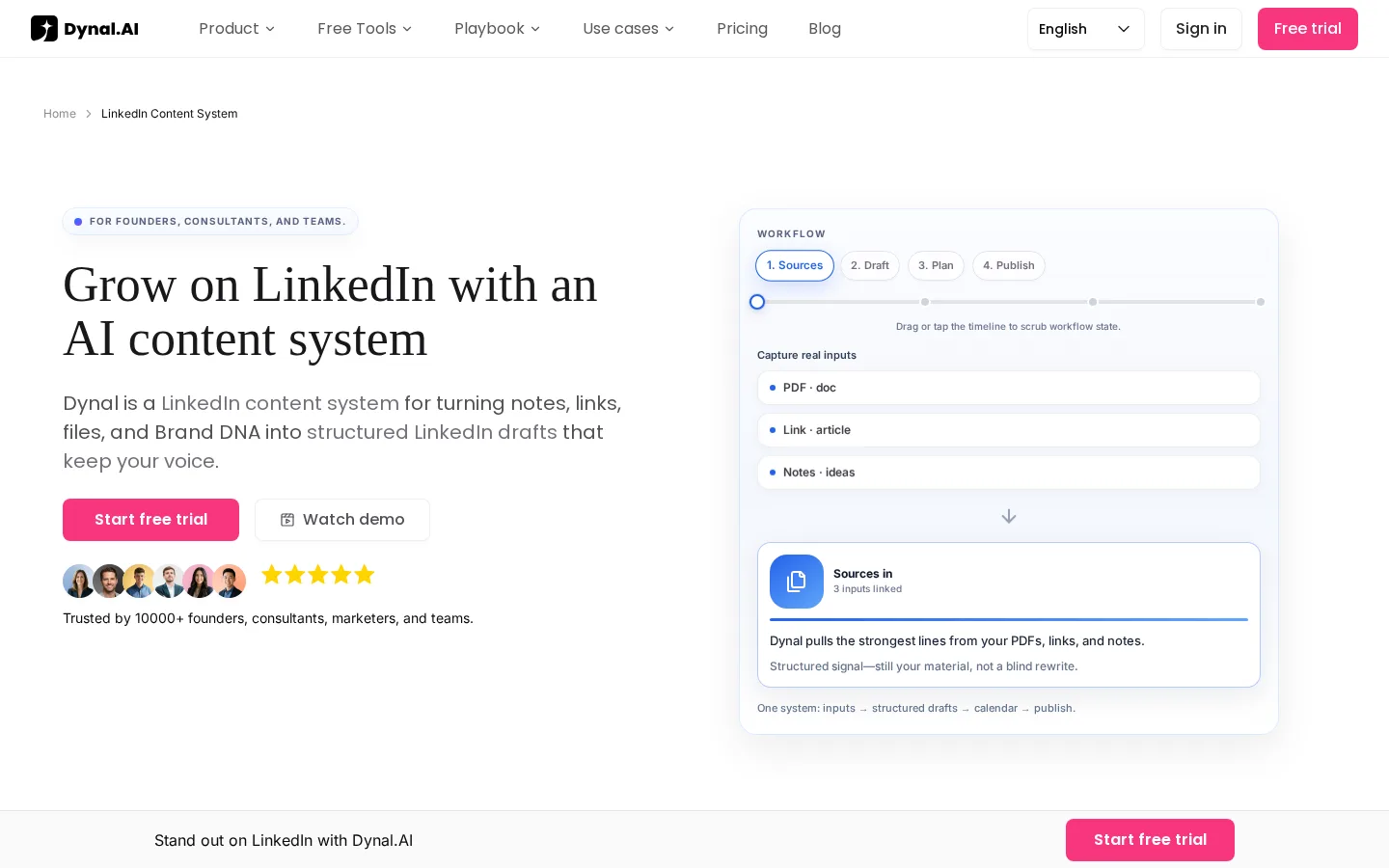
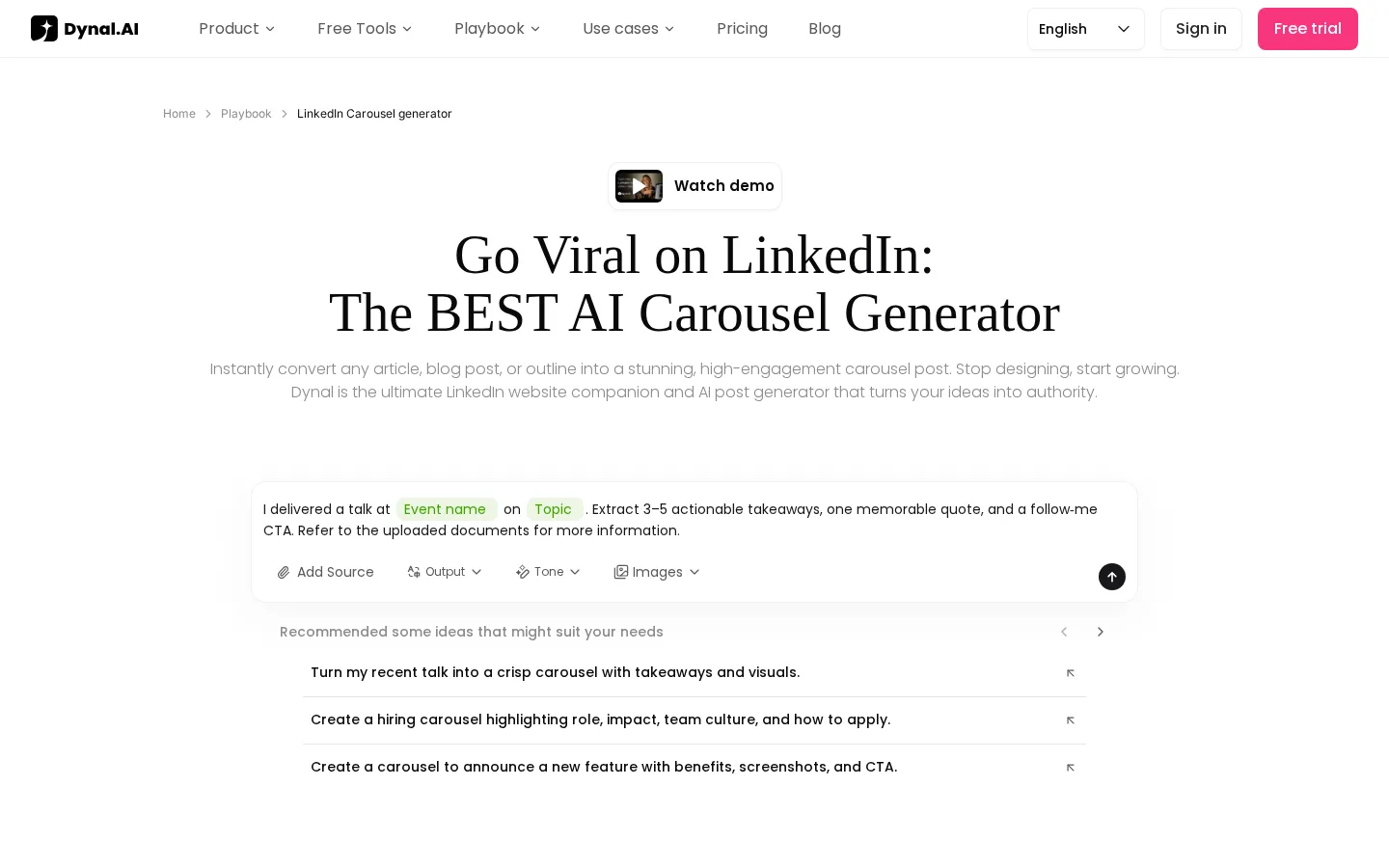
Dynal AI is a young, LinkedIn-only writer that's been popping up in a lot of YouTube reviews. Its Brand DNA builds a voice profile straight from your LinkedIn profile, and it turns PDFs, web pages and YouTube videos into posts with images or carousels, then schedules them through LinkedIn's own sign-in.
Its real selling point is price. Five LinkedIn accounts, each with its own voice, cost $60 a month, the cheapest multi-account setup on this list. The catch is the meter: every post, image and rewrite spends credits, and running out is the most common complaint from early buyers. Reviews are thin and mixed after a big rebuild in August.
| At a glance | |
|---|---|
| Price | $40/mo Starter (2,000 credits), $60/mo Pro for five accounts (4,000 credits); yearly $32 and $48 |
| Free trial | 3 days, no card |
| Posts to LinkedIn via | LinkedIn's official sign-in |
| Reviews | 3.4 on AppSumo (25 reviews) |
| Best for | People running two to five LinkedIn accounts on a budget |
Pros
- Five accounts with separate voices for $60 a month
- Turns PDFs, links and videos into posts with visuals
- Free trial with no card
Cons
- Everything runs on credits, which can run out mid-month
- Few reviews, and mixed ones after its August rebuild
- No seats or roles for a team
8. ChatGPT or Claude

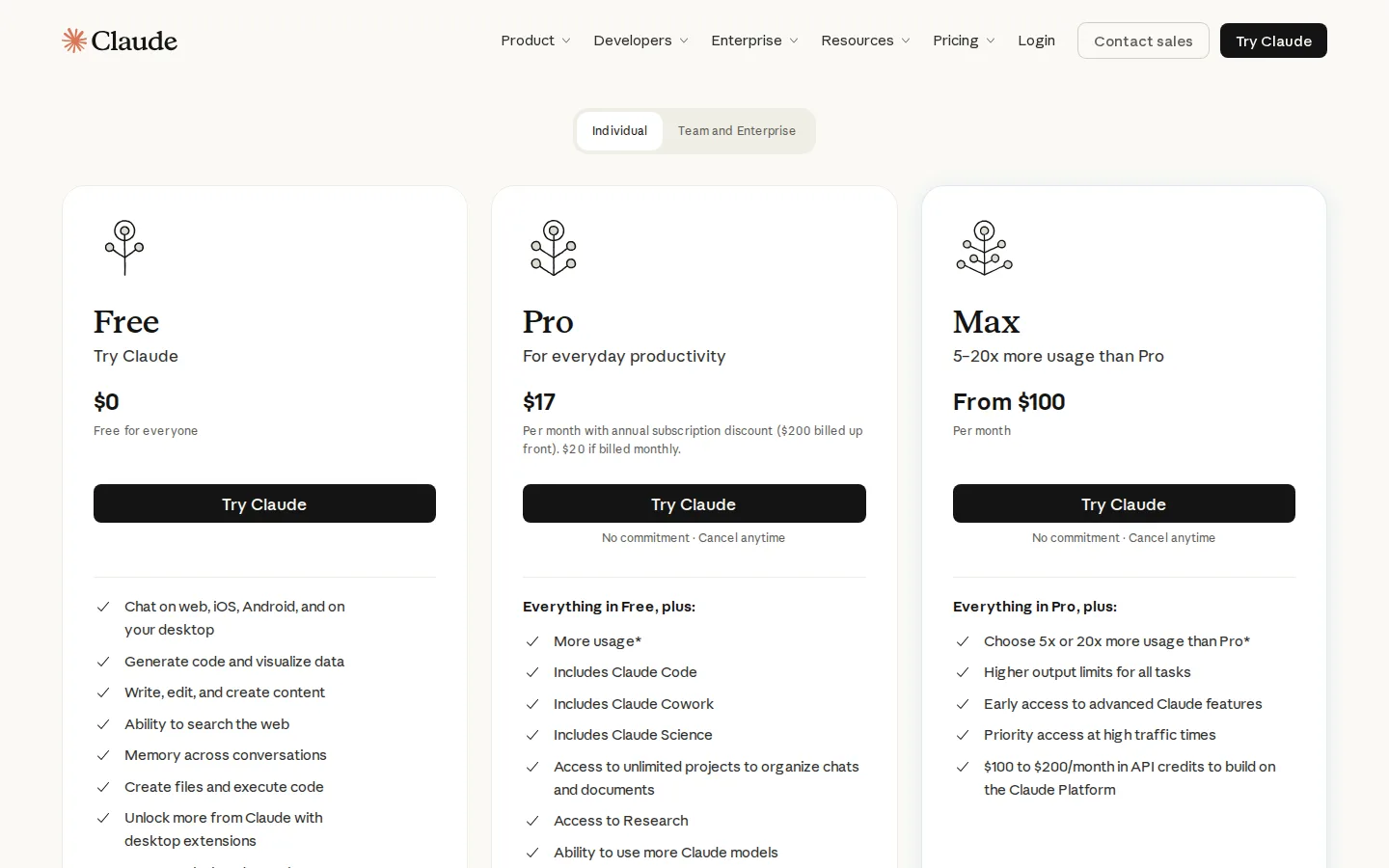
These are the general AI assistants you've probably already got open in another tab. They write well once you give them something to work with: set up a project with your best past posts, who your audience is and what you sell, and the drafts get much better. Both are free to start.
What they don't do is anything LinkedIn-specific. There's no built-in way to post or see how a post did, no LinkedIn-shaped carousels, and keeping your examples and context up to date is your job. Use them with no examples at all and you'll get the same flat, samey drafts everyone else does. That matters: in our study of 2,016 posts, people's AI-written posts earned about a quarter fewer reactions than the ones they wrote themselves.
| At a glance | |
|---|---|
| Price | Free plans; ChatGPT Plus $20/mo; Claude Pro $20/mo ($17 yearly) |
| Free trial | Free plans on both |
| Posts to LinkedIn via | Neither does on its own; you post by hand or connect a LinkedIn tool |
| Best for | A free start, if you're happy doing the formatting, visuals and posting yourself |
Pros
- Free to start
- Good writing once you set up a project with your own examples
- Already in your toolkit
Cons
- No built-in posting or LinkedIn analytics
- No LinkedIn-shaped carousels
- You keep the context and voice up to date yourself
The good news is that you don't have to choose. Claude lets you add custom connectors on every plan, and ChatGPT supports them on its business plans, so you can connect a LinkedIn tool and draft in the chat while it handles the visuals and the posting.
How much do AI tools for LinkedIn really cost?
Most cost between $20 and $70 a month once you pick the plan that does what you need. Watch for two tricks: a headline price that's really the yearly rate, and a cheap plan that leaves out the main feature.
| Tool | Price you see first | What you'll really pay |
|---|---|---|
| Flypost | $39/mo (yearly) | $49/mo monthly, with every post type included (analytics and team posting at $79) |
| Taplio | $32/mo (yearly, no AI writing) | $69/mo for AI writing, or $49/mo yearly |
| Supergrow | $31/mo (yearly) | $39/mo monthly; $199/mo for a team of five |
| AuthoredUp | $16.63/mo (yearly) | $19.95/mo monthly; at least $44.85/mo for a team |
| Scripe | €55/mo (yearly, before VAT) | €69/mo plus VAT; €99/mo plus VAT for a second person or a company page |
| Postbeam | $49/mo (offer ends 1 November 2026) | $99/mo list price; at least $198/mo for a team |
| Dynal AI | $32/mo (yearly) | $40/mo, if 2,000 credits cover your month |
| ChatGPT or Claude | Free | $20/mo for more usage, plus your own time on visuals and posting |
How do you choose the right AI tool for LinkedIn?
Start with the one job you want done, then work backwards:
- Pick your main job. Writing from your own material, writing in your voice, formatting, team approvals or sales leads. Each tool above is strongest at one of these.
- Count the visuals you need. If you post carousels, infographics or images most weeks, rule out the text-first tools.
- Find the cheapest plan that does that job, not the cheapest plan overall.
- Check monthly against yearly. Lots of pricing pages show the yearly rate first.
- Check how it posts. Tools that use LinkedIn's own sign-in are the safe bet.
- Use the trial on a real week of posting before you pay for a year.
Are AI tools for LinkedIn safe for your account?
The safest tools post through LinkedIn's own sign-in, and most of these do. Be more careful with browser extensions that work inside your LinkedIn session, and steer clear of anything that asks for your password or your session cookie.
LinkedIn's help page on prohibited software and extensions says it doesn't "permit the use of any third party software, including "crawlers", bots, browser plug-ins, or browser extensions" that scrape the site, change how it looks or automate activity on it. Members who use them, it says, "risk having their accounts restricted or shut down".
| How it connects | Tools | Risk |
|---|---|---|
| LinkedIn's official sign-in | Flypost, Supergrow, Scripe, Dynal AI, Postbeam (posting) | Low |
| Browser extension | Taplio, AuthoredUp | Some |
| Your session cookie | Postbeam (lead feature) | Higher |
| Doesn't touch LinkedIn | ChatGPT, Claude | None from the assistant itself |
Flypost connects through an approved LinkedIn partner, and it never likes, comments or messages on your behalf. Two others are worth a closer look before you switch things on. Scripe's team plans can automate likes and comments across your team's accounts, which are exactly the actions LinkedIn's rules single out. Dynal AI's Chrome extension reads the comments in your browser to draft replies, though you always click send yourself.
How did we compare these AI tools for LinkedIn?
Between August and October 2026 we built a research file for each of the eight tools on this page, and on 28 October 2026 we rechecked every price and review count:
- We read every plan on each tool's live pricing page, monthly and yearly.
- We read their help docs, changelogs and product videos.
- We gathered independent reviews from Trustpilot, AppSumo, Product Hunt and the Chrome Web Store, and noted how many reviews sat behind each score.
- We opened trial accounts for Taplio, Supergrow, Scripe, Postbeam and Dynal AI to film them for our video.
We only used rival vendors' pages to cross-check prices, never for verdicts. We haven't yet run all eight side by side on the same post, so we don't claim to have tested them, and we'll add the results here when we do. We recheck prices every quarter.
Frequently asked questions
- What is the best AI tool for LinkedIn?
- It depends on the job. To turn your blog, videos and documents into every kind of LinkedIn post, use Flypost. For a big library of viral posts plus lead tools, Taplio. If you'd rather talk than type, Supergrow. If you write every word yourself, AuthoredUp. For teams with approvals, Scripe. To turn engagers into sales leads, Postbeam. For several accounts on a budget, Dynal AI. For a free start, ChatGPT or Claude.
- Is there a free AI tool for LinkedIn?
- ChatGPT and Claude both have free plans, and they write well if you give them examples of your past posts. They don't post to LinkedIn or make LinkedIn-shaped carousels, so you do that part yourself. None of the dedicated tools here is free forever, but AuthoredUp's and Dynal AI's free trials don't ask for a card.
- Can ChatGPT or Claude post to LinkedIn?
- Not on their own. Neither has a built-in LinkedIn connection, so you either copy your draft into LinkedIn and use its own scheduler, or connect a LinkedIn tool to the assistant. Flypost, Taplio, Supergrow, AuthoredUp, Scripe and Postbeam all offer connectors like this.
- Are AI tools for LinkedIn safe for your account?
- The safest ones post through LinkedIn's own sign-in, which most tools here do. Be more careful with tools that work through a browser extension inside your LinkedIn session, and avoid handing over your session cookie. LinkedIn's help pages say members who use prohibited extensions risk having their accounts restricted or shut down.
- Which AI tool for LinkedIn is best for teams?
- Flypost includes unlimited team members and company pages on every plan, and its Pro plan at $79 a month lets you post as your teammates. Scripe has the deepest approvals and analytics, from 99 euros a month before VAT. Supergrow Teams costs $199 a month for five accounts.
Written by
Sam Cassman
Founder, Flypost · Chiang Mai, Thailand
I'm Sam. I built Flypost after watching too many good businesses sit on years of material (blog posts, call transcripts, case studies, half-finished decks) and post almost none of it.
I write everything here myself. When I claim something works on LinkedIn, it's because I tested it first-hand or ran the numbers across our own data. Where I'm working from a small sample, I'll say so. I'd rather be useful than certain.