
The 11 Best Taplio Alternatives in 2026 (With Real Prices)

By Sam Cassman · Last verified
Are you looking for a Taplio alternative? Maybe the price stung at renewal, or you only wanted help writing posts and ended up paying for a lead database. In this article we'll look at the 11 best Taplio alternatives, what each one is good at, and what it really costs. By the end, you'll know which tool fits the way you work, what you'll actually pay, and which ones are safe for your LinkedIn account.
Taplio is the name everyone hears first when they go looking for a LinkedIn tool. But it isn't the only option, and for plenty of people it isn't the best one either. If you just want posts that sound like you, not like a robot that's read too many motivational quotes, there's plenty to choose from.
We've done the digging on all 11. Flypost is ours, so it's first on the list, but every tool gets the same treatment.
What are the best Taplio alternatives in 2026?
The best Taplio alternative depends on what you want help with. If you have a blog, videos or documents to turn into posts, go with Flypost. For cheap AI writing in your own voice, try Supergrow. If you write your own posts and just want a better editor, AuthoredUp is the one. For bigger teams that live in analytics, look at Scripe.
Here's the quick version:
| Tool | Best for | Starts at | Free trial |
|---|---|---|---|
| 1. Flypost | Turning your content into every kind of LinkedIn post | $49/mo | 7 days |
| 2. Supergrow | Cheap AI writing in your own voice | $19/mo | 7 days |
| 3. AuthoredUp | Writing and formatting posts yourself | $19.95/mo | Yes, no card |
| 4. MagicPost | One tool for the whole posting routine | $49/mo | Yes, no card |
| 5. ContentIn | AI drafts trained on your past posts | $39/mo | 7 days |
| 6. Typegrow | Trying a tool for free first | Free | Free plan |
| 7. Oiti | Small ghostwriting agencies | $49/mo | 7 days |
| 8. Scripe | European teams that want deep analytics | €69/mo | 7 days |
| 9. Postbeam | Turning post engagement into sales leads | $49/mo | 7 days |
| 10. Kleo | Coaching and community alongside the software | $99/mo | None |
| 11. EasyGen | Quick text drafts based on what's trending | Not published | 7 days |
Prices checked on each tool's own pricing page on 4 October 2026. EasyGen doesn't publish one.
Why do people switch from Taplio?
Usually it's one of three things: the price, the reviews, or how it connects to LinkedIn.
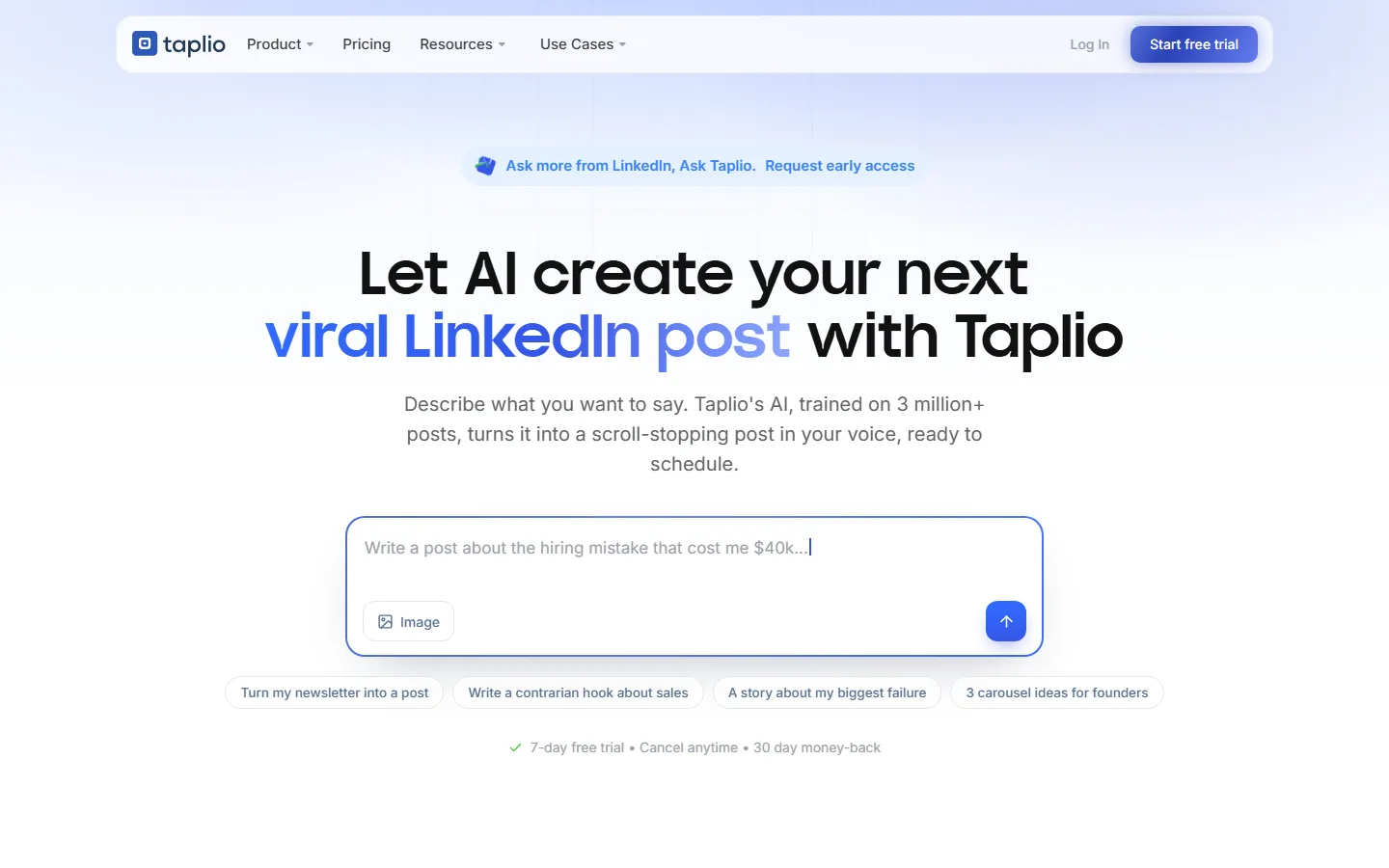
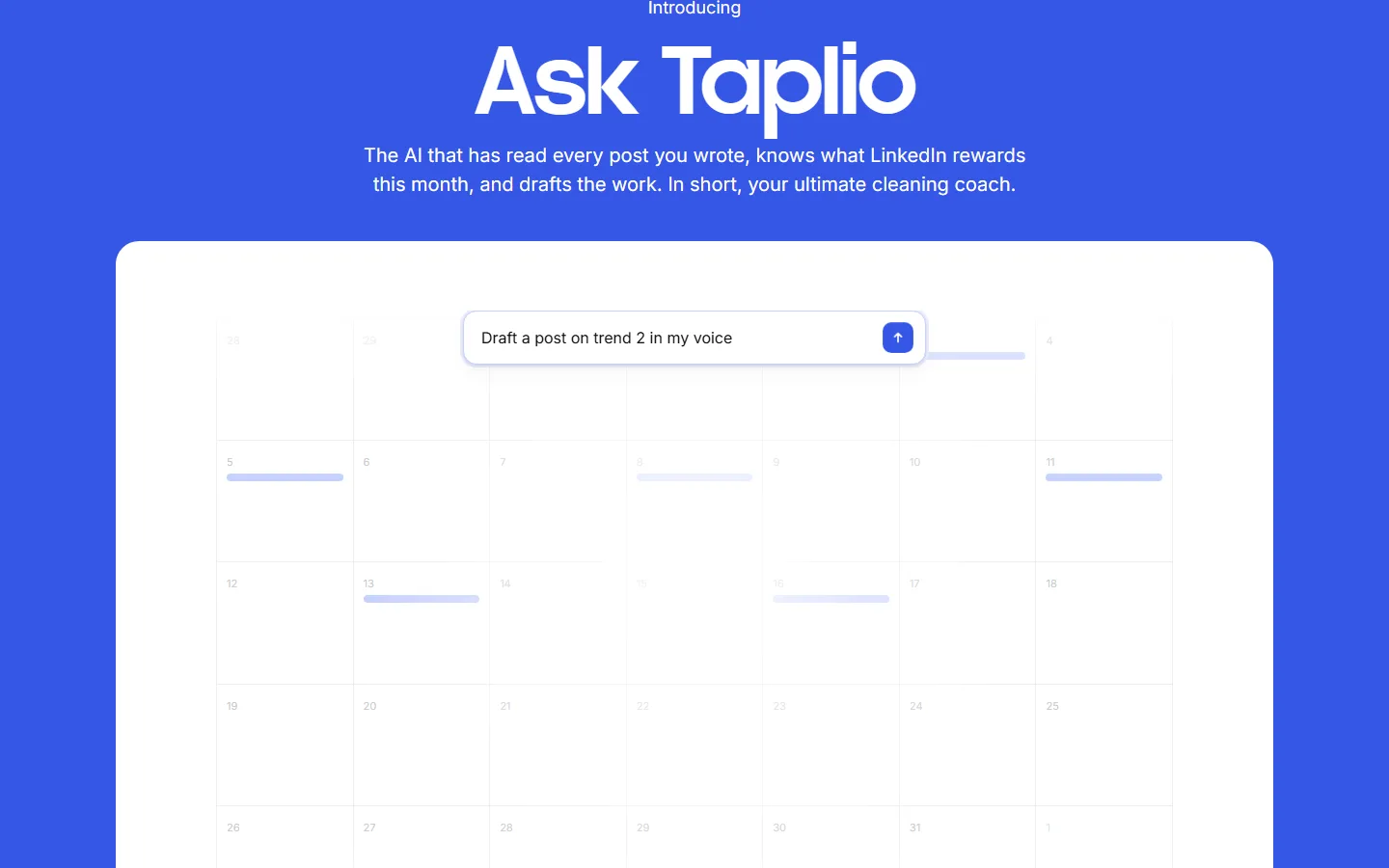
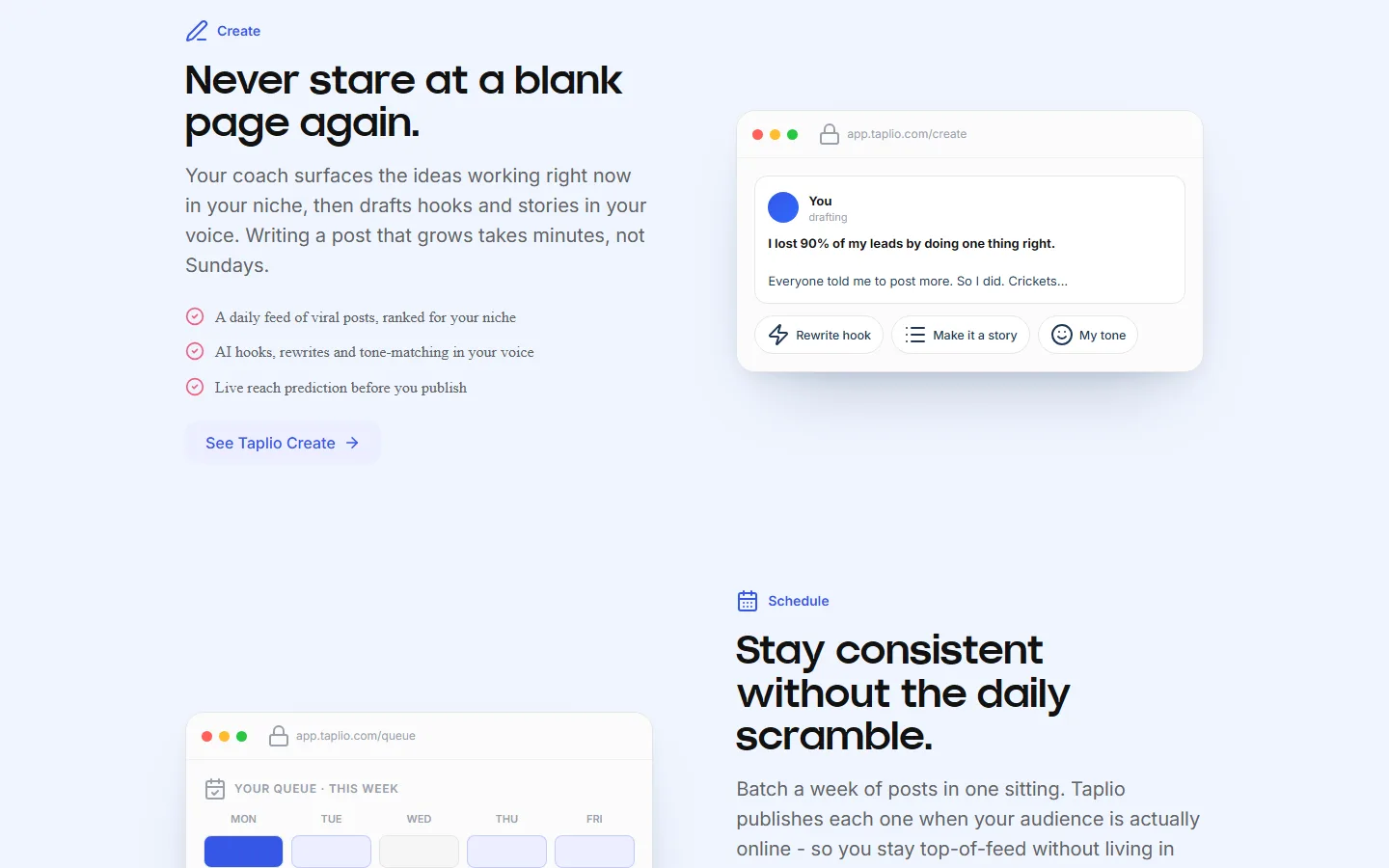
Taplio isn't a bad tool. It has a big library of past viral posts to borrow ideas from, and its top plan adds lead-finding and outreach tools that none of the content tools below try to match. If you use both halves, it can still make sense.
But the plan you see first doesn't include the thing most people want, which is help writing:
| Taplio plan | Monthly | Billed yearly | AI writing? |
|---|---|---|---|
| Starter | $39 | $32/mo | No |
| Growth | $69 | $49/mo | Yes |
| Pro (adds leads and outreach) | $199 | $149/mo | Yes |
Its reviews are mixed too, with some people describing surprise renewals and trouble cancelling. And it works through a Chrome extension rather than LinkedIn's official connection, which matters more than you'd think (more on that below).
So if you mostly use Taplio for writing, there's a good chance something else suits you better.
Which Taplio alternatives are worth trying?
1. Flypost
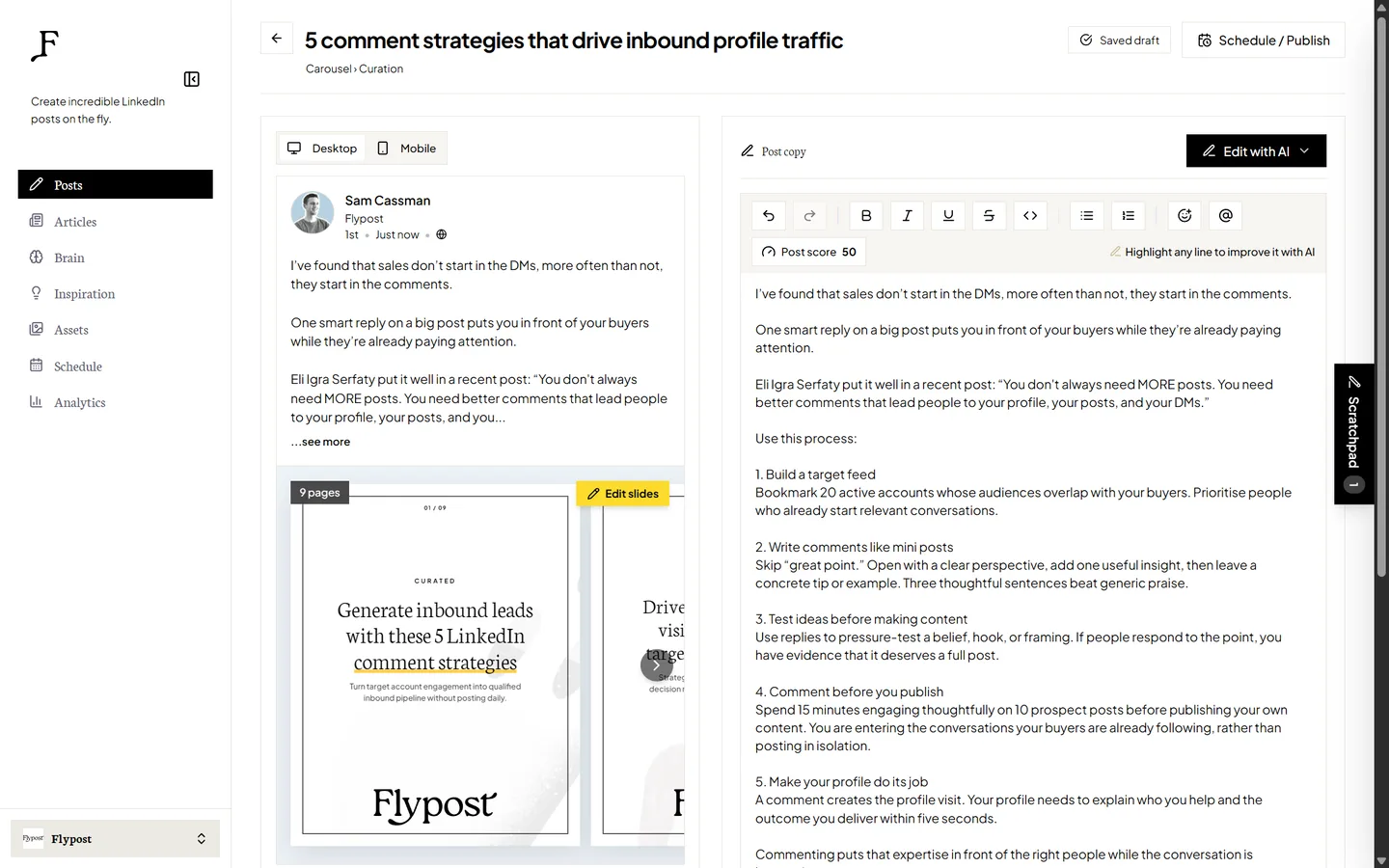
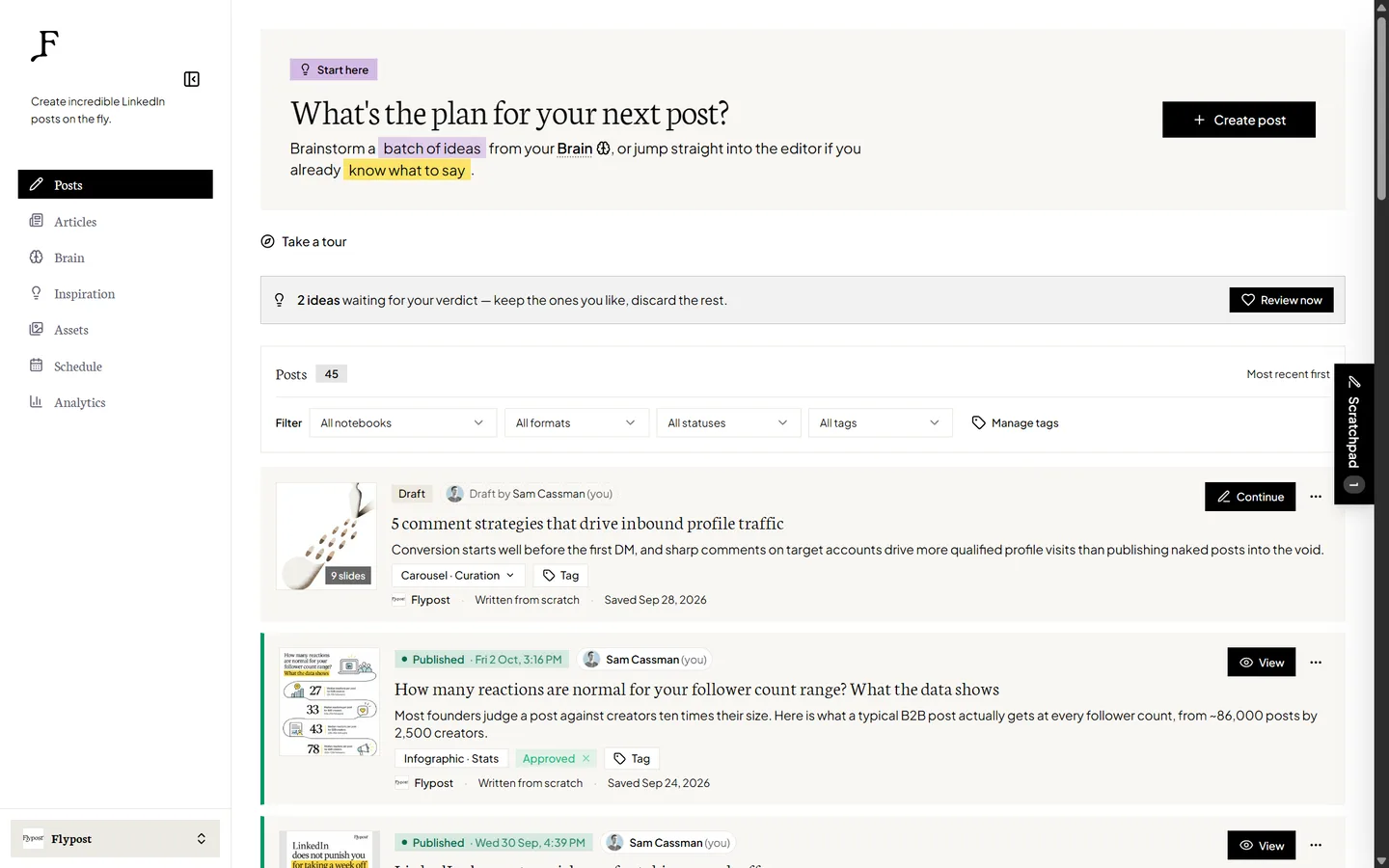
Most AI writing tools start you off with a blank box and a blinking cursor. Flypost starts with you.
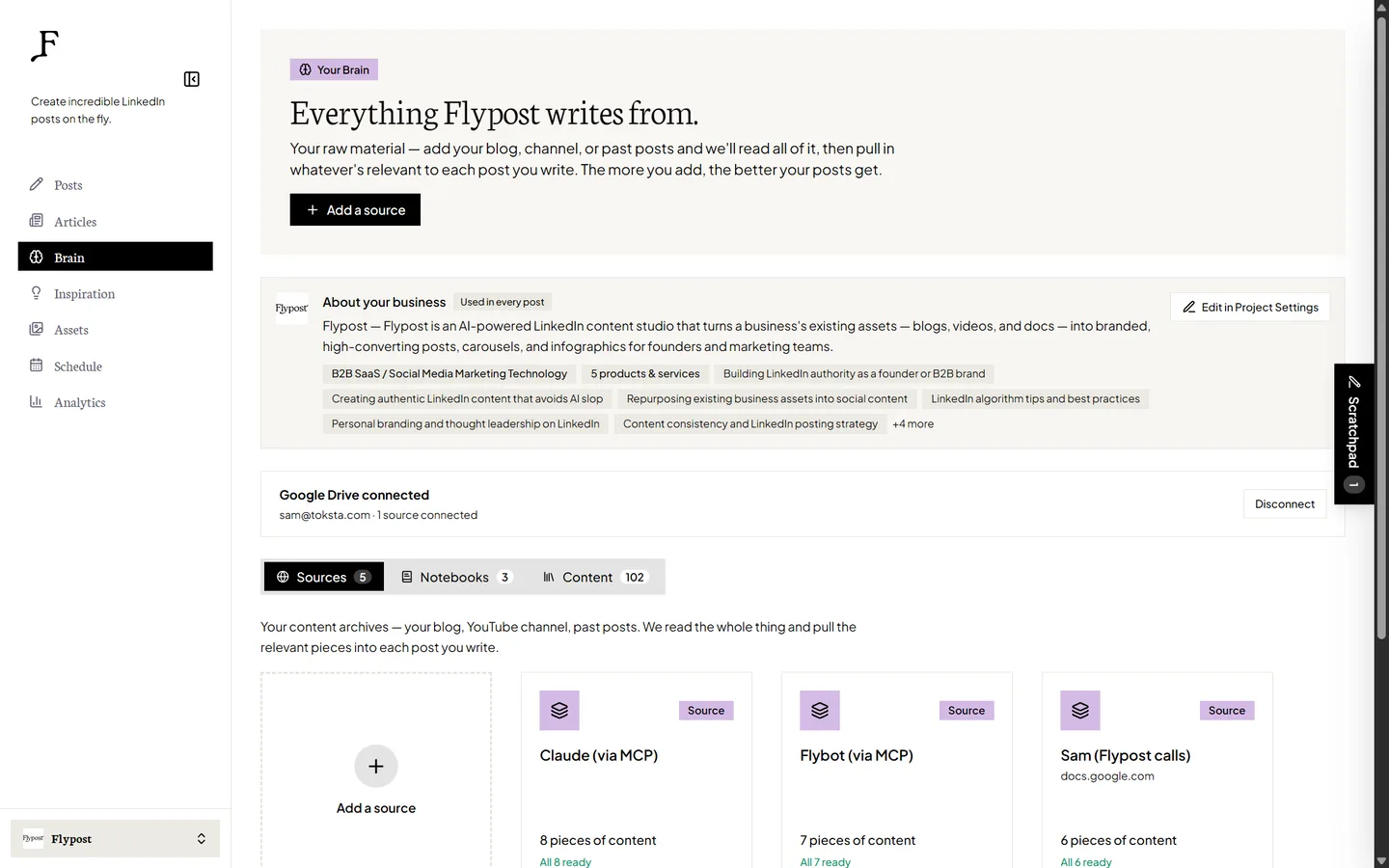
You point it at your blog, your YouTube channel and your documents, and it reads the lot. We call this the Brain. When you sit down to write, Flypost drafts from your actual material, so your real stories, numbers and opinions make it into the post instead of generic filler. On paid plans it checks your blog and channel every week and picks up anything new on its own.
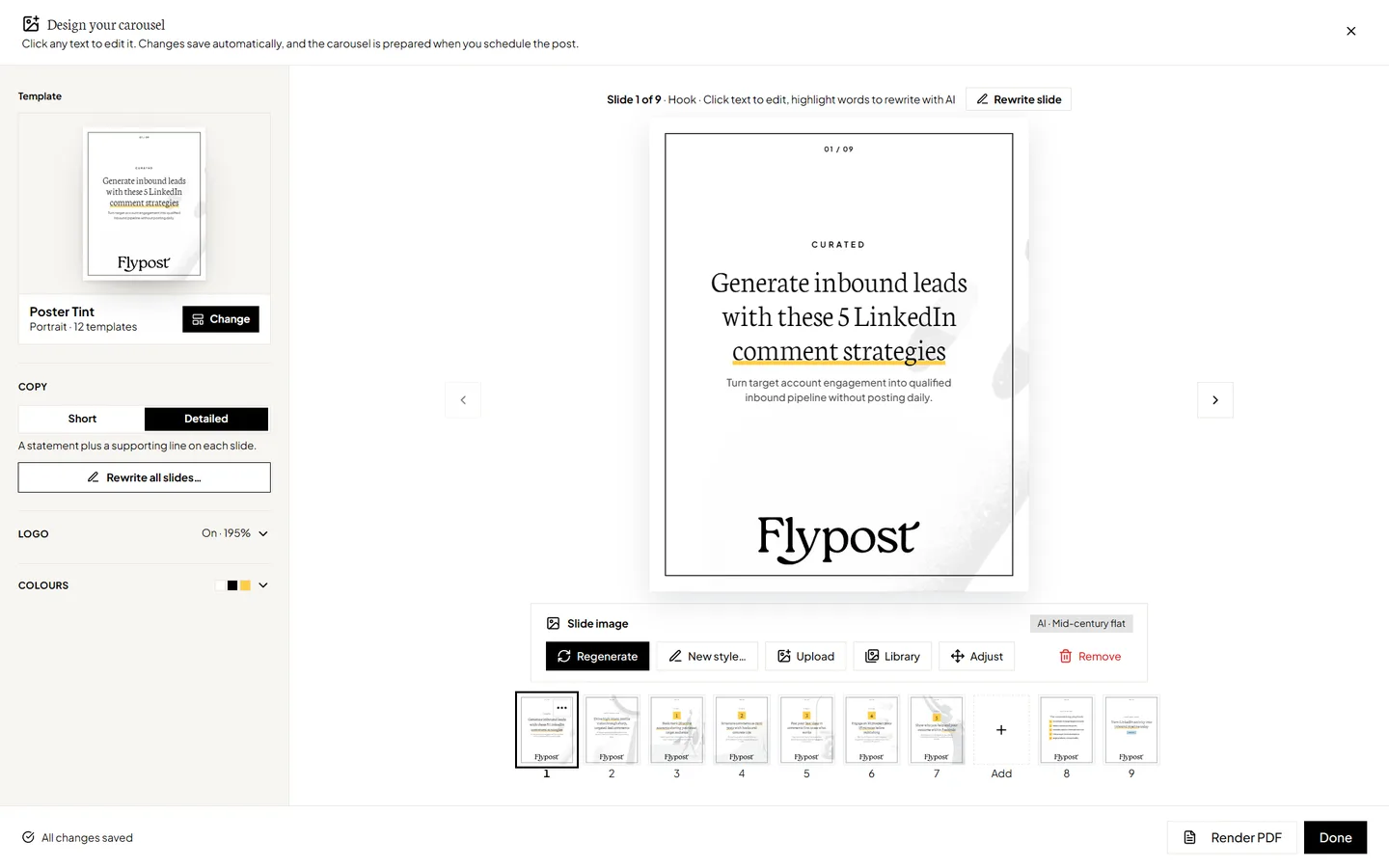
Then it turns those ideas into whatever format suits them. Text posts, carousels, infographics, memes, stat graphics, product shots and long-form LinkedIn articles all come from the same place, and your carousels and infographics arrive in your brand fonts and colours without any fiddling.
Before you post, a score checker gives your draft an honest once-over. It's built on our study of real LinkedIn posts, so it knows which habits actually help, and it'll call out a weak opening line or a sneaky "game-changer" before your audience does.
| At a glance | |
|---|---|
| Price | $49/mo Creator, $79/mo Pro, $149/mo Agency (20% off yearly) |
| Free trial | 7 days, card needed |
| Posts to LinkedIn via | LinkedIn's official sign-in, through an approved partner |
| Team seats | Unlimited on every plan |
| Best for | Founders, consultants and teams with a blog, YouTube channel or documents to turn into posts |
Pros
- Drafts from your own content, so posts sound like you
- More post formats than any other tool on this list
- Carousels and infographics come out in your brand fonts and colours
- A post score based on real LinkedIn data, not guesswork
- Unlimited team seats with no per-person fees
- Never likes, comments or messages on your behalf
Cons
- New, so there are no independent reviews yet
- Post analytics starts on the $79 Pro plan
- LinkedIn only, with no outreach or lead tools
2. Supergrow

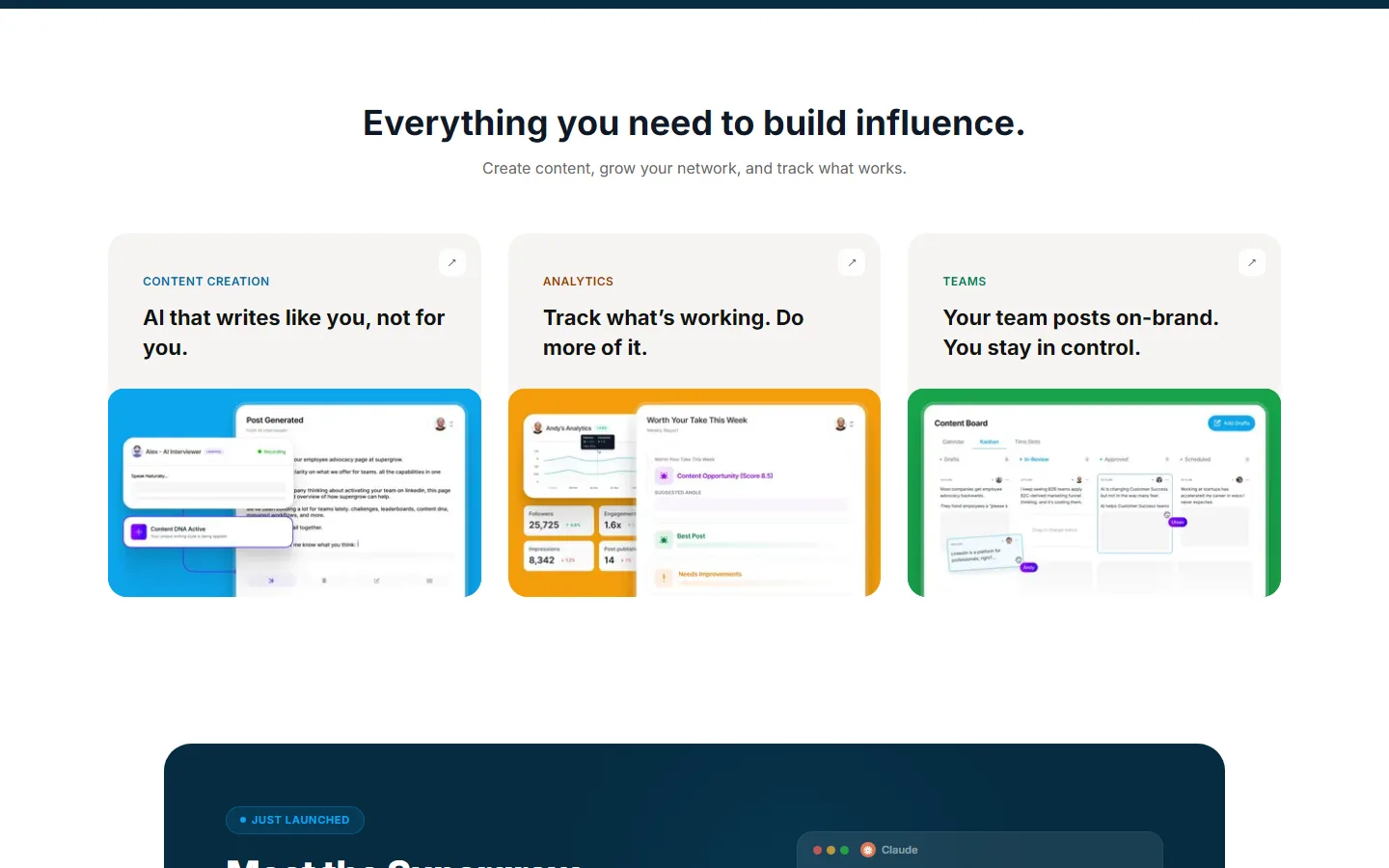
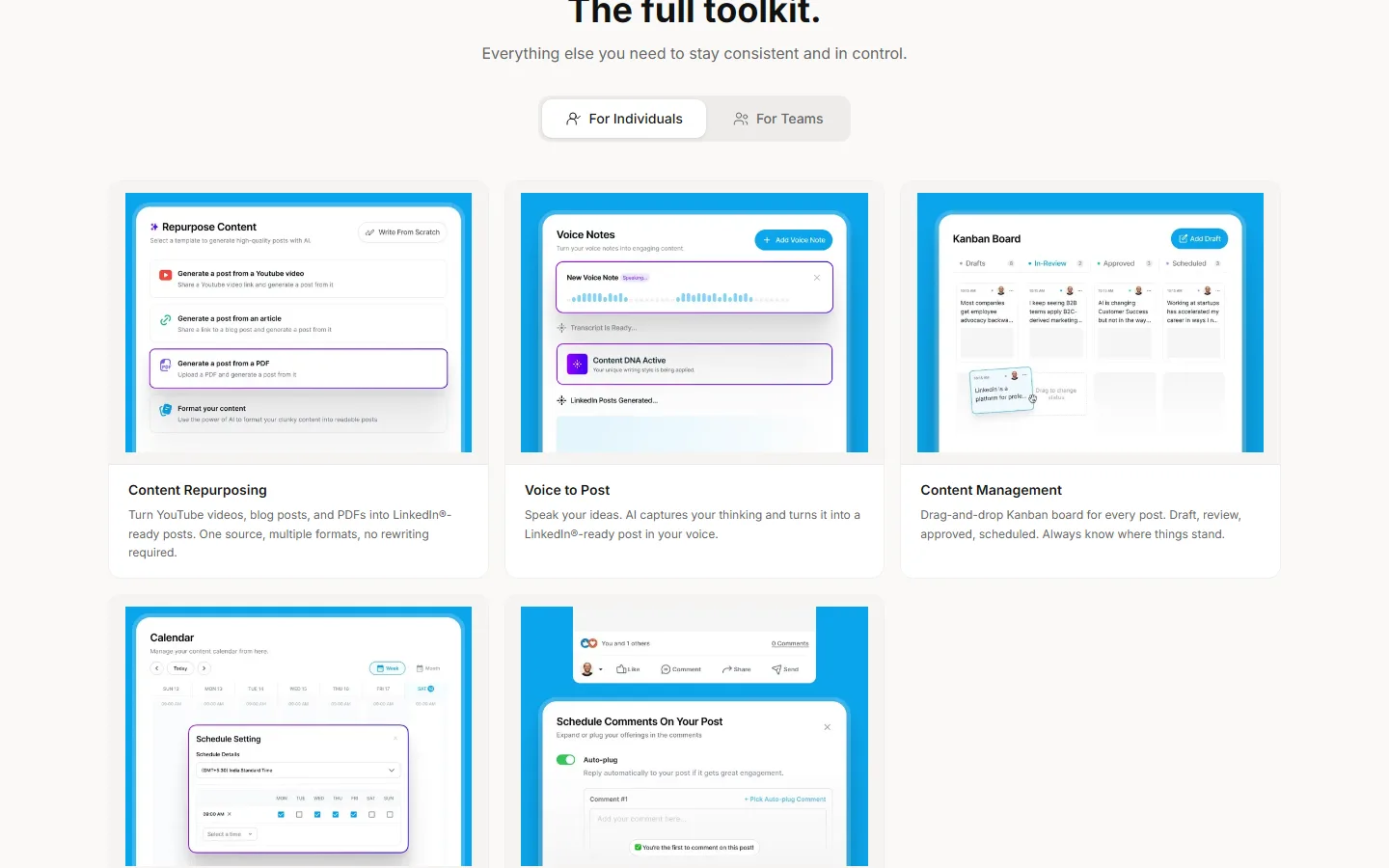
Supergrow is the cheapest honest route to AI writing that sounds like you. Its $19 plan already learns your style from your past posts, which Taplio makes you pay $69 for.
Its best trick is PostCast, an AI interviewer that chats with you for 10 to 30 minutes and turns what you said into drafts. If you'd rather talk than type, it's genuinely lovely. Teams get a lot too: everyone has their own voice profile, and managers can send out interview prompts and approve posts before they go live.
| At a glance | |
|---|---|
| Price | $19/mo Starter, $39/mo Pro, $139/mo Teams (four accounts) |
| Free trial | 7 days |
| Posts to LinkedIn via | LinkedIn's official API |
| Reviews | 4.4 on G2 (14 reviews) |
| Best for | Solo creators who'd rather talk their ideas out than type them |
Pros
- AI writing in your own voice from $19 a month
- PostCast turns a chat into ready-to-edit drafts
- Strong team features with approvals
Cons
- The $19 plan has no carousels, infographics or analytics
- Only two PostCast sessions on the cheapest plan
- Analytics is fairly basic
3. AuthoredUp
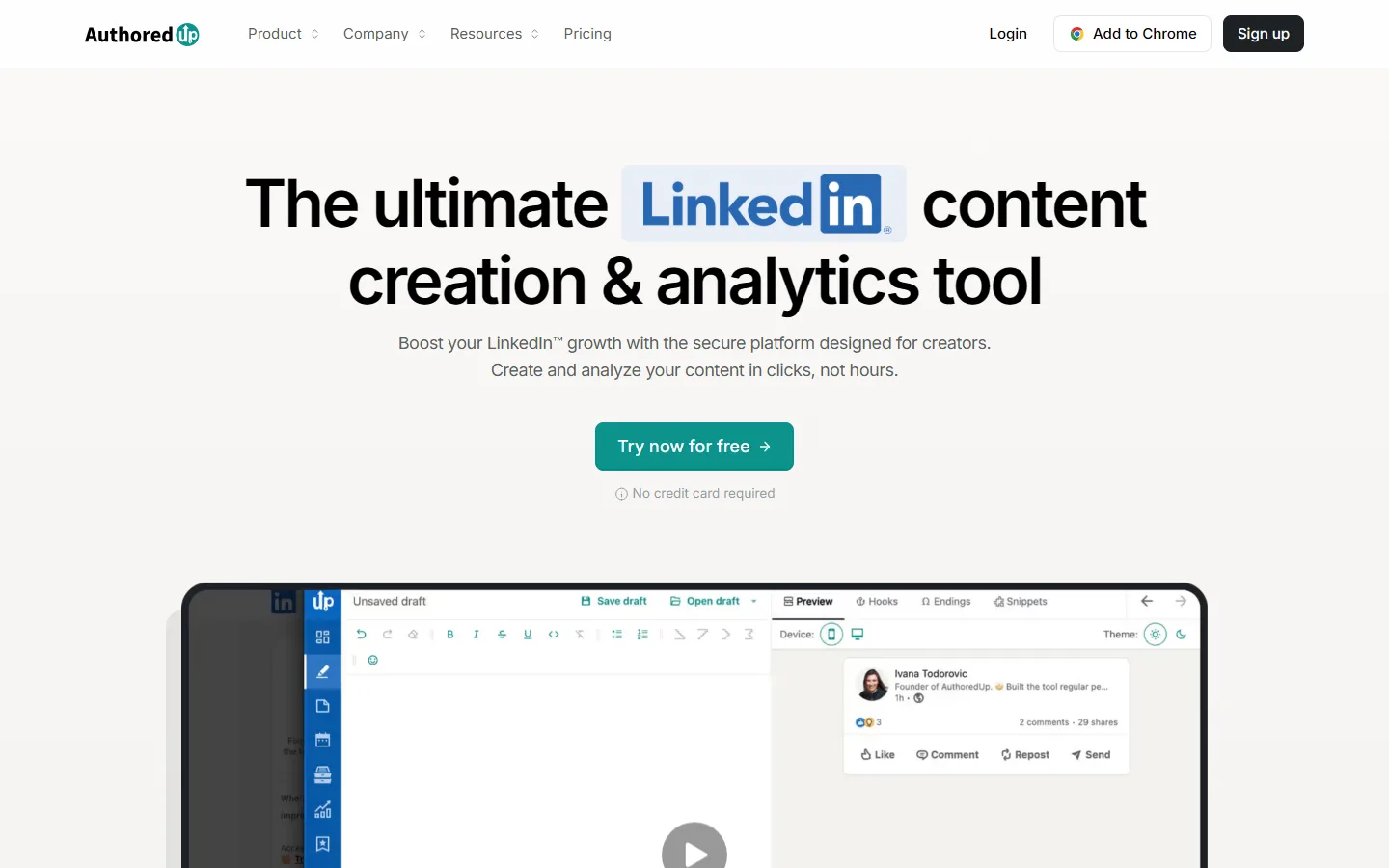
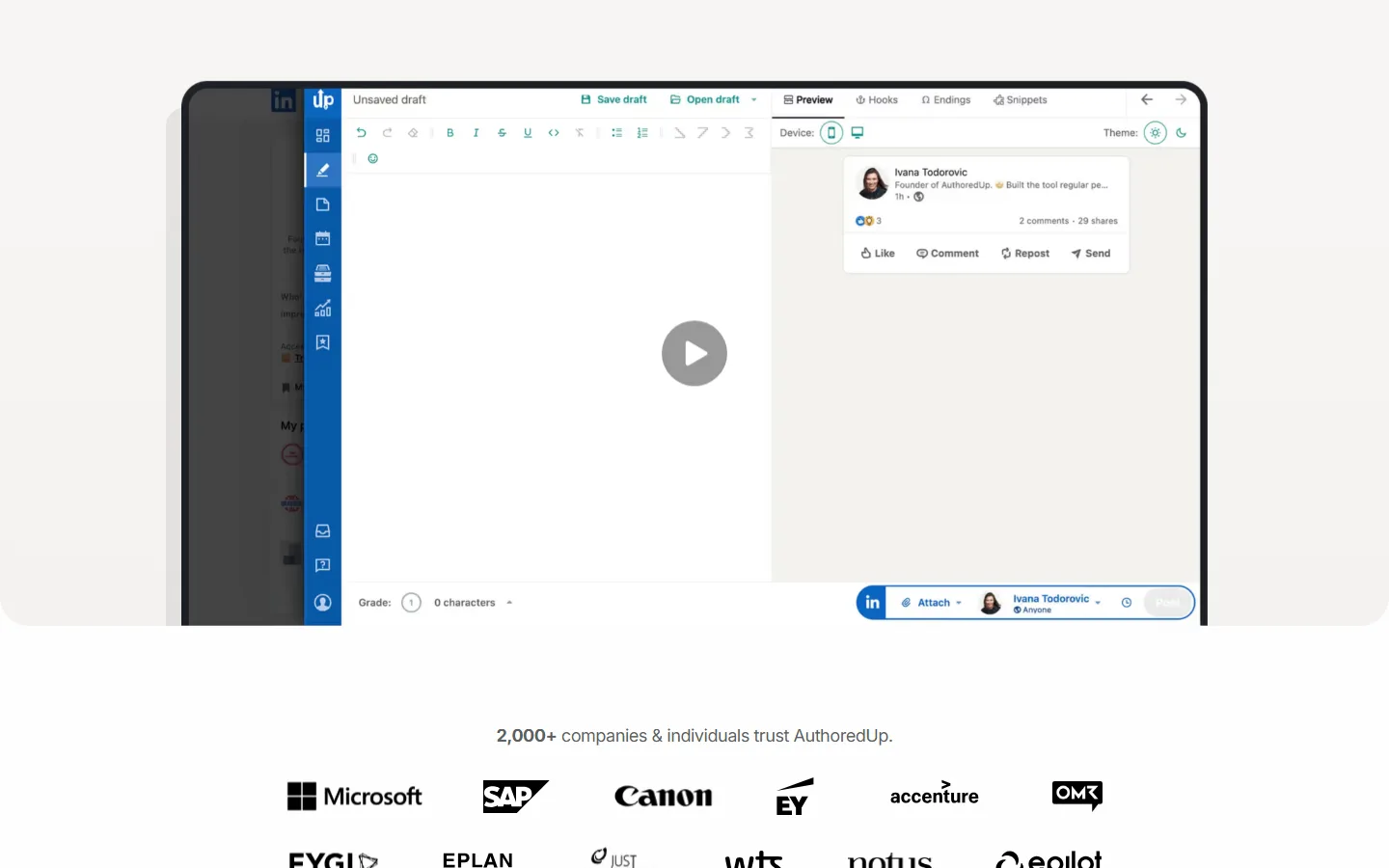
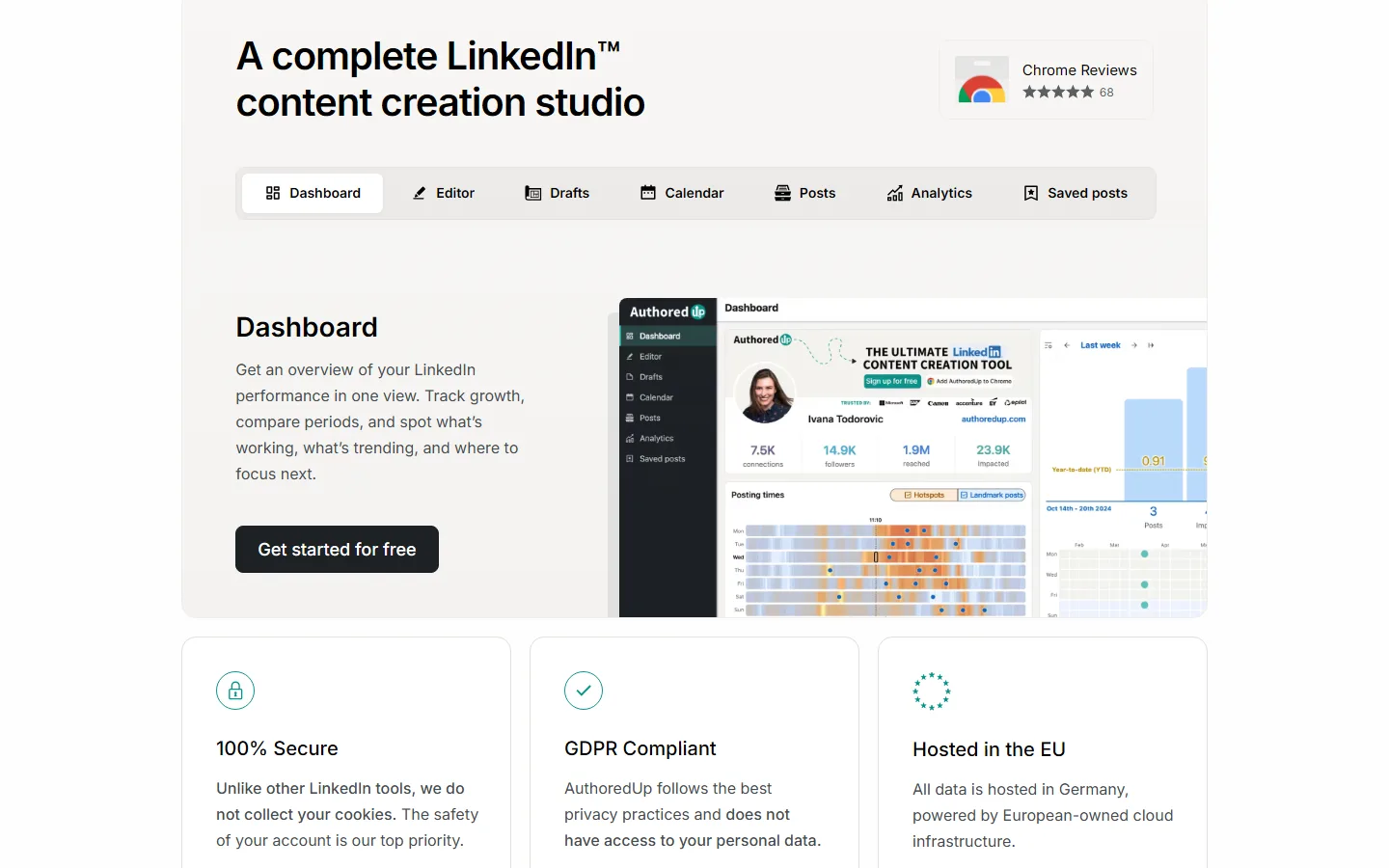
If you love writing your own posts and just want them to look great, AuthoredUp is the best editor around. It's a Chrome extension that sits on top of LinkedIn and adds bold and italic text, bullet points, a readability check, and a preview that shows exactly where LinkedIn's "see more" cut-off will land on phone and desktop.
It also pulls in your whole posting history and tells you your best times to post. There's a new AI writer called Coauthor, but it's still in closed beta, and AuthoredUp doesn't make images of any kind.
| At a glance | |
|---|---|
| Price | $19.95/mo ($16.63 yearly); teams $14.95 per profile, three minimum |
| Free trial | Yes, no card needed |
| Posts to LinkedIn via | Chrome extension (you post by hand) |
| Reviews | 4.7 on the Chrome Web Store (70 ratings) |
| Best for | People who write every word themselves |
Pros
- The best post editor and preview on the market
- Imports your full post history for analytics
- Free trial with no card
Cons
- No carousels, infographics or images
- AI writer still in closed beta
- Chrome and similar browsers only, and no refunds
4. MagicPost


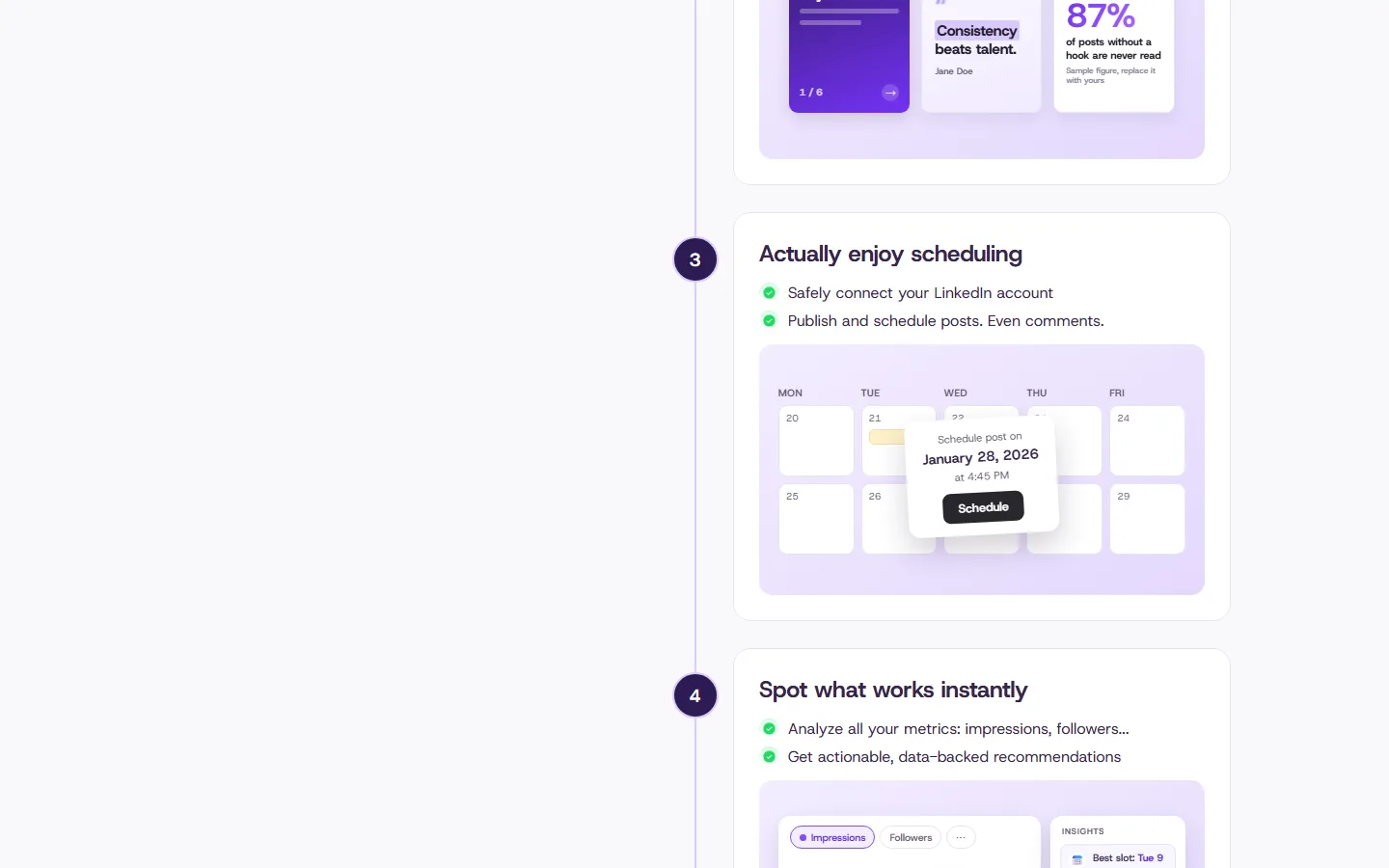
MagicPost tries to be your whole LinkedIn routine in one tab: ideas, drafts, carousels, scheduling, analytics and replying to comments. It's built in France, connects through LinkedIn's official API, and has one of the bigger piles of happy reviews on this list.
Watch the price, though. The "from $29" you'll see is the yearly rate for a plan with no AI writing. Where it's thinner is voice: it learns your style from a handful of recent posts and a few questions, so some people find the openings start to repeat.
| At a glance | |
|---|---|
| Price | $49/mo Growth (no AI writing), $69/mo Creator ($39 yearly) |
| Free trial | Yes, no card (three post credits) |
| Posts to LinkedIn via | LinkedIn's official API |
| Reviews | 4.7 on Trustpilot (91 reviews) |
| Best for | People who want everything in one place and pay yearly |
Pros
- Covers the whole routine in one tool
- Lots of positive reviews
- Good value if you pay yearly
Cons
- AI writing needs the $69 plan
- Voice learning is fairly shallow
- Material you add for one post isn't kept for the next
5. ContentIn
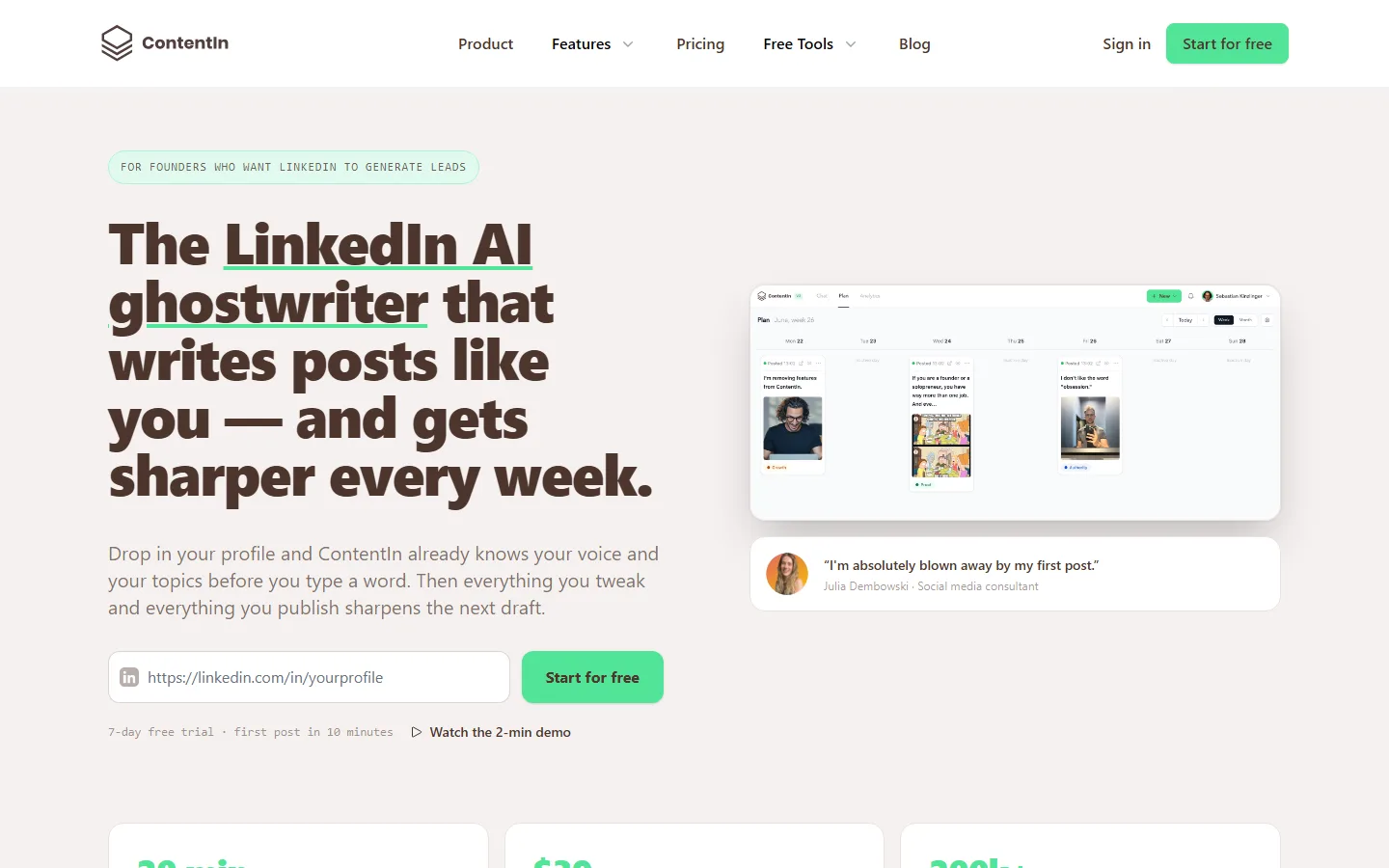
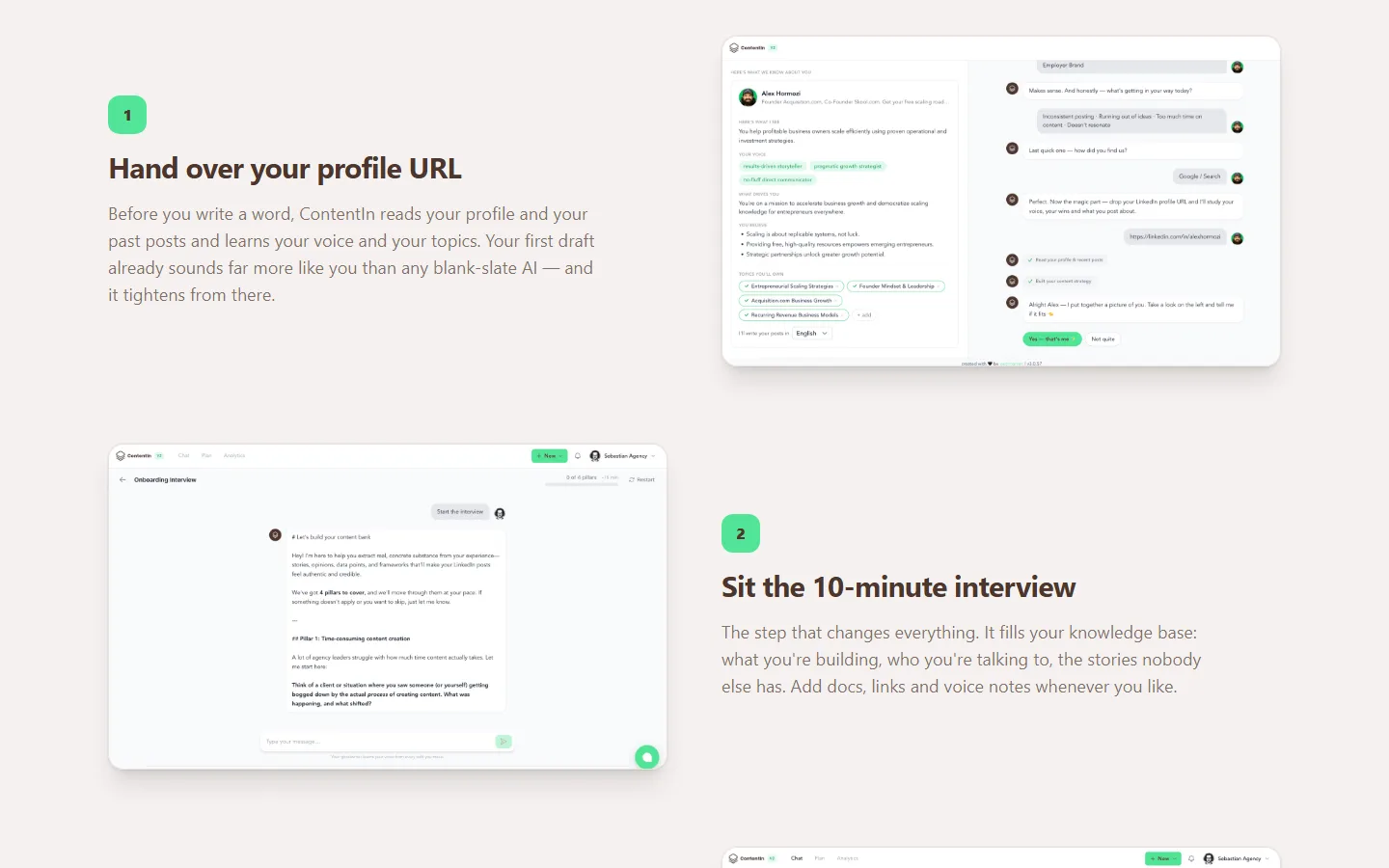
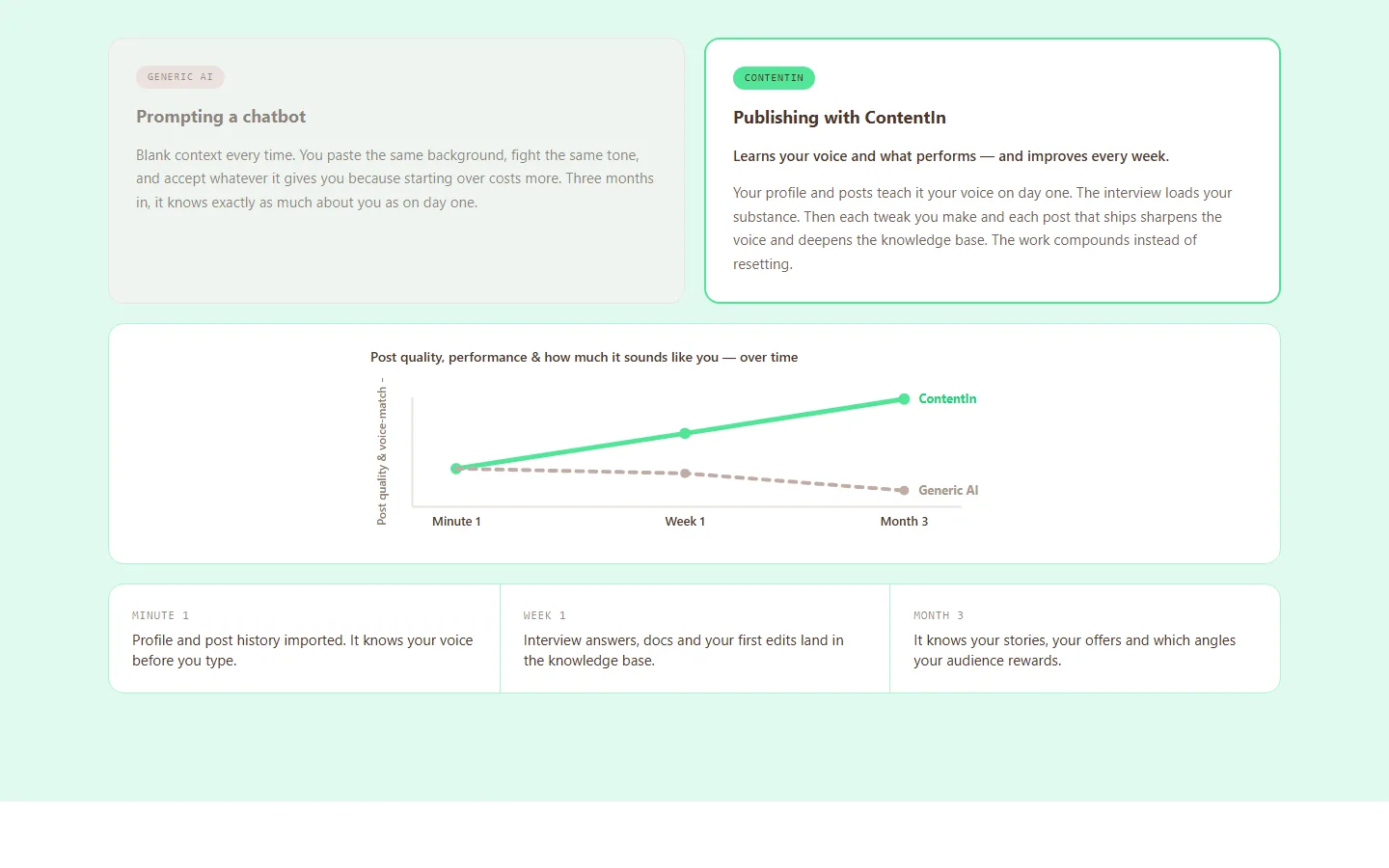
ContentIn keeps things refreshingly simple. Its cheapest plan includes the AI ghostwriter, which learns from your past LinkedIn posts, plus over 1,000 templates and scheduling.
There are monthly limits on the starter plan, and very few recent reviews to go on, so it's a better fit if you already have 20 or so posts for it to learn from.
| At a glance | |
|---|---|
| Price | $39/mo Growth ($31 yearly), $59/mo Pro ($48 yearly) |
| Free trial | 7 days, plus a 30-day refund on your first payment |
| Posts to LinkedIn via | LinkedIn's official API |
| Reviews | 4.5 on G2 (5 reviews) |
| Best for | Solo founders with a back catalogue of posts |
Pros
- AI writing included on the cheapest plan
- Over 1,000 templates
- Generous 30-day refund
Cons
- Starter plan caps carousels at 4 and images at 20 a month
- Very few independent reviews
- Some users find the drafts generic
6. Typegrow
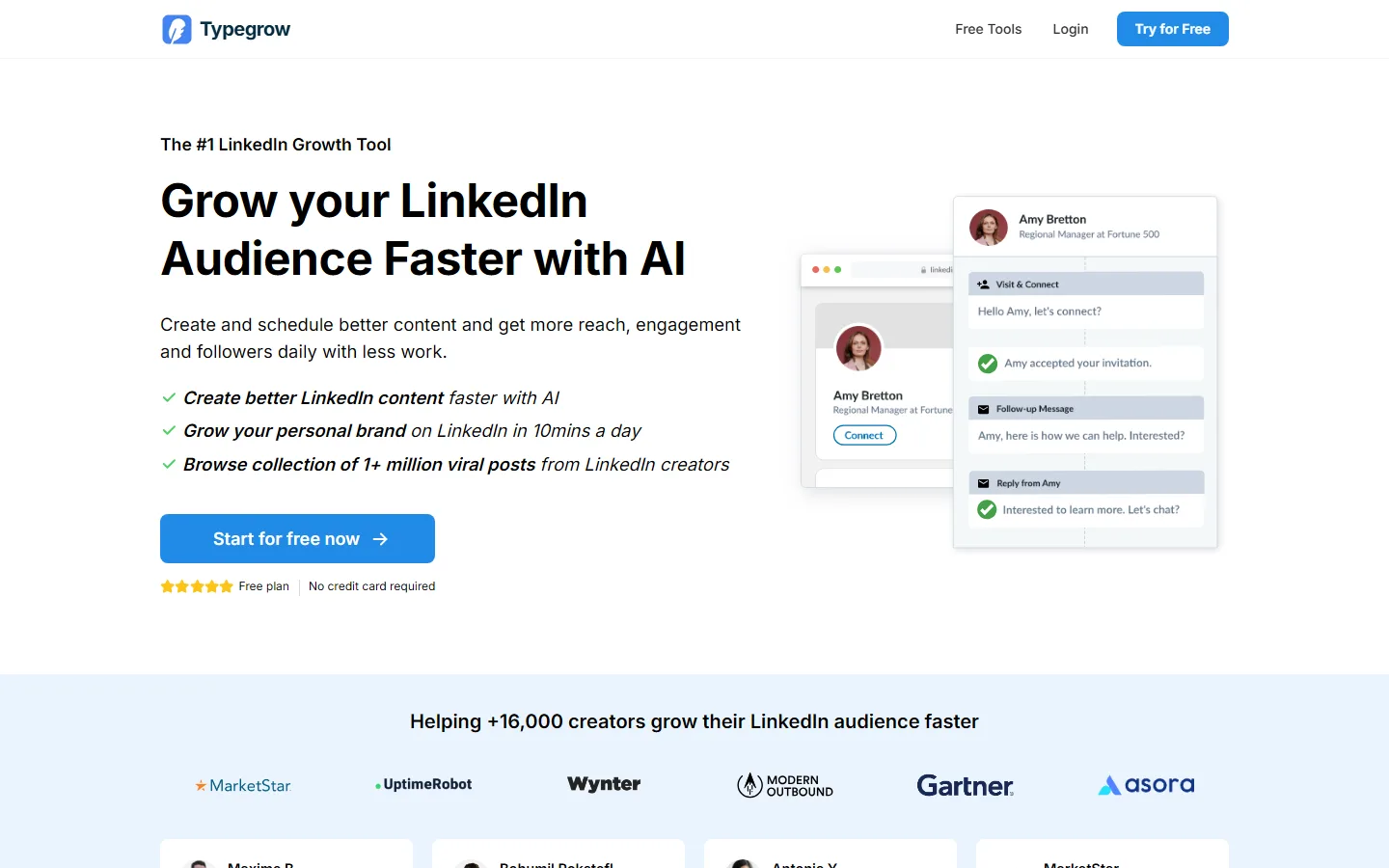
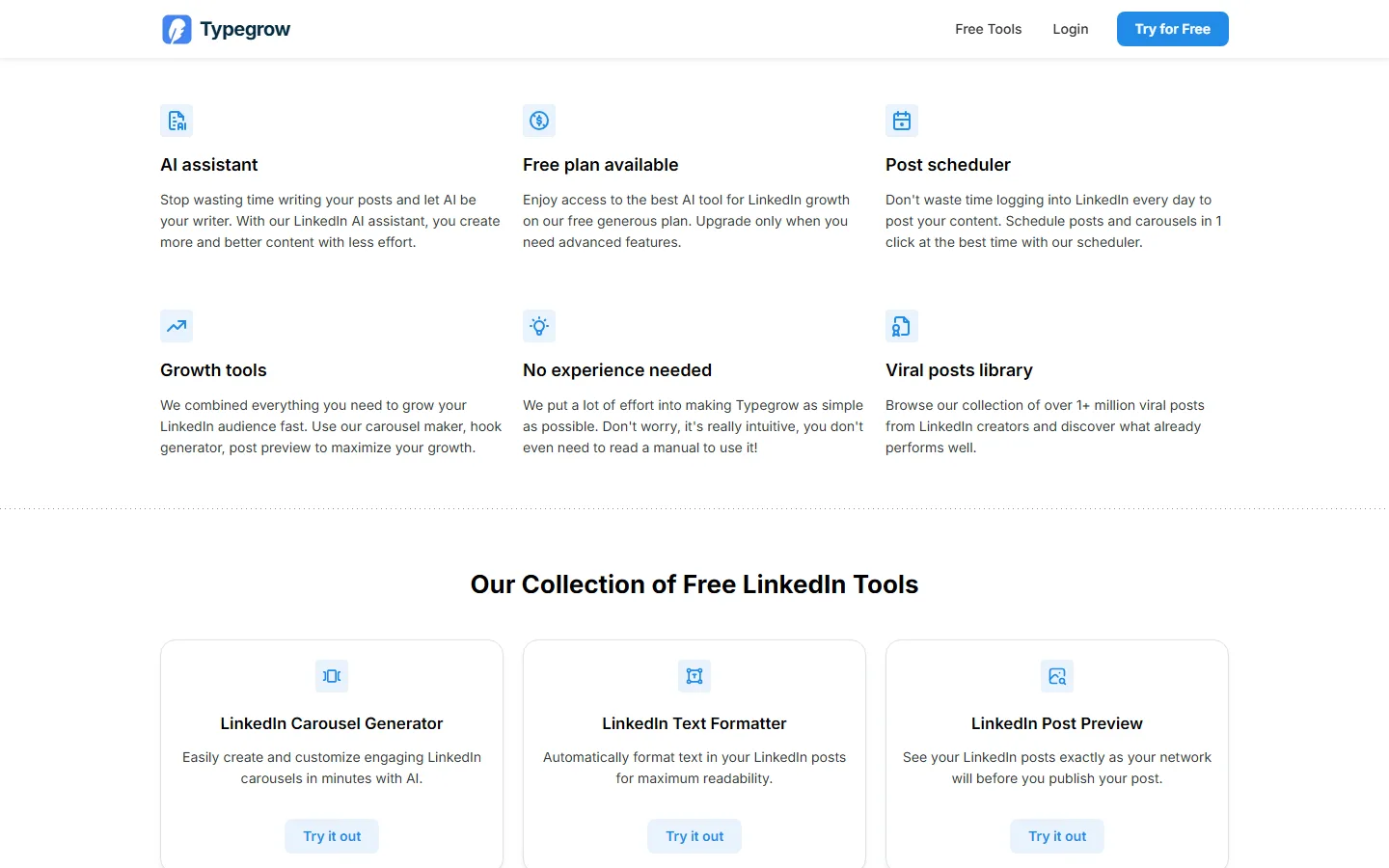
Typegrow is the easiest one to try: there's a free plan and you don't need a card. It covers AI writing, scheduling and carousels, and says it has a library of over a million viral posts to learn from.
The catch is that it doesn't say what the free and paid plans actually include, and we couldn't find a single independent review. So the honest advice is to spend an afternoon with the free plan and decide for yourself.
| At a glance | |
|---|---|
| Price | Free plan; $29 per seat a month ($20 yearly) |
| Free trial | Free plan, no card |
| Posts to LinkedIn via | LinkedIn's official API |
| Reviews | None yet |
| Best for | Anyone who wants to try before spending a penny |
Pros
- Free plan with no card
- Cheap paid plan, especially yearly
Cons
- No published list of what each plan includes
- No independent reviews
- No refunds
7. Oiti
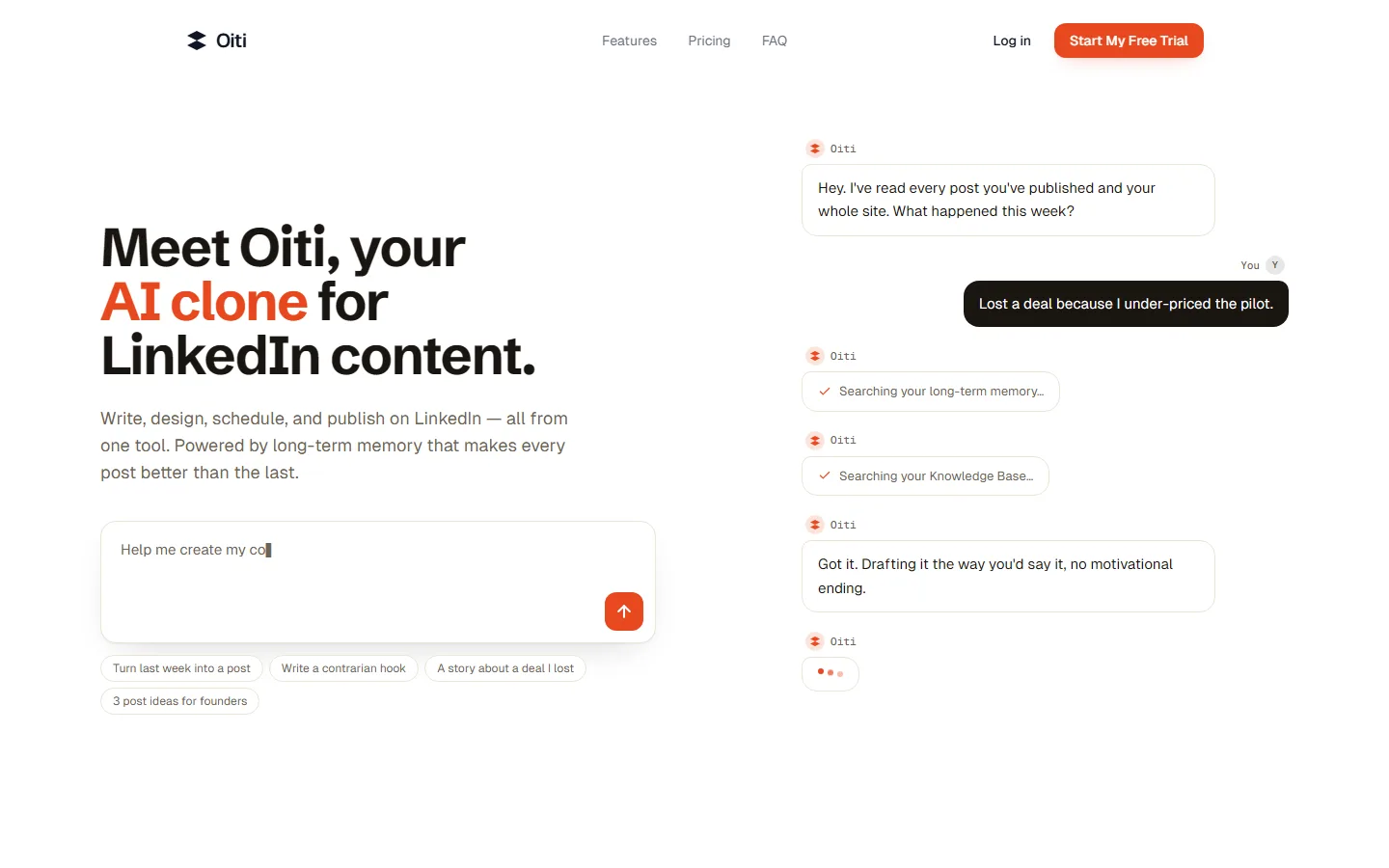


Oiti goes deep on sounding like you. It builds a detailed profile of how you write, remembers your past sessions, and keeps a library of your articles, videos and PDFs to draw from.
Its Pro plan adds extra personas and accounts, which makes it a nice fit for a small ghostwriting agency. It's mostly a text tool, though, and it's a one-person company with no reviews yet.
| At a glance | |
|---|---|
| Price | $49/mo Creator, $79/mo Pro (yearly: $245 and $395 a year, a limited-time offer) |
| Free trial | 7 days, plus a 7-day refund |
| Posts to LinkedIn via | LinkedIn's official API |
| Reviews | None yet |
| Best for | Ghostwriters managing a few clients |
Pros
- Detailed voice cloning
- Keeps a library of your own material
- Good value for multiple personas
Cons
- Mostly text, with no analytics
- One-person company with no reviews
8. Scripe
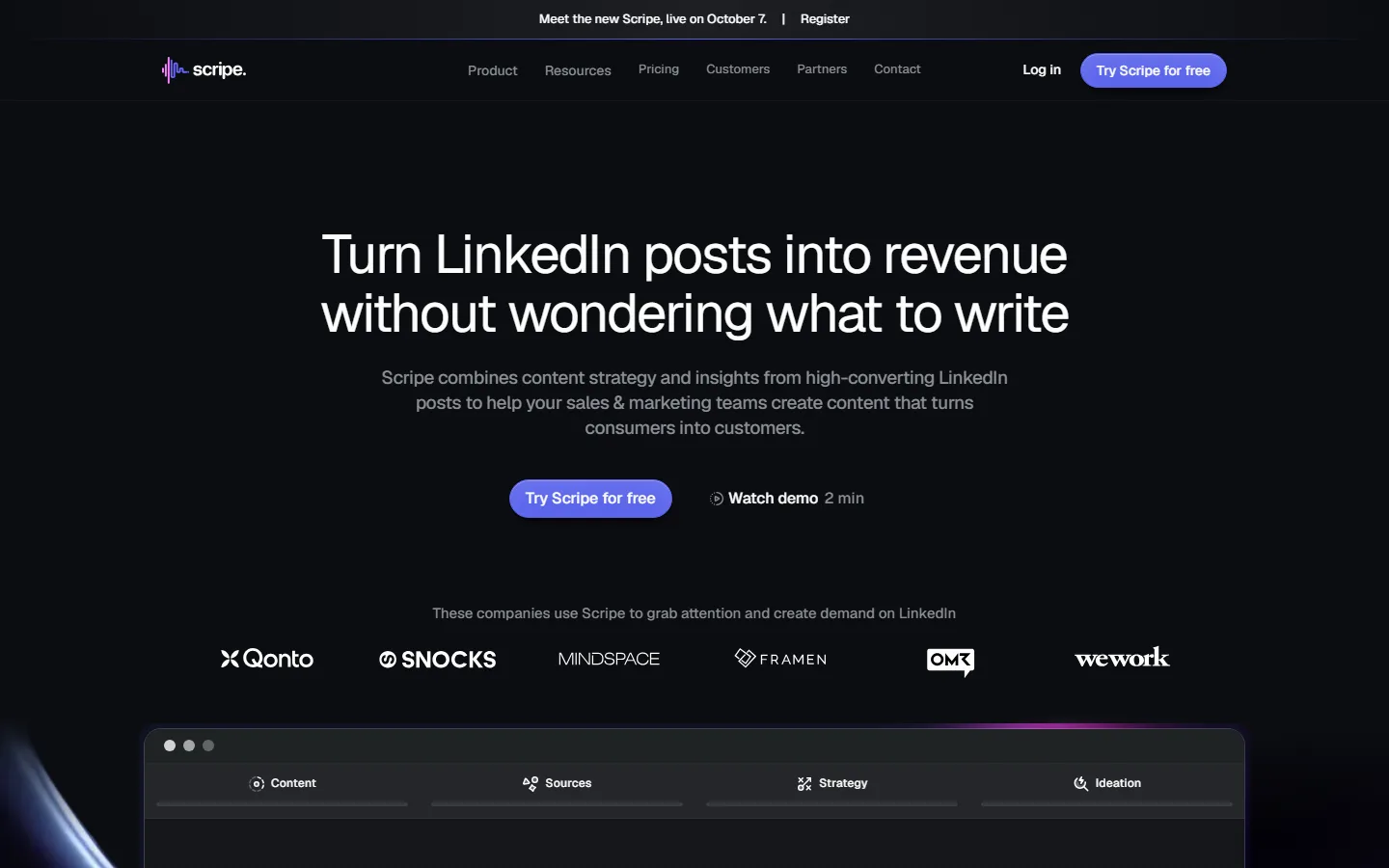
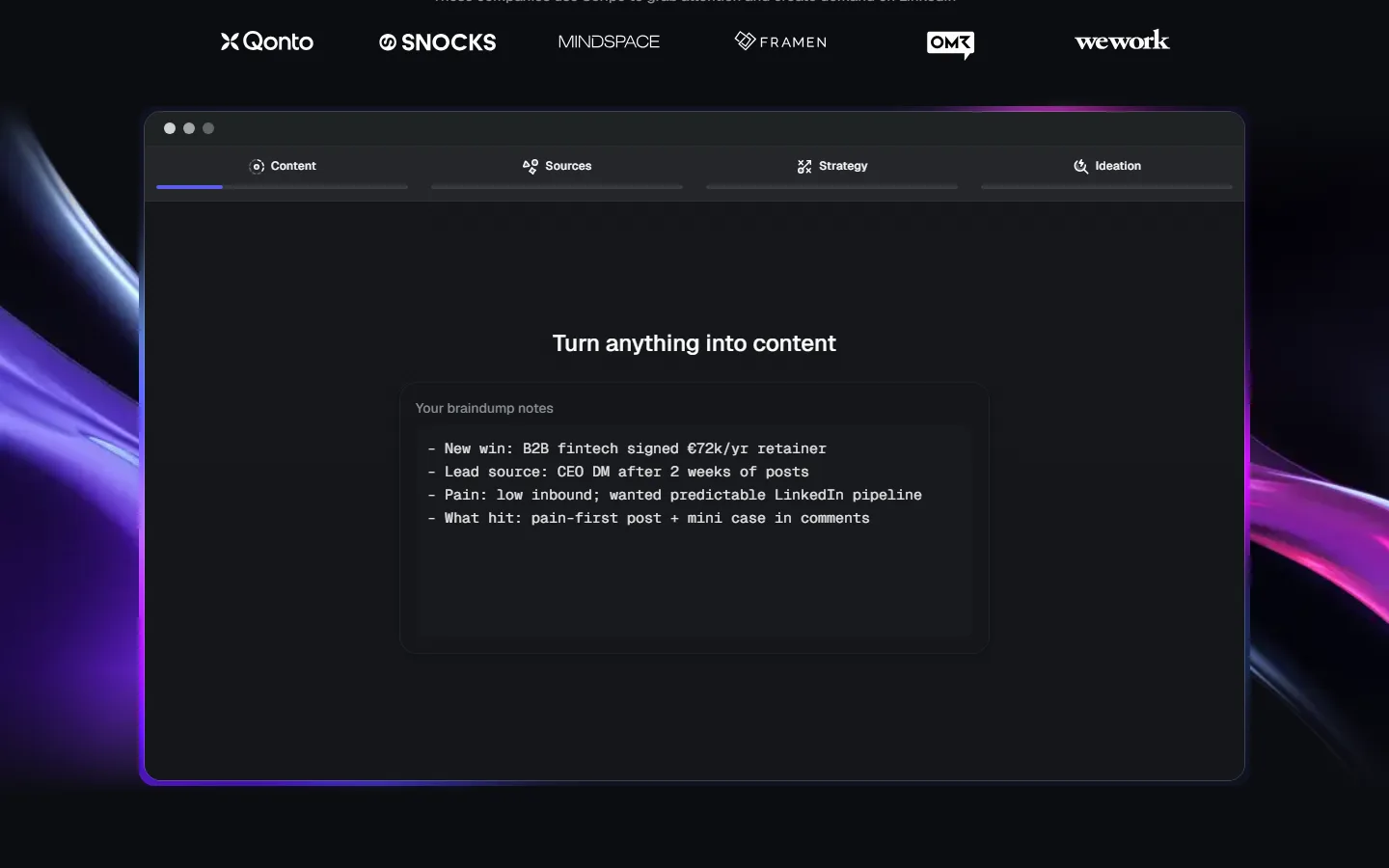
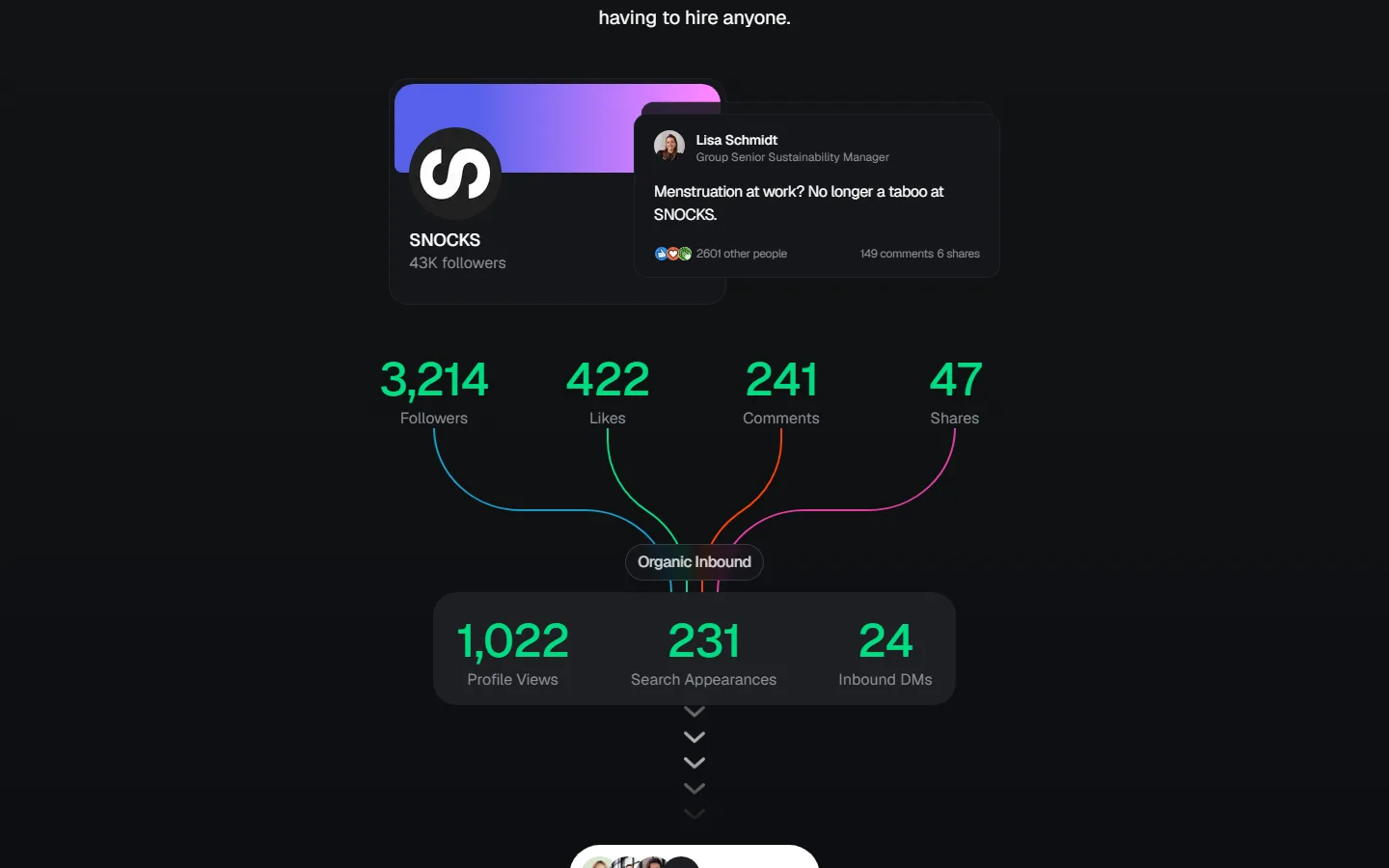
Scripe is built for companies putting several people on LinkedIn at once. You get approvals, a shared content board, campaigns, and an interview mode that turns what people tell it into posts.
Its analytics are the best on this list. It can track a post from the first click all the way to revenue. Its reviews have taken a dip lately, though, and the cheapest plan is for one person only.
| At a glance | |
|---|---|
| Price | €69/mo Solo, €99/mo Advanced, €149/mo Business (before VAT, businesses only) |
| Free trial | 7 days, card needed |
| Posts to LinkedIn via | LinkedIn's official API |
| Reviews | 2.6 on Trustpilot (8 reviews) |
| Best for | European B2B teams who want analytics above all |
Pros
- The strongest analytics on this list
- Built for teams, with approvals and campaigns
- Knowledge base covers your website, Notion and YouTube
Cons
- Extra seats cost €45 a month each
- Recent reviews are critical
- Can automate likes and comments across your team, which carries risk
9. Postbeam
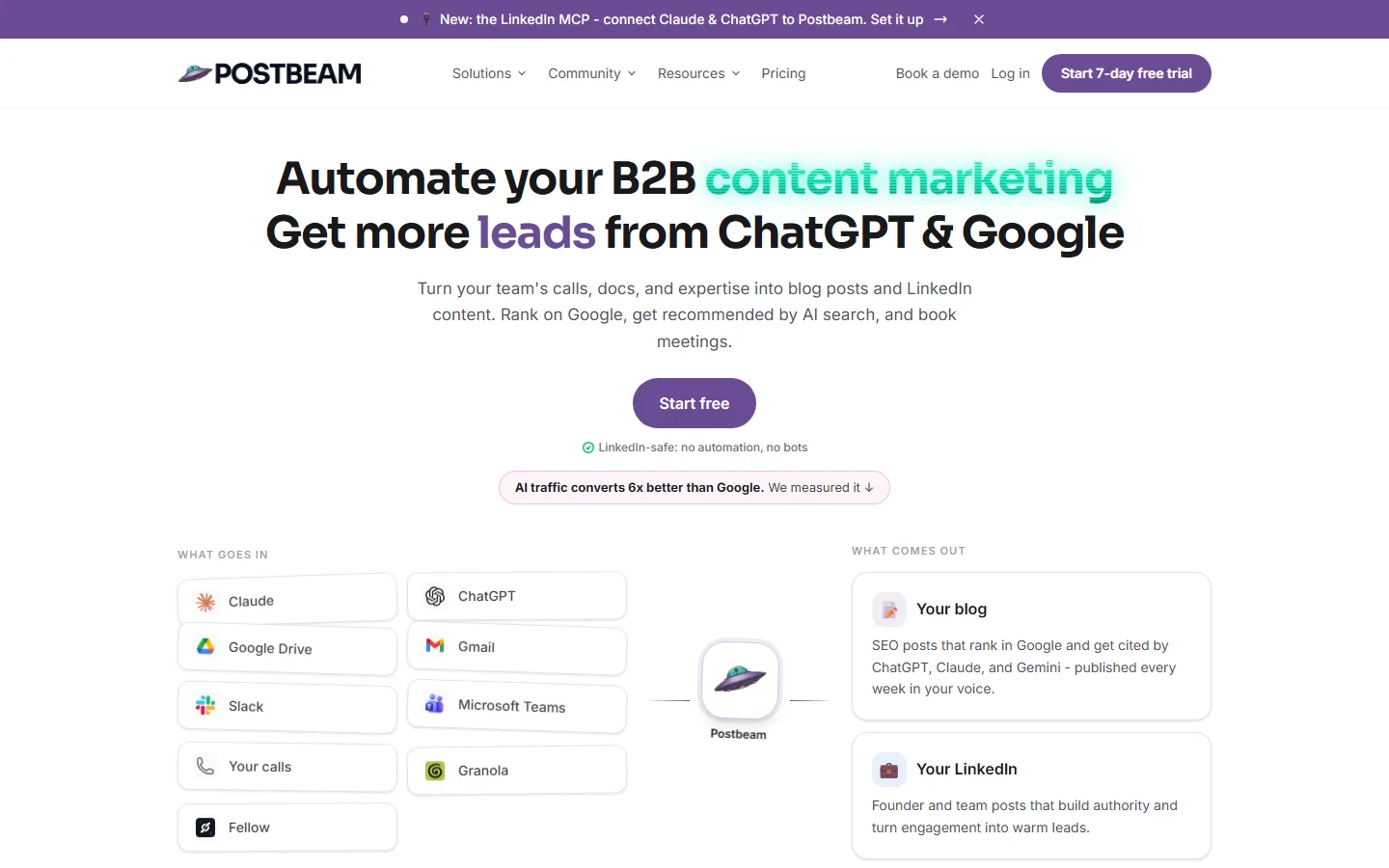

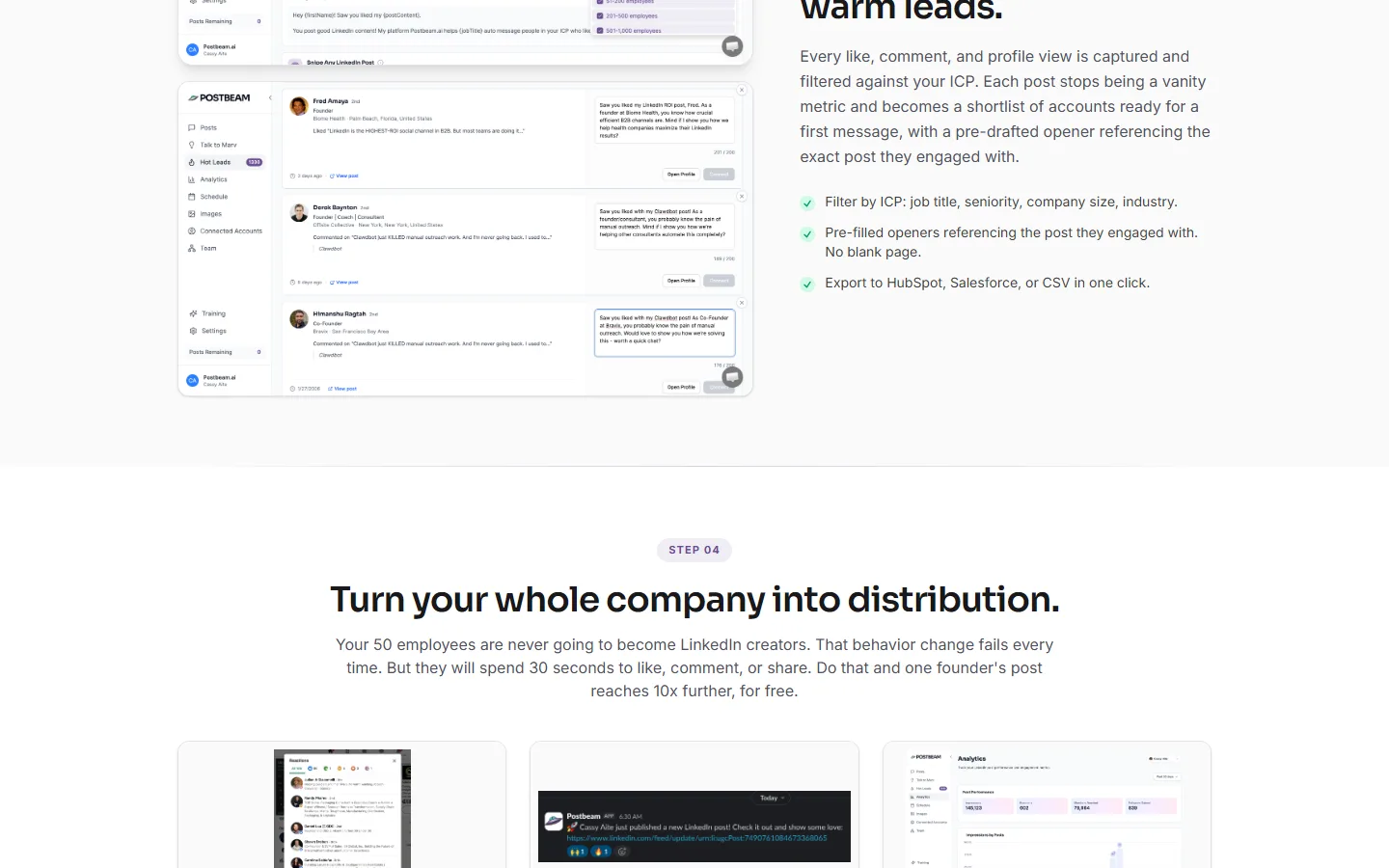
Postbeam is the only content tool here that's really about sales. It writes and schedules your posts, then ranks the people who engaged with them against your ideal customer and drafts a first message to each.
That lead feature asks you to paste in your LinkedIn session cookie, a login token that lets software act as you. In a public review on AppSumo, a customer reports that Postbeam's developer confirmed this isn't part of LinkedIn's standard permitted integration. That's worth knowing before you switch it on.
| At a glance | |
|---|---|
| Price | $49/mo Solo (half-price offer until 1 November, normally $99); Team $39 per seat, two minimum |
| Free trial | 7 days |
| Posts to LinkedIn via | LinkedIn's official API, plus your session cookie for leads |
| Reviews | 4.2 on AppSumo (18 reviews) |
| Best for | Founders who want posts to turn straight into sales conversations |
Pros
- Turns post engagement into a lead list
- Drafts a first message for each lead
Cons
- Lead feature needs your LinkedIn session cookie
- Capped at 30 AI posts a month
- Current price is a promotion that ends on 1 November
10. Kleo
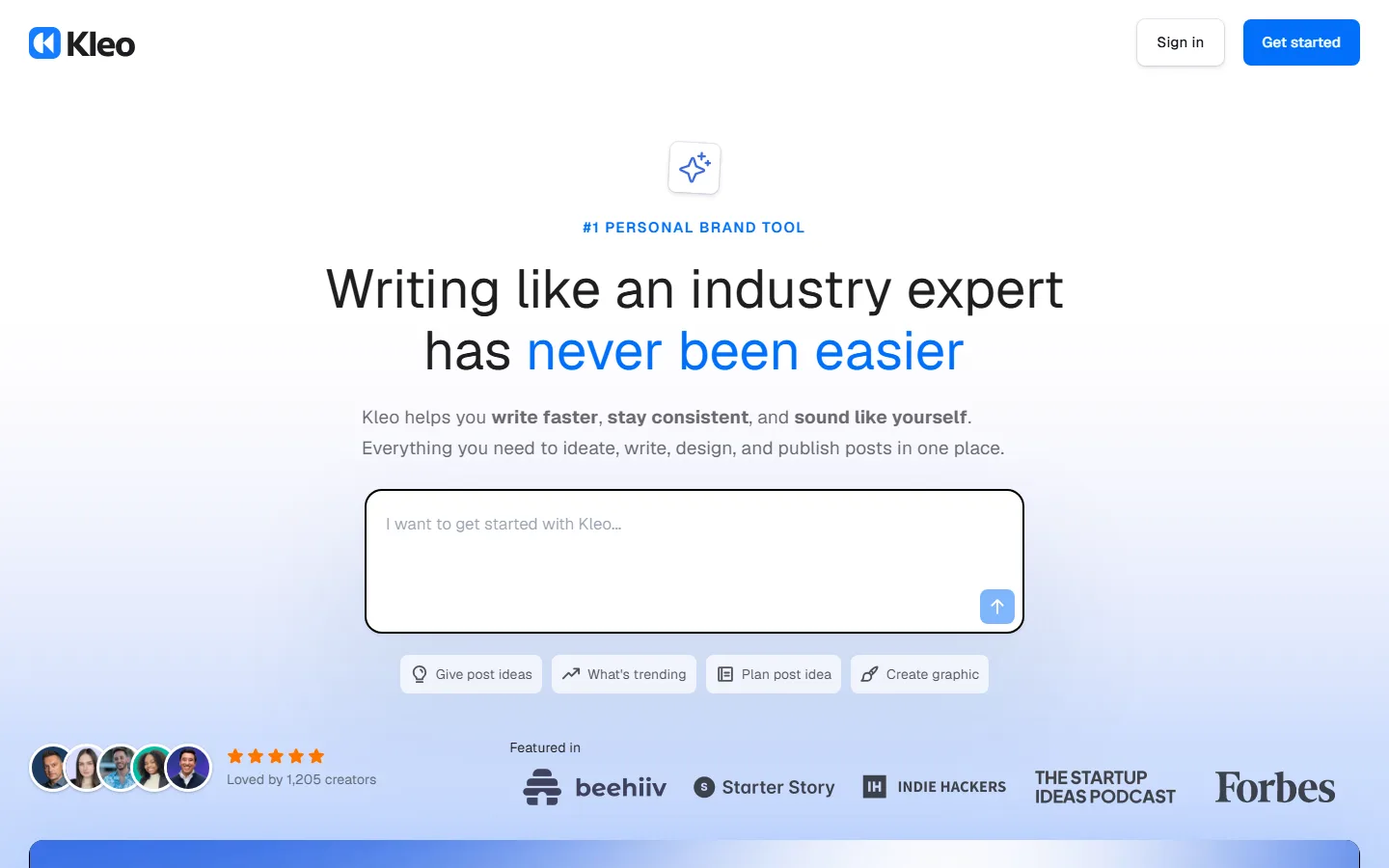
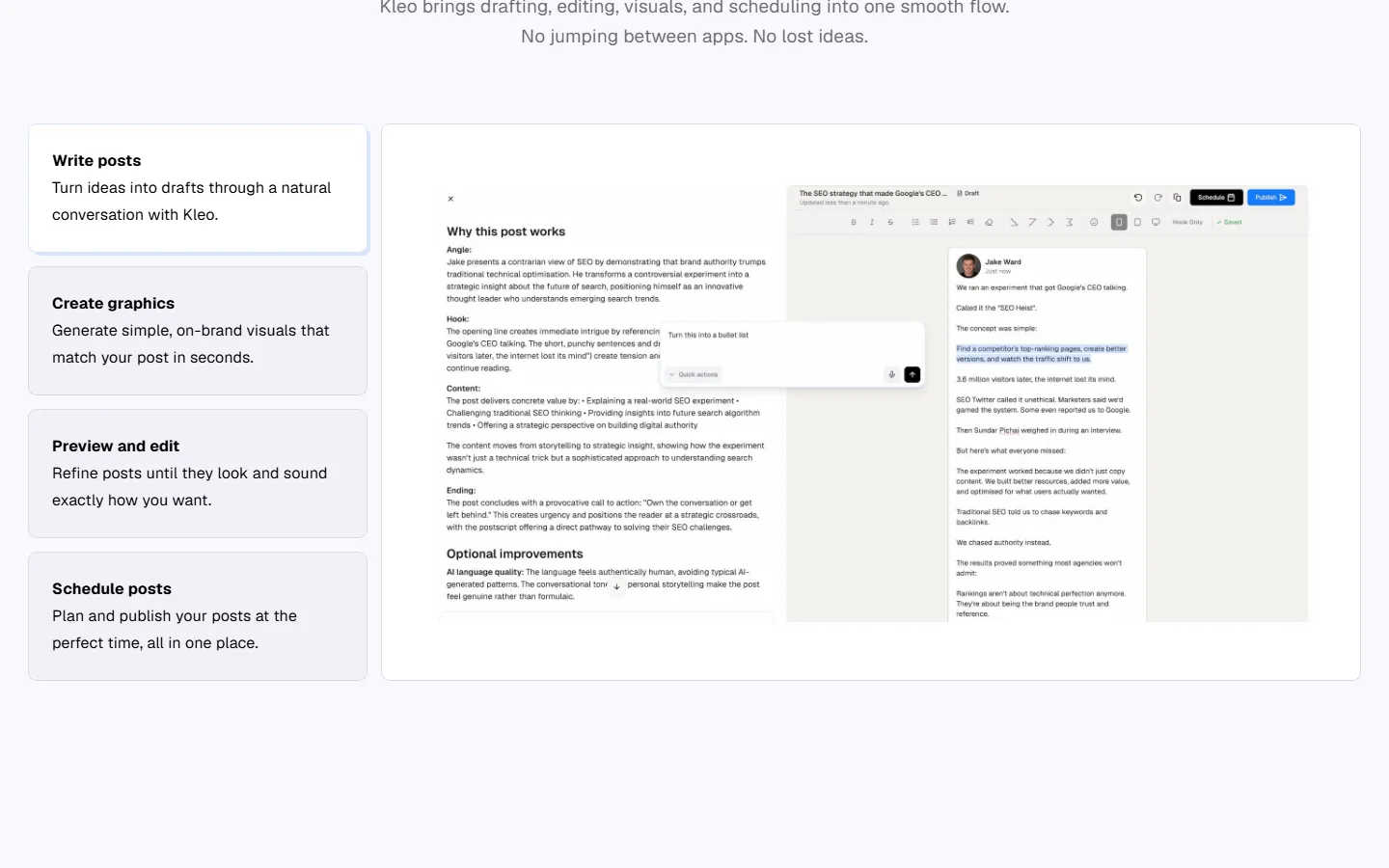
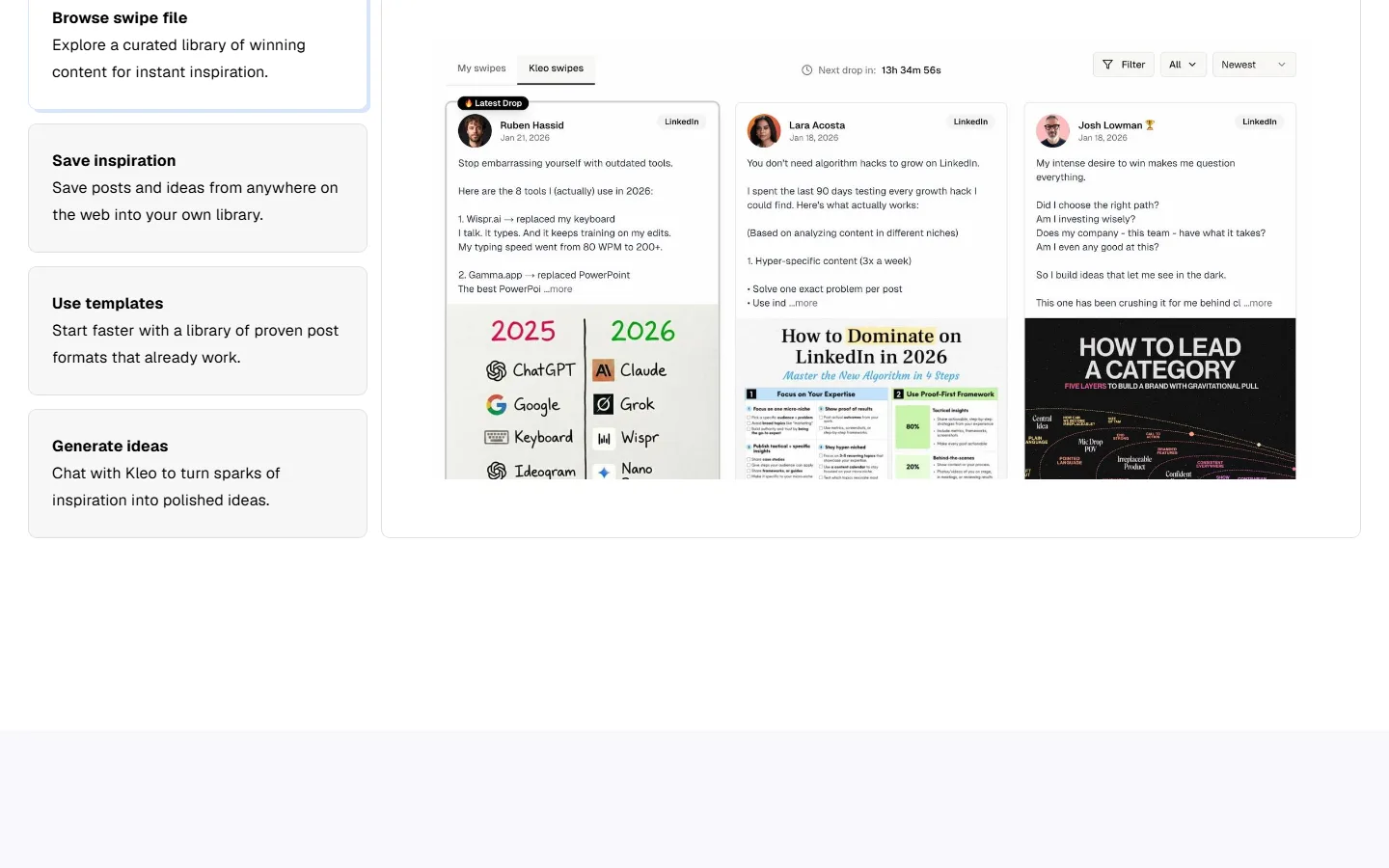
Kleo is as much a coaching programme as a piece of software. One plan gets you a writing app, a personal knowledge base and a live coaching group.
There's no free trial, and the money-back guarantee only covers the yearly plan, so you're committing upfront. It doesn't support teams. You may have read that LinkedIn banned Kleo, but we couldn't find a real source for that, and Kleo says it now posts through LinkedIn's official API.
| At a glance | |
|---|---|
| Price | $99/mo or $999 a year |
| Free trial | None (30-day guarantee on yearly only) |
| Posts to LinkedIn via | LinkedIn's official API |
| Reviews | Too few to judge |
| Best for | People who want coaching and a community, not just a tool |
Pros
- Coaching and community included
- Unlimited posts
Cons
- No free trial
- No team support
- Graphics capped at 20 a month
11. EasyGen
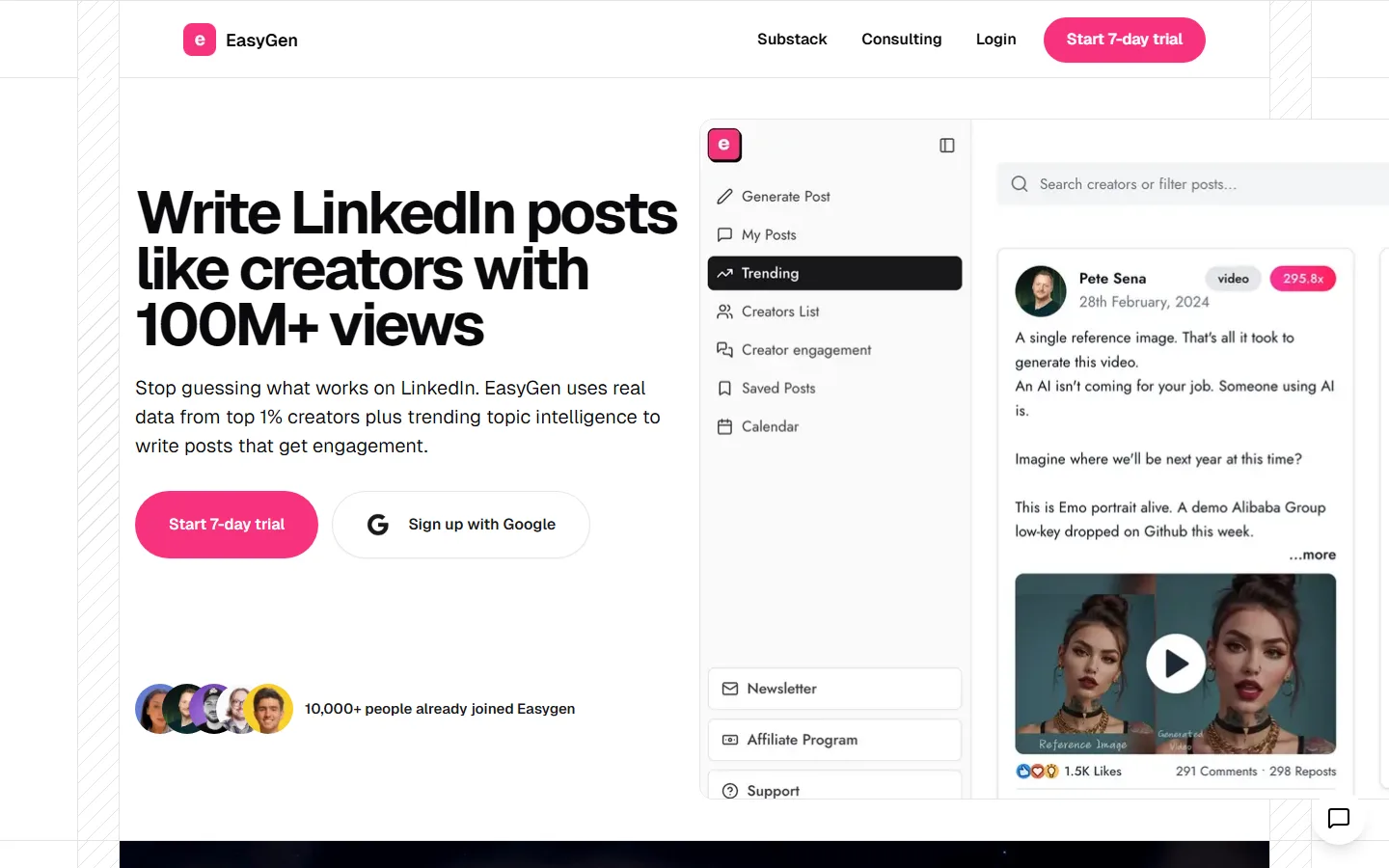

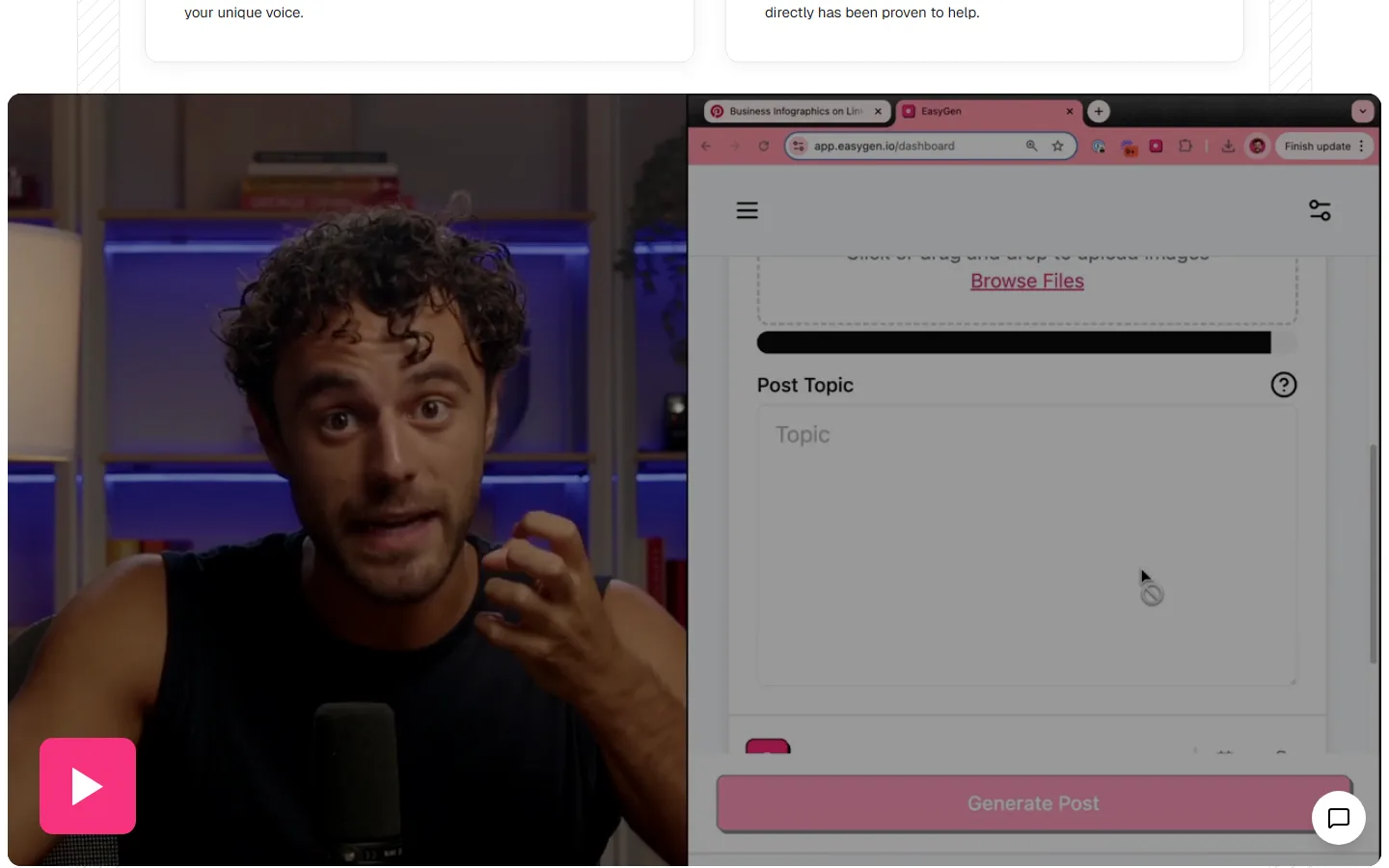
EasyGen writes fast text drafts shaped like what's working on LinkedIn right now, based on what top creators are posting and what's trending. It has a scheduling calendar but deliberately leaves the posting to you.
It doesn't publish its price anywhere. Third-party sources put it at about $60 a month, so ask before you commit.
| At a glance | |
|---|---|
| Price | Not published (about $60/mo, reported) |
| Free trial | 7 days |
| Posts to LinkedIn via | Chrome extension (you post by hand) |
| Reviews | 4.7 on the Chrome Web Store (91 ratings) |
| Best for | Quick text posts that ride current trends |
Pros
- Fast, trend-aware drafts
- Users rate it well
Cons
- No published price, and no refunds
- Text only: no images, carousels or analytics
How much do Taplio alternatives really cost?
Most cost between about $30 and $70 a month once you pick the plan that actually does what you need. The trick to watch for is a cheap headline price on a plan that leaves out the main feature.
| Tool | Price you see first | What you'll really pay |
|---|---|---|
| Taplio | $39/mo | $69/mo for AI writing |
| MagicPost | "From $29/mo" (yearly, no AI writing) | $69/mo for AI writing, or $39/mo yearly |
| Supergrow | $19/mo | $39/mo for carousels and analytics |
| Postbeam | $49/mo (offer ends 1 November) | $99/mo list price; $78/mo minimum for teams |
| Flypost | $39/mo (yearly) | $49/mo monthly, with every post type included (analytics at $79) |
| ContentIn | $39/mo | $39/mo (AI carousels at $59) |
| Kleo | $99/mo | $99/mo (one plan) |
How do you choose the right Taplio alternative?
Start with the one job you want done, then work backwards:
- Pick your main job. Writing from your own content, writing in your voice, formatting, analytics or leads. Each tool above is strongest at one of these.
- Find the cheapest plan that does that job, not the cheapest plan overall.
- Check monthly or yearly. Lots of pricing pages show the yearly rate first.
- Check how it posts. Tools using LinkedIn's official connection are the safe bet.
- Use the trial on a real week of posting before you pay for a year.
Are Taplio alternatives safe for your LinkedIn account?
The safest tools post through LinkedIn's official connection, and most of these do. Be more careful with browser extensions, and steer clear of anything that wants your password or your session cookie.
LinkedIn's help page on prohibited software and extensions says members who use tools that "scrape, modify the appearance of, or automate activity" on the site "risk having their accounts restricted or shut down".
| How it connects | Tools | Risk |
|---|---|---|
| LinkedIn's official connection | Flypost, Supergrow, MagicPost, ContentIn, Typegrow, Oiti, Scripe, Kleo, Postbeam (posting) | Low |
| Browser extension | Taplio, AuthoredUp, EasyGen | Some |
| Your session cookie | Postbeam (lead feature) | Higher |
Flypost connects through an approved LinkedIn partner, and it never likes, comments or messages on your behalf. Scripe's Business plan can schedule likes, comments and reshares across your team's accounts, which are exactly the actions LinkedIn's rules single out, so check how it works before you turn it on.
How did we compare these Taplio alternatives?
In August 2026 we built a research file for each of the 12 tools on this page, Taplio included, and on 4 October 2026 we rechecked every price and review count:
- We read every plan on each tool's live pricing page, monthly and yearly.
- We read their help docs, changelogs and product videos.
- We gathered independent reviews from G2, Trustpilot, Product Hunt, the Chrome Web Store and AppSumo, and noted how many reviews sat behind each score.
Most "Taplio alternatives" pages are written by companies selling one of them, so we only used rival vendors' pages to cross-check prices, never for verdicts. We haven't yet run all twelve side by side on the same post, and we'll add the results here when we do. We recheck prices every quarter.
Frequently asked questions
- What is the best free alternative to Taplio?
- None of the strong alternatives is completely free. Typegrow has a free plan that needs no card, but it doesn't say what the plan includes. Most of the others, including Flypost, Supergrow, Scripe and Taplio itself, offer a 7-day free trial, and AuthoredUp's and MagicPost's trials don't ask for a card.
- What is cheaper than Taplio?
- Taplio starts at $39 a month, but that plan has no AI writing. AI starts at $69 a month, or $49 billed yearly. Supergrow starts at $19 a month, Typegrow at $29 per seat ($20 billed yearly) and AuthoredUp at $19.95, though AuthoredUp is an editor first. Prices were checked in October 2026.
- Is Taplio safe for your LinkedIn account?
- Taplio posts through a Chrome extension working inside your logged-in LinkedIn session, rather than LinkedIn's official publishing connection. LinkedIn's own help pages warn that extensions which automate activity on the site can get accounts restricted. Most of the alternatives here post through LinkedIn's official API instead, which is the safer route.
- What is the best Taplio alternative for teams?
- Flypost includes unlimited team seats on every plan, so adding colleagues doesn't add to the bill. Scripe has the strongest analytics and approval workflow, at 99 euros a month for its team plan before VAT. Supergrow Teams is $139 a month for four accounts.
- Is Flypost a Taplio alternative?
- Yes. Flypost turns your blog, YouTube channel and documents into LinkedIn posts in every format, from text to carousels, infographics and articles. It starts at $49 a month with every post type included, and analytics comes with the $79 Pro plan.
Written by
Sam Cassman
Founder, Flypost · Chiang Mai, Thailand
I'm Sam. I built Flypost after watching too many good businesses sit on years of material (blog posts, call transcripts, case studies, half-finished decks) and post almost none of it.
I write everything here myself. When I claim something works on LinkedIn, it's because I tested it first-hand or ran the numbers across our own data. Where I'm working from a small sample, I'll say so. I'd rather be useful than certain.