

Your LinkedIn content team,
powered by AI
Carousels, infographics and videos in your brand and your voice. Run it yourself, or have our team run it for you.
Card required at checkout. You won't be charged until the trial ends. Cancel anytime.
One content team instead of five apps
Flypost does each job in one place, in your brand and your voice. Drop the subscriptions, and stop copying from one app to the next.
Ideas

$39/mo · Starter
Ideas from your own material, and from what's working for the creators you follow.
Writing
 ChatGPT
$20/mo · Plus
Posts drafted in your voice, from what you actually know.
Design

$18/mo · Pro
Carousels, infographics and image posts, designed in your brand.
Scheduling

$6/mo · Essentials
Posts scheduled straight to your LinkedIn profile or company page.
Analytics

$19.95/mo · Individual
How every post did, without leaving Flypost.
Each app's cheapest plan for the job, billed monthly in US dollars, from the company's own site on 9 November 2026. Buffer is priced for one channel.
Trusted by teams creating with Flypost


Why Flypost
Most AI tools stop at the draft. Flypost takes it all the way to the feed.
AI writing tools
Hand you a block of text. The idea, the design and the posting are still on you.
Agencies and freelancers
Do the lot, on a monthly retainer, and it takes weeks before they sound like you.
Flypost
Finds the idea, writes it from your own material, designs it in your brand and puts it on the calendar. You approve.
From idea to scheduled post
From an empty week to a full calendar. Flypost does the work at every step, and you have the final say.
01 Brainstorm
Never run out of ideas
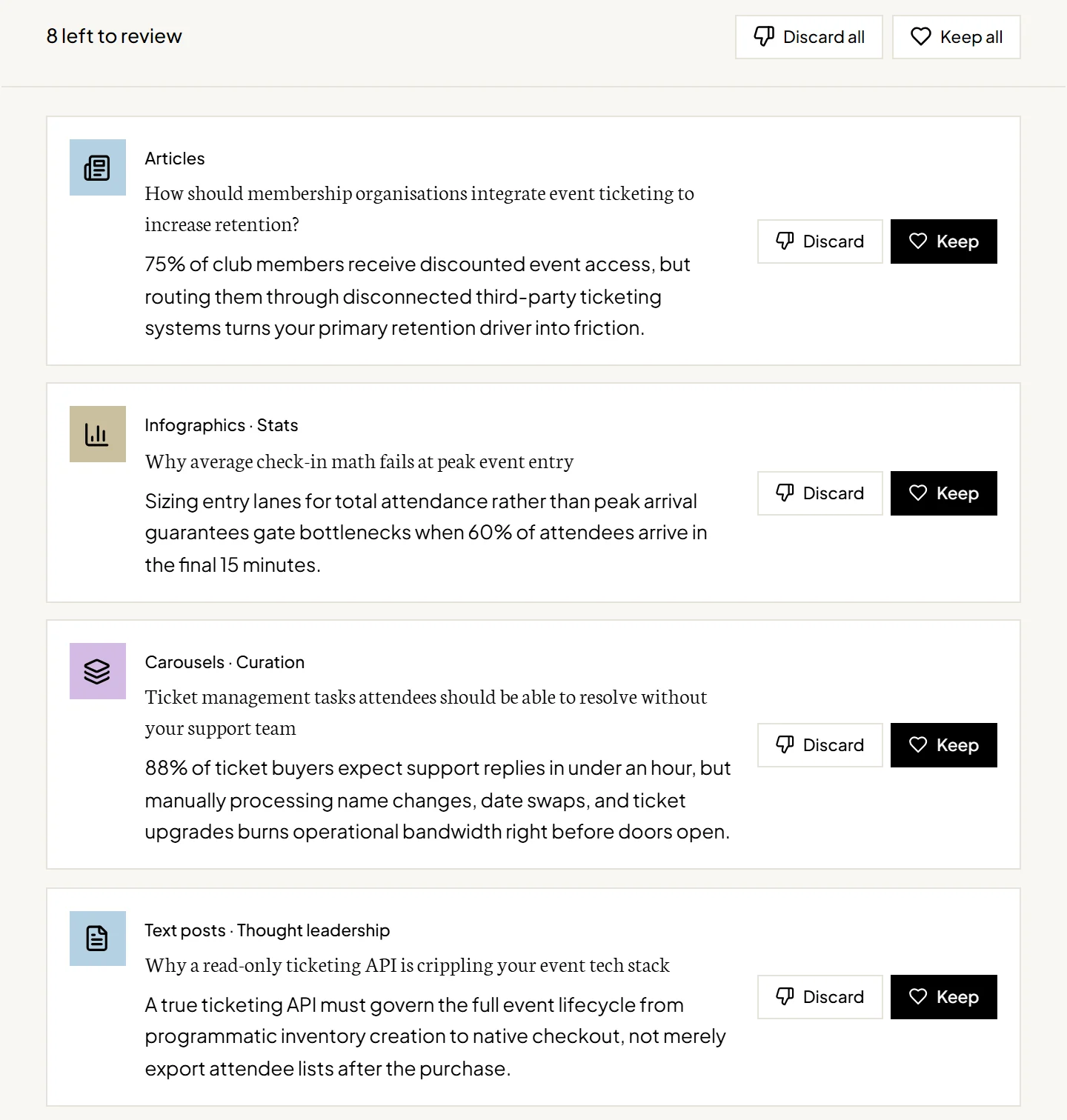
Flypost reads your blog, videos and docs, and watches what's outperforming for the people your buyers follow. Then it pitches posts only you could write.
- Carousels, infographics, articles and text posts
- Grounded in your own material
- Keep the ones you like, discard the rest
02 Inspiration
Find what's going viral
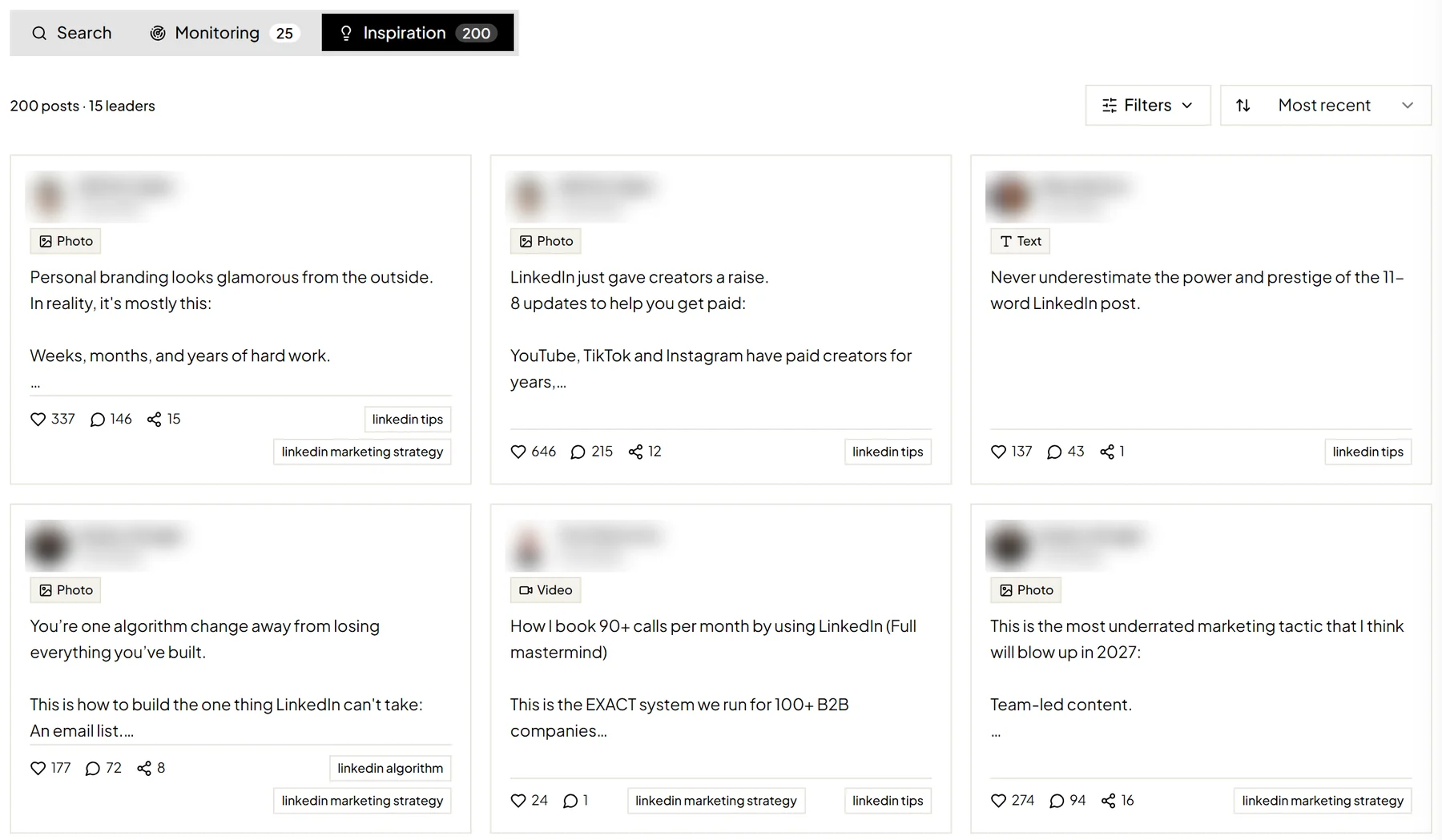
Monitor the creators your buyers follow. Their new posts land in one feed, so you can see what's working and make the idea your own.
- New posts from every creator you monitor
- Filter for posts beating their usual numbers
- Save the best to your Brain for new ideas
03 Design
NewDesigned in your brand
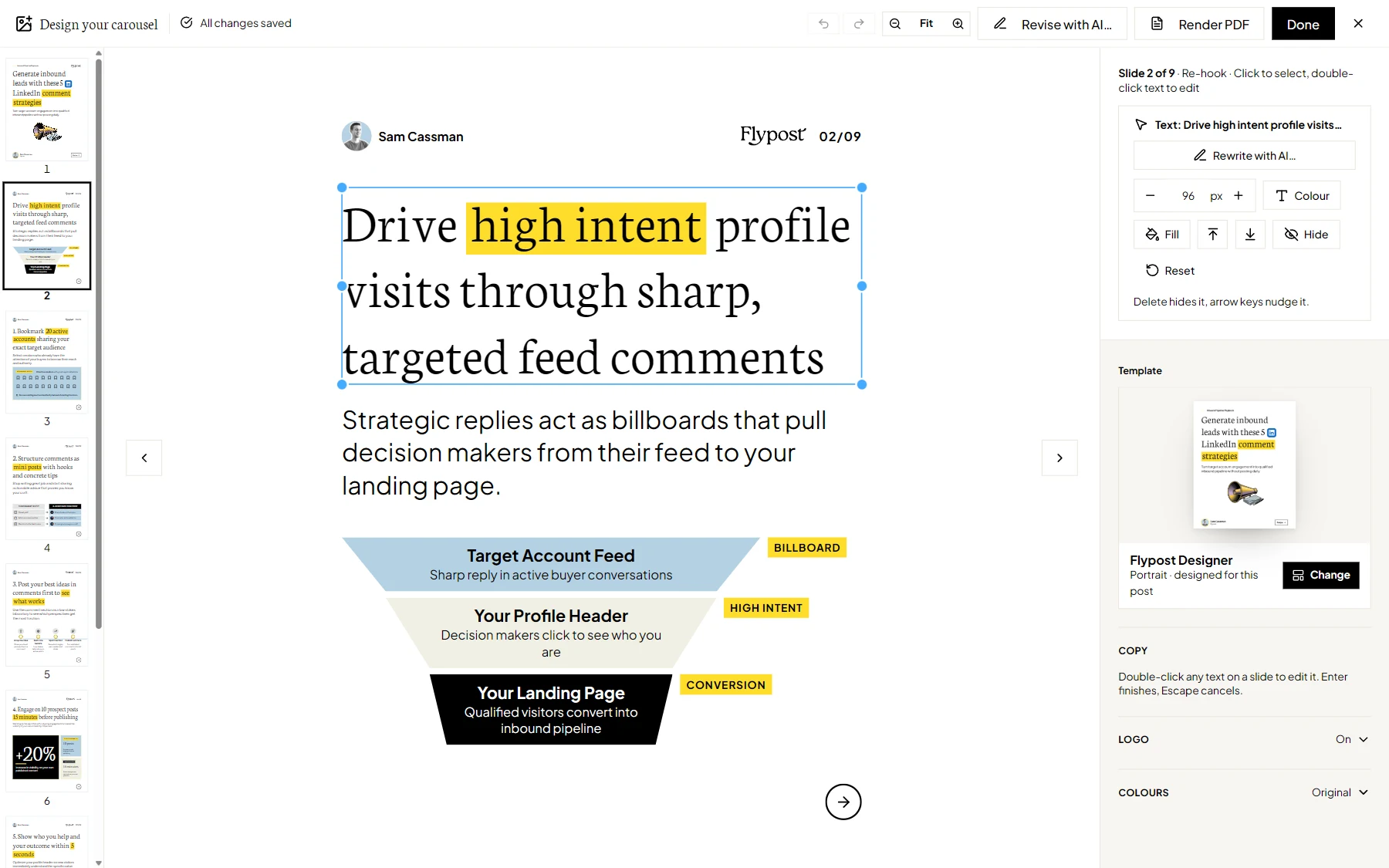
Flypost Designer works out what the visual needs to say, then designs it from a blank canvas, with your fonts, colours and logo on every slide.
- Charts and diagrams built from your figures
- One look held across a whole deck
- Checks its own layout before you see it
04 Video
BetaTurn posts into video
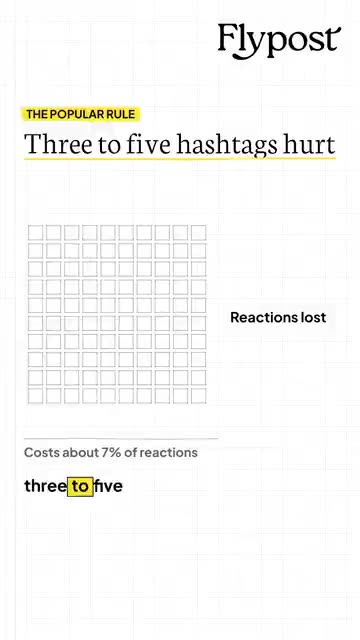
Flypost writes the script, records the voiceover and animates it in your brand, ready for LinkedIn, Shorts and Reels.
- 7 styles, all in your brand
- 19 voices, with captions and music
- Vertical, LinkedIn 4:5 or landscape

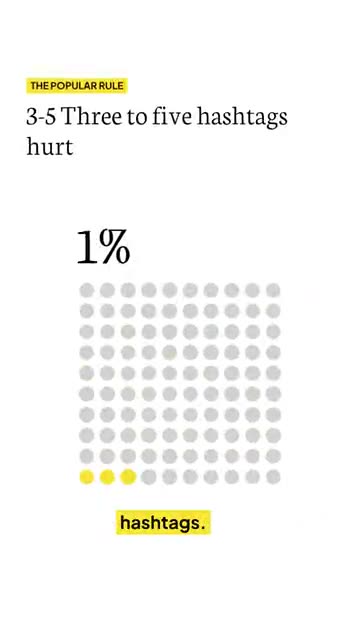
05 Edit
See it before it posts
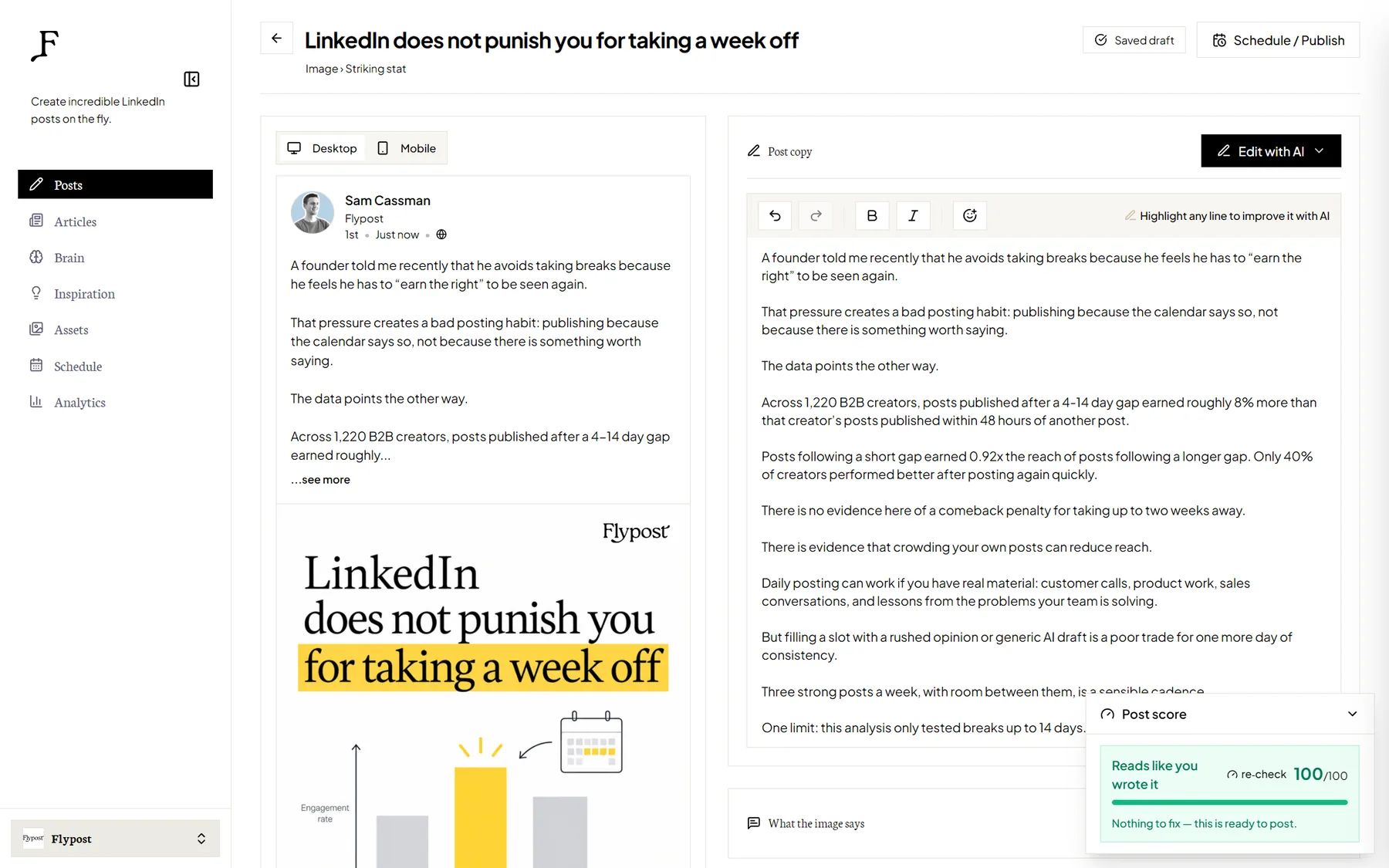
Preview the post the way LinkedIn will show it. Click any headline, chart or image to change it, or ask for the change in plain words.
- Written in your voice, from your own rules
- Rewrite any line with AI
- An authenticity score on every draft
06 Schedule
Scheduled straight to LinkedIn
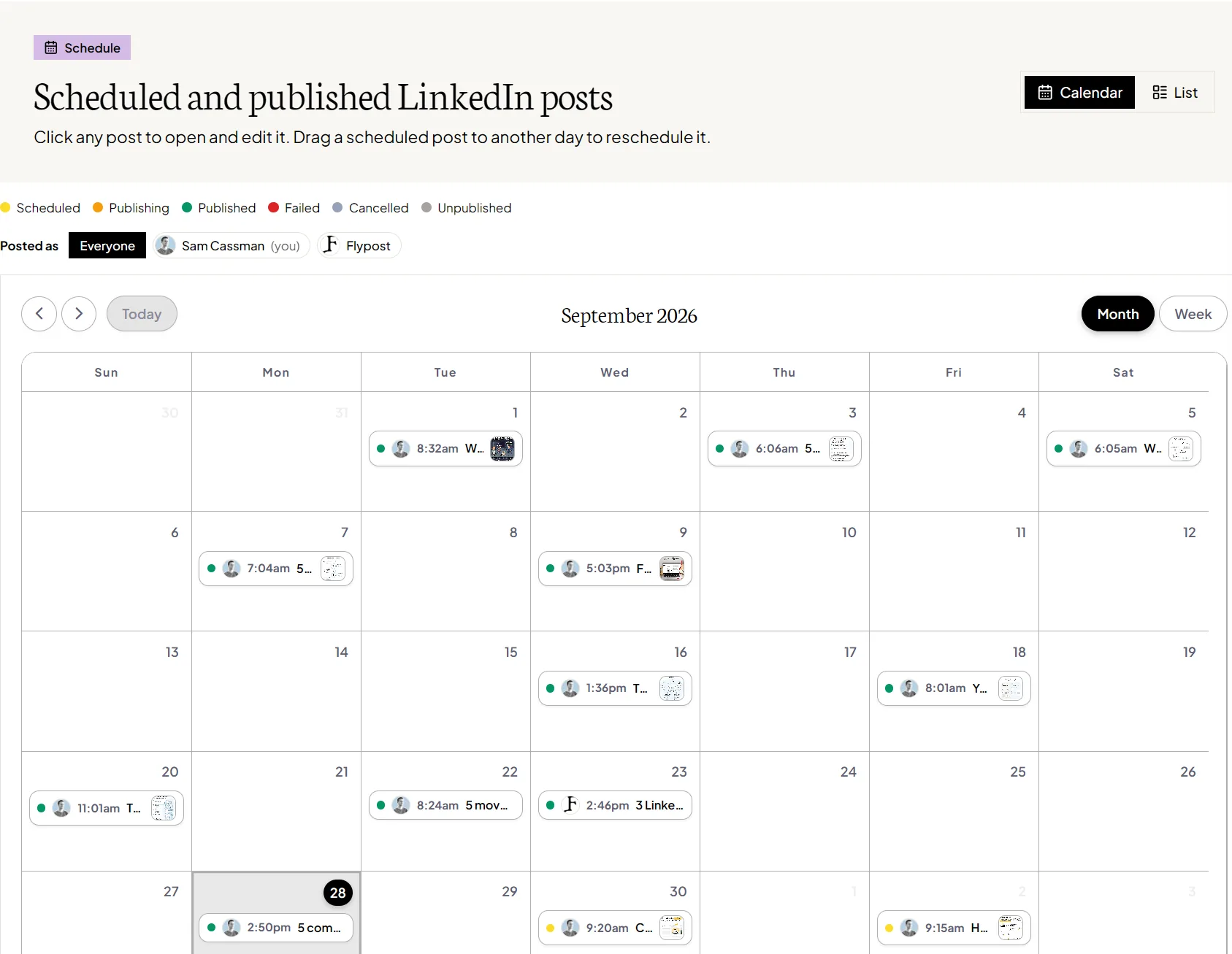
Plan the week on one calendar and every post goes out on time. Then see what landed, so next week's posts are better.
- Publish as you or your company page
- Every scheduled and published post in one place
- Analytics on what landed, on Pro
All the formats that work on LinkedIn
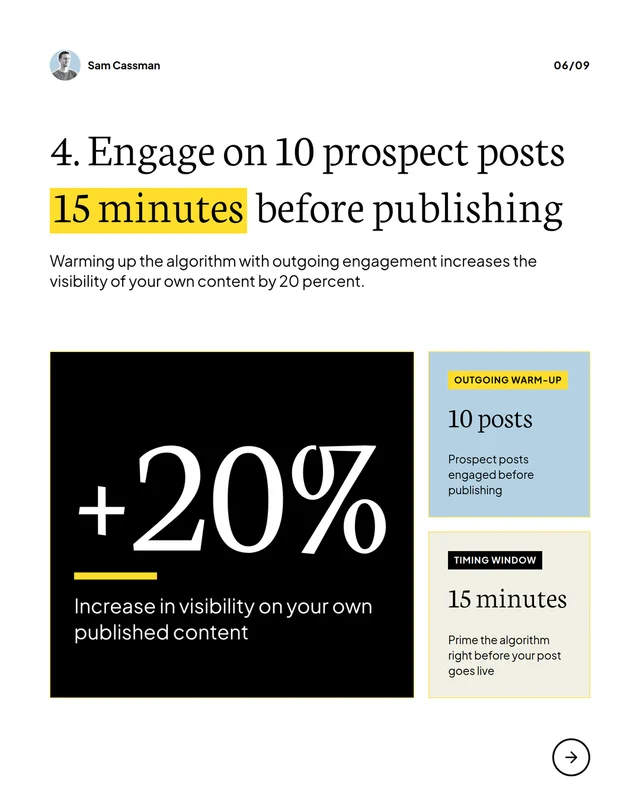
Posts with an image earn about 35% more reactions than the same person's text posts. So Flypost makes the visual too, not just the words.
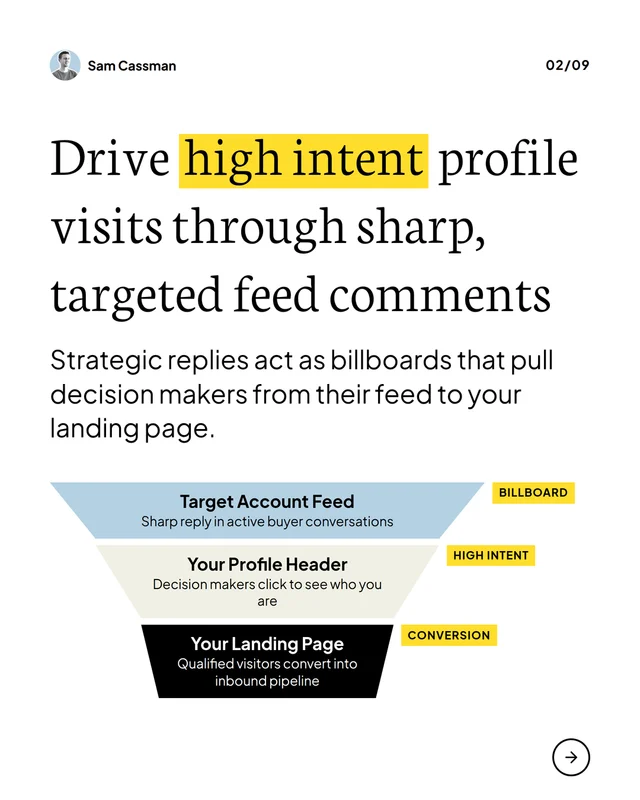
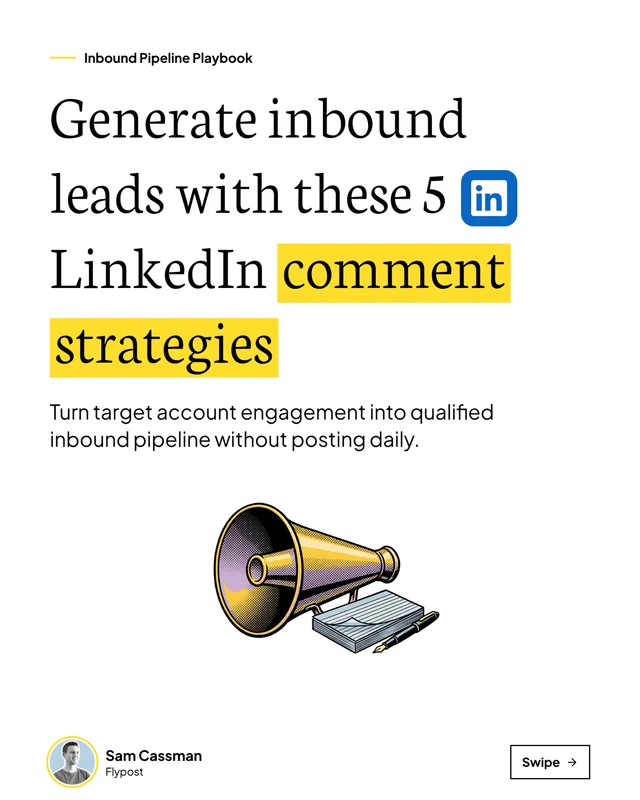
Carousels
Swipeable decks with a cover that earns the first swipe, exported as the PDF LinkedIn wants.
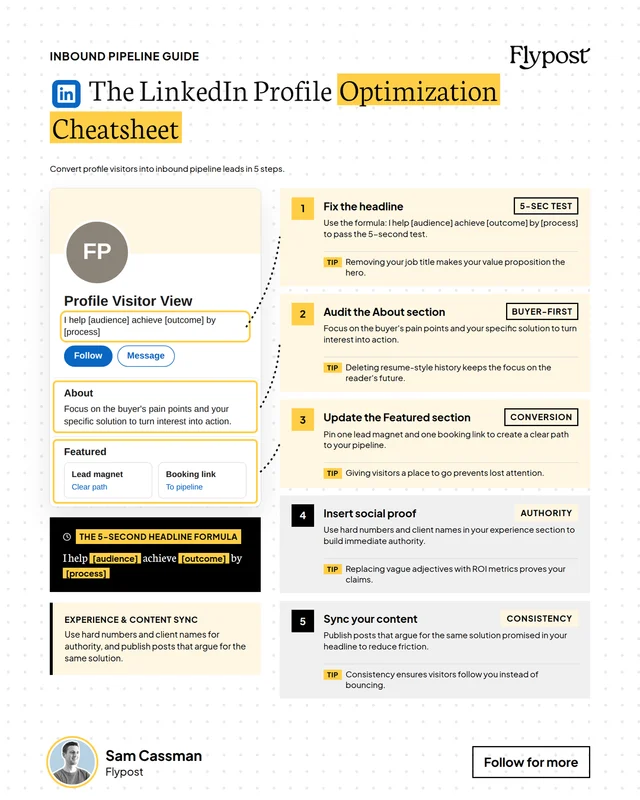
Infographics
Cheatsheets, step-by-steps and stat cards that explain an idea in one image.
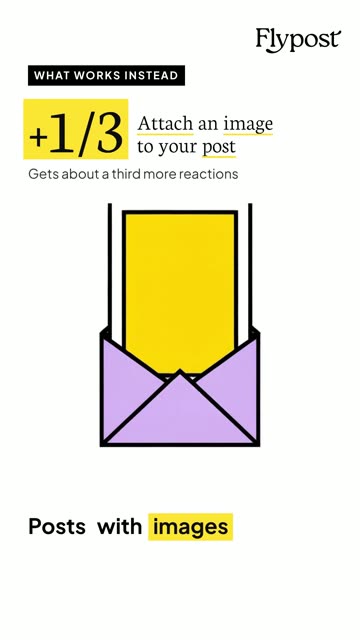
VideosBeta
Short videos in your brand, with a voiceover, captions and music, made from a post or a blog.
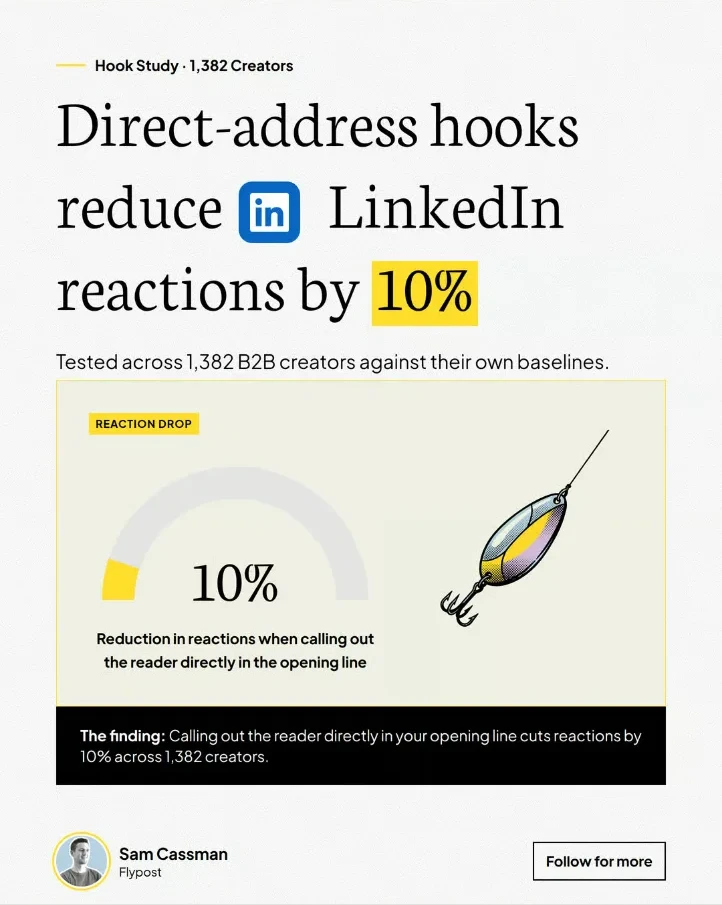
Image posts
One striking number or a side-by-side comparison, designed to stop the scroll.
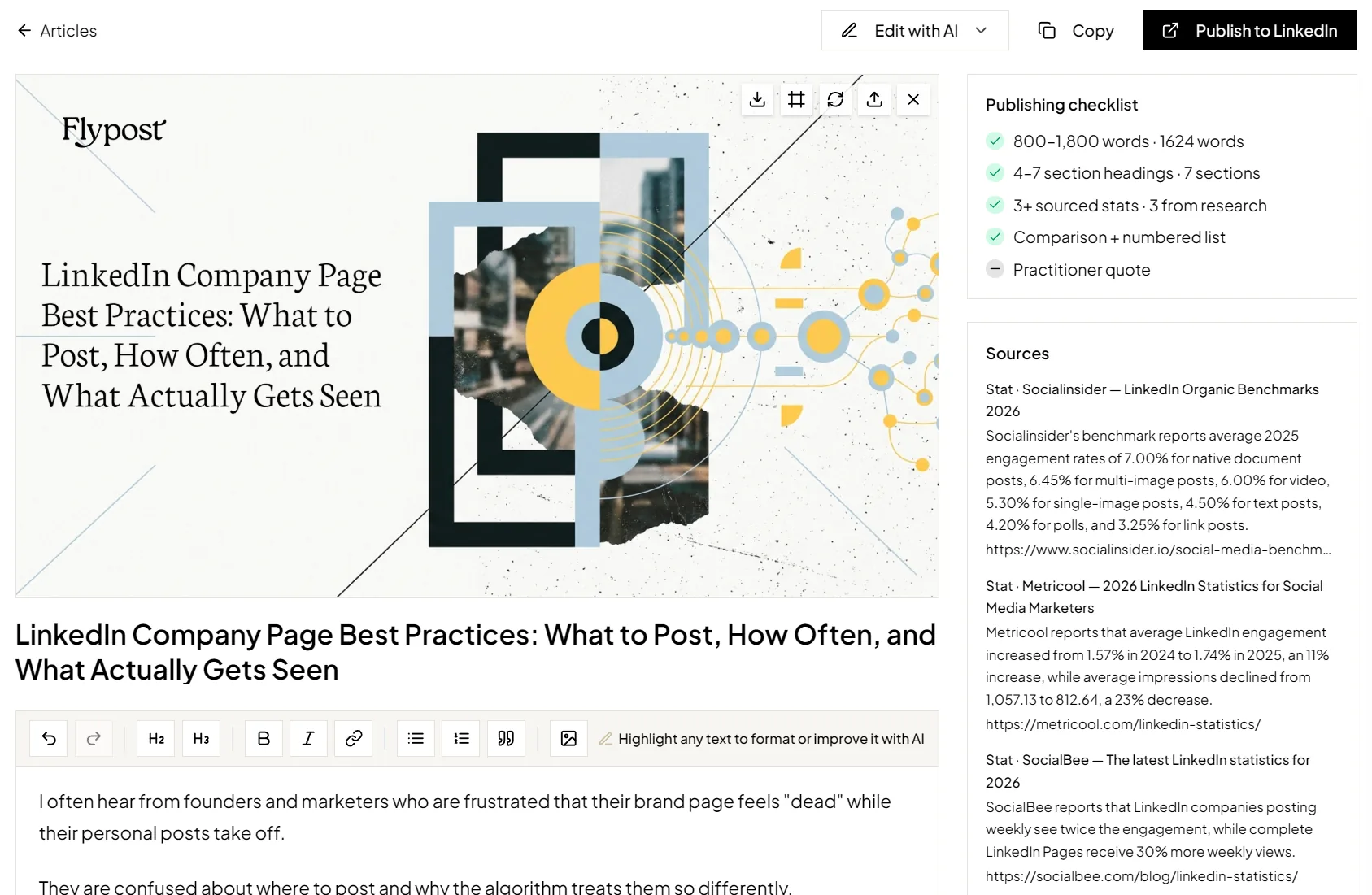
Articles
Long-form LinkedIn articles with a cover in your brand and the sources behind every stat.
Built on what we learned from 116,000+ LinkedIn posts
We test LinkedIn's most repeated advice against real posts from 2,400+ B2B creators, comparing each creator with their own posts. What holds up goes into every post Flypost makes: visual, personal and written as you.
+35%
more reactions when a post carries an image, against the same person's text posts
+1/3
more reactions for a personal story, and it worked for 3 in 4 people
+19%
for writing I, my or we in the first line
-24%
for posts asking people to comment a keyword, a tactic that used to work
Run it yourself, or let our team run it
Same Flypost, same quality bar. Choose how much of the work you want to keep.
You lead
Flypost software
Brainstorm, design, edit and schedule in one place. Flypost does the heavy lifting, and you steer.
- Carousels, infographics, videos, image posts and articles
- Your brand and your voice on every post
- Publish as you or your company page
From $49/month, with a 7-day Pro trial
We handle it
Done for you
Each week our team makes your posts in Flypost, from your own material and in your voice.
- Usually three posts a week, a mix of carousels, infographics and image posts
- A person checks every batch before you see it
- Nothing is scheduled until you approve it
- Flypost Pro included
Tell us what you need on a 15-minute call
Try Flypost for 7 days.
Every plan includes a 7-day trial. Add a card at checkout — you won't be charged until the trial ends. Cancel anytime.
Creator
For founders posting a few times a week.
billed annually
- 12 posts per month
- All post types — text, image, carousel, article
- Flypost Designer · carousels & infographics designed in your brand
- Unlimited drafts & rewrites
- LinkedIn auto-scheduling · your profile & company pages
- Brain with unlimited sources
- Inspiration feed · 3 monitored leaders + deep thought-leader search
Pro
For posting every day and knowing what's working.
billed annually
- Everything in Creator, plus
- Unlimited posts
- Post analytics — impressions, reach & who engaged on every post
- Team posting — publish as your teammates
- $10 / mo per extra LinkedIn account · company pages free
- Inspiration feed · 25 monitored leaders, weekly auto-refresh
Agency
For managing content across client accounts.
billed annually
- Everything in Pro, for every client
- 3 client projects included
- Separate brand voice & Brain per client
- Post analytics for every client
- Unlimited posts per project
- LinkedIn account included per project
- $39 / mo per extra project
Agency includes 3 client projects, then $39/mo per additional project.
LinkedIn, answered properly
Reference guides on impressions, carousels, character limits and the algorithm — backed by our own data and dated so you know they're current.
Questions, answered
Flypost is an AI writing assistant for LinkedIn that actually knows your business. It gathers your blog, YouTube channel, PDFs and docs into one Brain, helps you draft posts grounded in that expertise, designs your carousels and infographics in your brand, then schedules and tracks them in one place.

Get started
Your LinkedIn, handled every week.
Start a 7-day trial and make this week's posts today, or book a call and let our team run it for you.
Card required at checkout. You won't be charged until the trial ends. Cancel anytime.