
New in Flypost: Flypost Designer, a design agent for your LinkedIn visuals
We've been working on something exciting. You asked for levelled-up designs and more control over them, so we delivered.
Meet Flypost Designer, a design agent that works inside Flypost. It's live for every Flypost customer now. The labels in the app still say "beta" for a little while.
No more templates
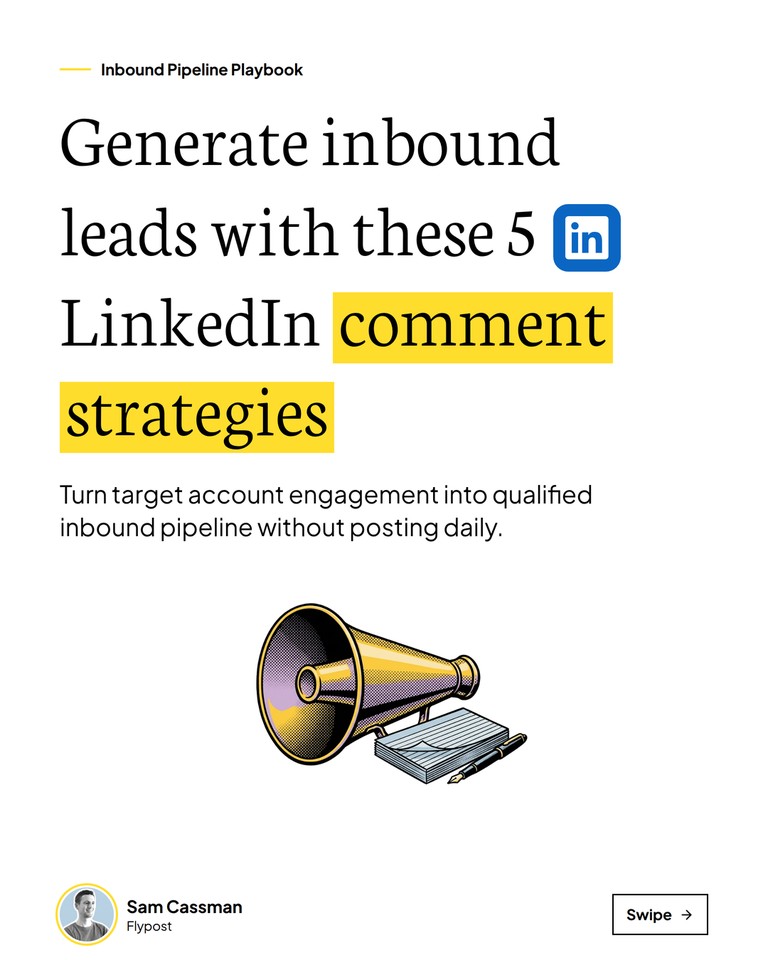
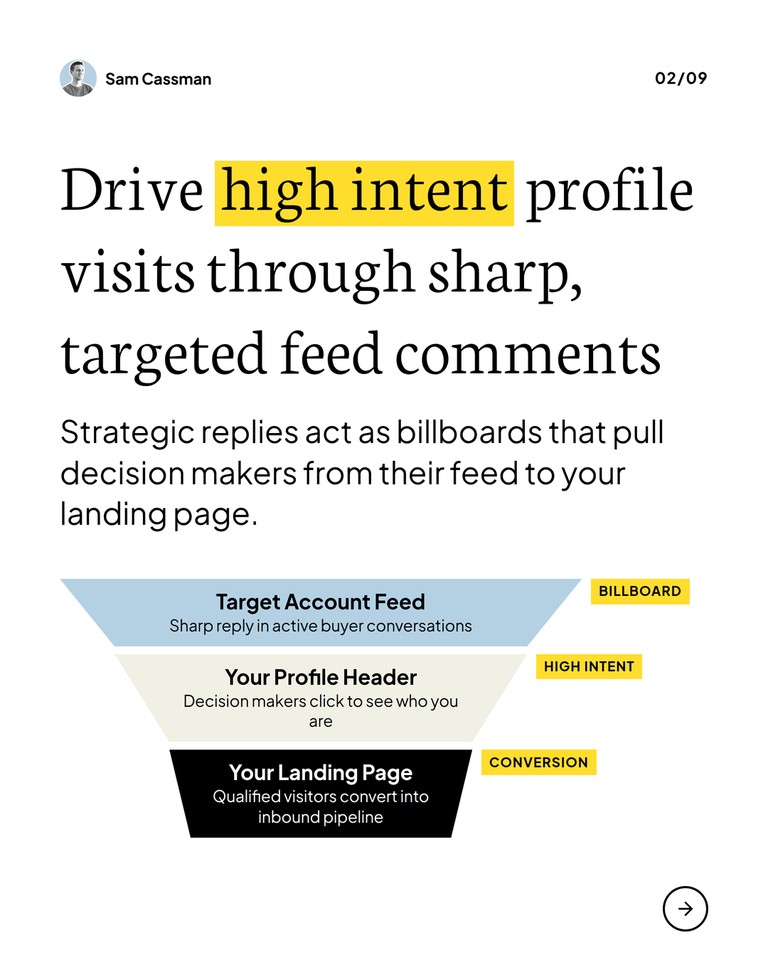
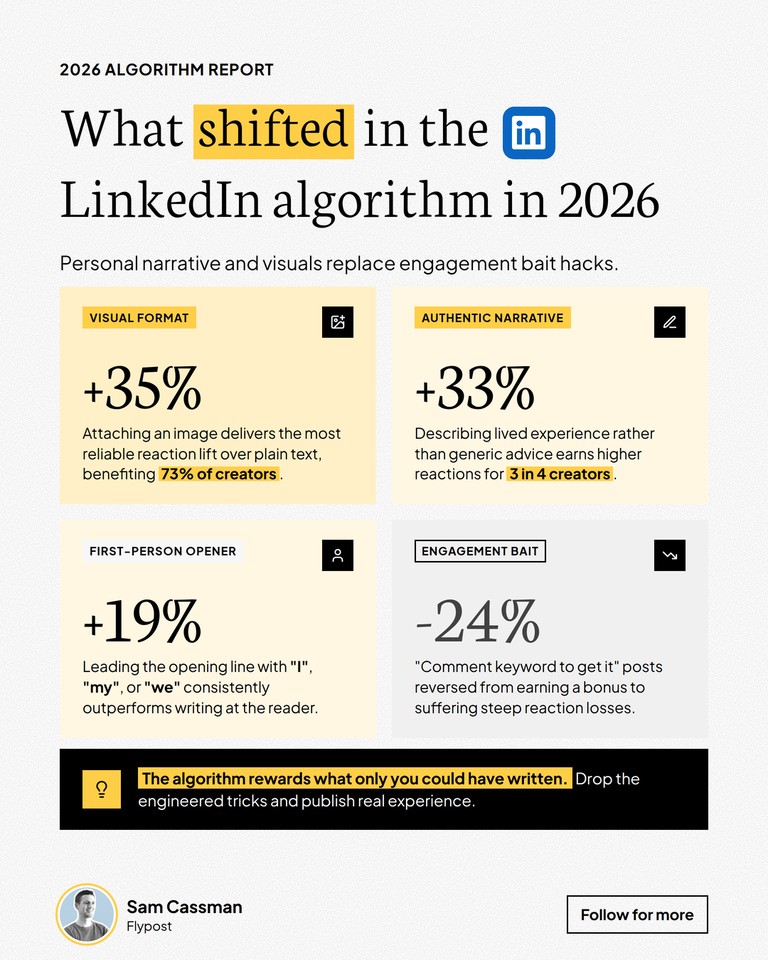
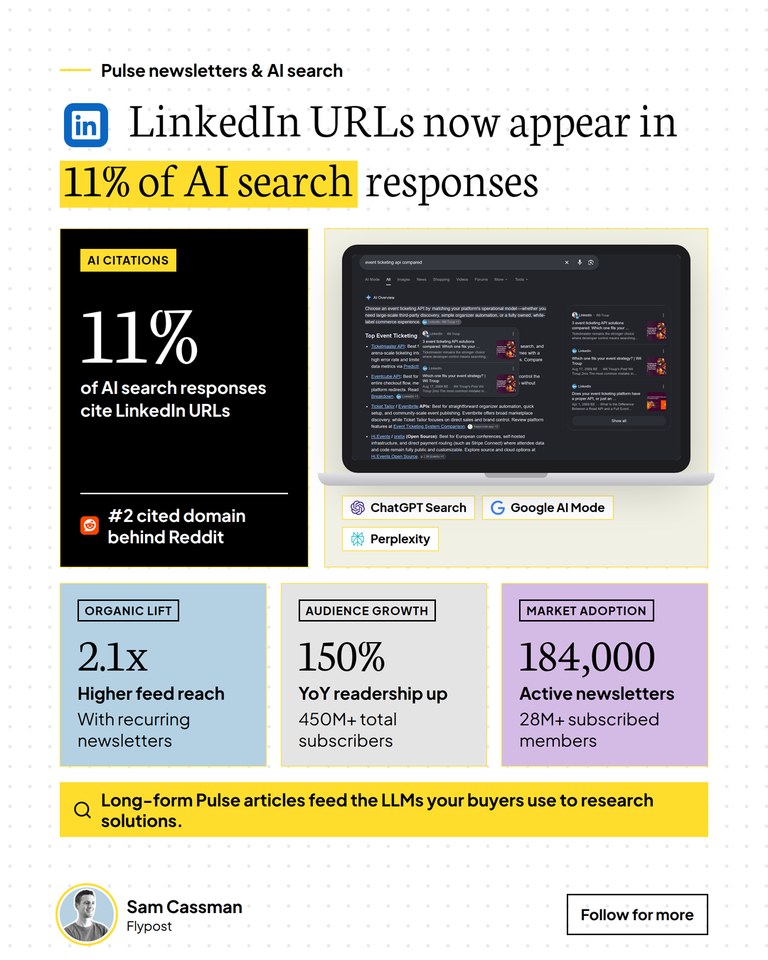
Flypost Designer designs your carousels and infographics for you. Each one is made from scratch, around your post's idea, so no two look the same.
It's in your brand, too: the fonts, colours and logo in your brand kit, with a design style read from your website. You'll find that style in Project settings, on the Visuals tab.
Here are a few real ones from Sam Cassman's own LinkedIn posts.
It has its own tools
Flypost Designer doesn't just arrange text. While it works, it can:
- Screenshot a web page and put it in the design, on a laptop or phone.
- Add company logos, from thousands it knows plus any logo on a company's own website.
- Draw a picture to go with the idea, such as an object or a metaphor.
- Build charts, diagrams and icons from the figures and steps in your post.
- Check its own work. It looks at what it made and fixes anything that doesn't fit before you see it.
Steer it, or leave it to the designer
Before a design starts, you can give it a direction. All of it is optional:
- Tick options: More visual, One big number, Illustration, Product screenshot, Website screenshot or Logos.
- Add your own words to say what you're after.
- Pick images to use: upload your own, choose from your assets, or use your product screenshots.
Or skip all of that and leave it to the designer. A carousel takes about two to three minutes to design. An infographic usually takes under a minute.
Change anything you like
Everything stays editable. Open Edit design to change the words, move and resize any part, set the background colour and texture, and switch the footer and logo on or off.
When you'd rather describe a change than make it, AI can help:
- Rewrite with AI rewrites one part you've selected and gives you three suggestions to choose from.
- Revise with AI changes the whole design from an instruction in plain words, such as "make the 11% much bigger". Not keen on the result? Undo the revision.
Templates are still here
Happy with your carousel templates? Keep using them. A carousel can switch between a template and its Flypost Designer design at any time, and you won't lose either one.
What counts towards your plan
A new design and Revise with AI count towards your plan's monthly image allowance. Editing doesn't, so tweak as much as you like.
The details
Each of these help articles walks through it step by step:
- Design a carousel
- Design an infographic
- Set up your brand and voice, including the Visuals tab, where your design style comes from
Flypost Designer also makes Striking stat and Comparison Image posts.
Try it on your next post
Open your next carousel or infographic in Flypost and choose Flypost Designer. New to Flypost? Start your free trial and try it on your very first post.